
YouTube Creator Guides
How to Write a Useful YouTube Video Description
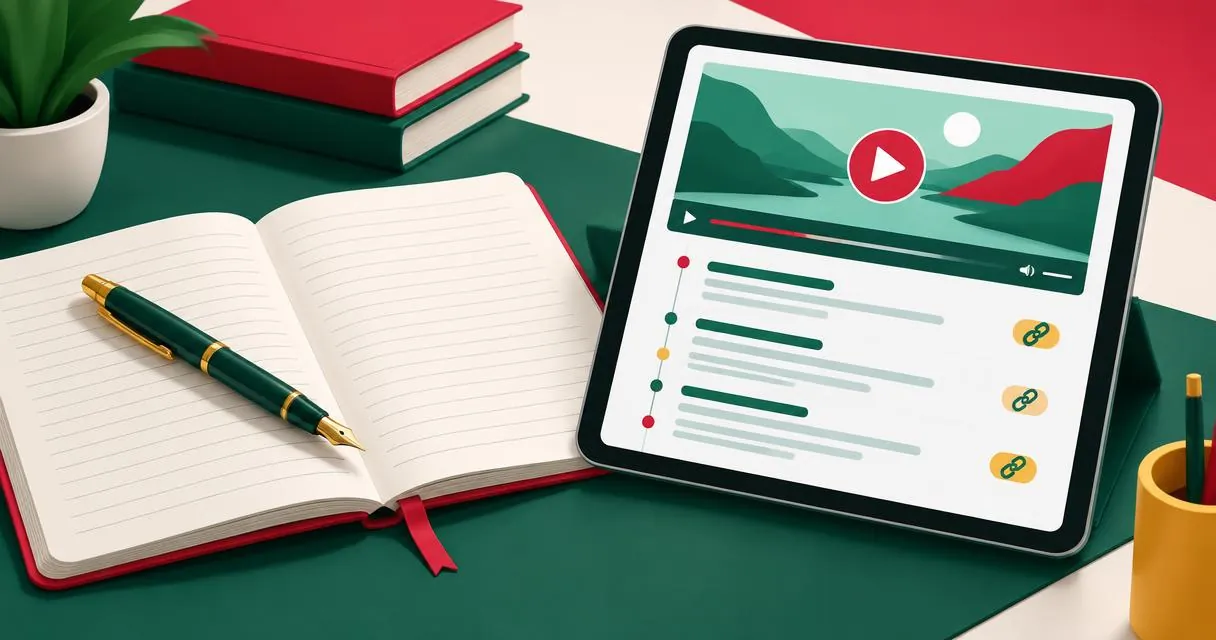
Build a YouTube description with a clear opening, relevant details, valid chapters, and useful links. Follow an editable workflow and avoid tag stuffing.
A useful YouTube description explains the video before asking viewers to follow links or subscribe. Put a specific summary in the opening lines, then add supporting details, chapters, and relevant resources. YouTube allows up to 5,000 characters, but you do not need to fill that space to make a description useful.
MayreDukaan’s description generator assembles your inputs into a structured draft. It cannot watch the recording, verify your claims, or confirm that timestamps match the edit. Treat the result as a document to review, not a finished account of unseen footage.
Write the opening for someone deciding what to watch
YouTube recommends using the first few lines to describe the video because that is what viewers see before expanding the description. Start with the actual task or subject rather than a large block of channel promotion.
For example, “Learn how I position a desk light for a small workspace, with examples of glare and shadow” says what the recording contains. “Welcome back, remember to subscribe” does not supply that information, even if you want to include a subscription request later.
Use the central topic naturally. YouTube advises identifying one or two main words and featuring them prominently in the title and description. That is different from repeating the same phrase in every sentence.
Separate video information from reusable channel details
Each video should have its own description, according to YouTube’s guidance. You can reuse relevant channel information below the unique introduction, but do not let boilerplate replace a meaningful summary.
| Section | What to include | What to leave out |
|---|---|---|
| Opening | Specific subject and outcome | Generic welcome text only |
| Details | Key points actually covered | Claims missing from the recording |
| Chapters | Accurate timestamps and labels | Guessed times before editing ends |
| Resources | Relevant, checked destinations | Broken or unrelated links |
| Closing | A useful next step | Several competing demands |
A channel description is a separate piece of text about the channel as a whole. This guide concerns a video description, so do not copy an entire channel biography into every opening.
Draft with the generator step by step
- Open the YouTube description generator.
- Enter the actual video title and primary keyword.
- Write a short summary that reflects the finished recording.
- Add key points, one per line, if they help explain the content.
- Enter chapter timestamps and labels based on the final edit.
- Add relevant links and a clear call to action where appropriate.
- Copy the generated description and review it in Studio before saving.
The output area displays a character count against 5,000. Check the total after editing, rather than assuming a displayed counter prevents an overlong submission. The component also provides text actions for copying or saving the draft; it does not publish directly to YouTube.
If the opening title still feels vague, use the title generator, then return to the description with a consistent promise. Changing the title should not leave the opening describing a different video.
Chapters need more than plausible-looking timestamps
YouTube requires the first manual chapter timestamp to start at 00:00, at least three timestamps in ascending order, and a minimum chapter length of 10 seconds. Some channels may need access to advanced features. Chapters are not available for every video in every circumstance.
The generator can prepend a 0:00 entry when its expected starting entry is missing, but that convenience does not validate the full chapter list. Check the final timestamps yourself, including the final segment’s length and whether the labels match the scenes.
For a hypothetical four-minute tutorial, you might use:
- 00:00 Introduction
- 00:35 Light position
- 02:10 Glare check
Those times are an illustration only. Do not paste them into an unrelated upload. If your edit changes, update the chapters after the final cut rather than relying on an earlier draft.
A practical description example
For the same desk-lighting tutorial, an opening could read: “This video demonstrates a desk-lighting setup for a small workspace. I compare light positions and show how I check reflections on the desk.” Keep that wording only if the video contains both elements.
Follow with a short list of covered points, then real chapter times. Add a relevant resource if viewers genuinely need it, and close with one useful request, such as asking which lighting problem they want explained next.
If a tool or product appears in the video, describe it accurately. Do not call something free, included, or compatible unless you have checked the claim. A tidy template cannot make an unsupported recommendation reliable.
Hashtags, links, and final checks
Hashtags can appear in descriptions, but they are separate from the prose. YouTube ignores all hashtags on content with more than 60 hashtags; a small relevant set is an editorial choice, not a requirement to approach that boundary. See the hashtag guide for the distinction.
Do not paste blocks of ordinary tags into the description. YouTube warns against excessive descriptive tags there. Check each link destination, remove placeholder text, and make sure the introduction remains unique to this recording.
Publish a description you have actually checked
Read the draft from a viewer’s perspective: what will I learn, where can I navigate, and which next step matters? Remove repetition and verify every timestamp after the final edit.
Return to the description generator for a structured starting point. Supply accurate material, review the assembled output, and save the final wording in YouTube Studio.
Frequently asked questions
What is the description limit?
YouTube allows up to 5,000 characters. A useful description can be much shorter.
Does the generator validate chapters?
It helps assemble them and can add a starting entry, but you must check timing, order, minimum count, and segment lengths.
Can I reuse the same description on every video?
Reusable channel details can appear below the opening, but YouTube recommends a unique description for each video.
Useful on MayreDukaan
Sources
- YouTube Help: Tips for video descriptions
- YouTube Help: Video chapters
- YouTube Help: Find playlists and videos using hashtags
- YouTube Help: Add tags to your YouTube videos
Facts last checked against these sources on 15 Nov 2026, 07:43 Pakistan time.
Images: Illustration created for MayreDukaan (not a photo)
More trending articles
 EntertainmentWatch Pakistani News Live Through Official Links15 Nov 2026 · 4 min read
 Pakistani DramasWatch Pakistani Dramas Online on Official Channels15 Nov 2026 · 5 min read
 Shopkeeper GuidesTake Your Shop Online in Pakistan: Setup Guide15 Nov 2026 · 4 min read
 Shopkeeper GuidesInstall the MayreDukaan APK on Android: A Guide15 Nov 2026 · 4 min read