
Online Tools
MP3 to WAV: Audio Differences and Conversion Guide
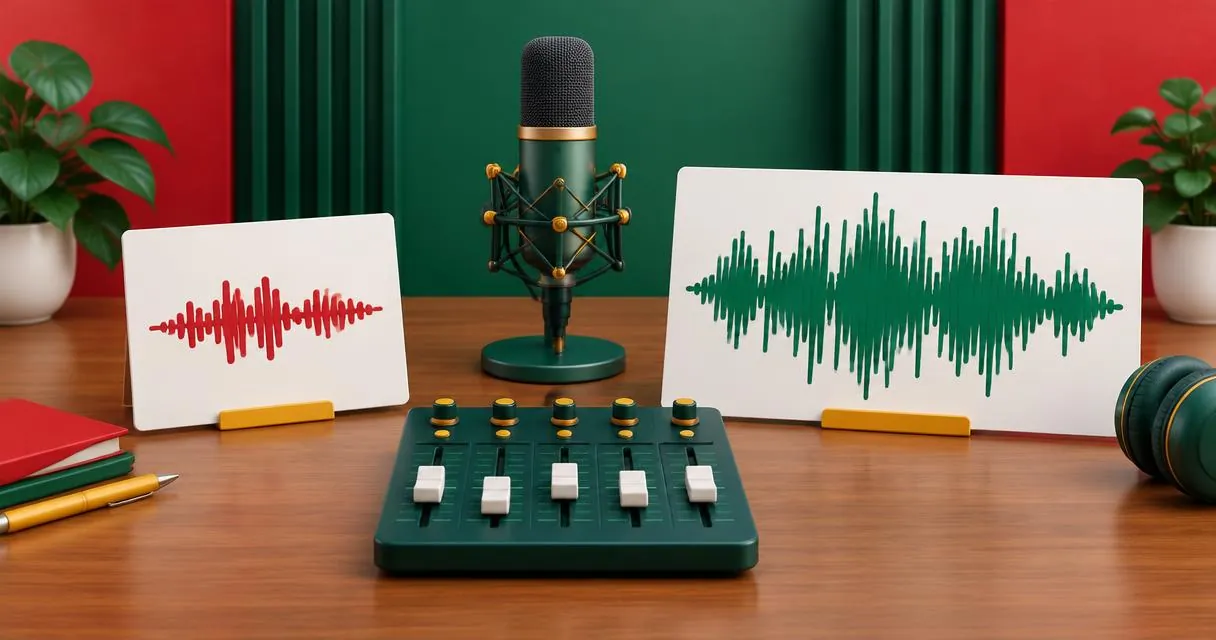
Learn when MP3 to WAV conversion helps, why WAV files grow, and what quality cannot return. Convert local audio in your browser with clear steps.
MP3 to WAV conversion is useful when an editor or delivery requirement asks for uncompressed audio. It does not recover sound information removed when the MP3 was created. Use MayreDukaan’s MP3 to WAV converter to make a PCM WAV copy from a local recording, while keeping the original file.
The important distinction is between changing the working format and improving the source. A WAV copy can fit a production workflow without being a higher-fidelity recording than the MP3 you started with.
MP3 and WAV are not the same kind of label
MP3 describes a lossy audio encoding. Its compression discards some audio information to reduce the amount of data needed. WAV is a container format commonly used for PCM audio; the container label alone is not a complete statement about every possible file’s encoding.
In MayreDukaan’s converter, the WAV output is explicitly configured as signed 16-bit little-endian PCM. That is the output this guide describes. The interface does not expose controls for choosing a different bit depth, sample rate, or channel layout.
| Question | MP3 | This tool’s PCM WAV output |
|---|---|---|
| How is audio represented? | Lossy compressed audio | Uncompressed PCM samples |
| Is it useful for compact delivery? | Often the practical choice | Usually requires more storage |
| Can it restore details missing from an MP3? | No | No |
| Why choose it here? | Audio distribution | An editor or workflow requests WAV |
Do not treat a filename as a full technical specification. If a client requests a particular sample rate or channel count, confirm those requirements separately rather than assuming that selecting WAV meets all of them.
When conversion makes sense
Convert when your next application or delivery instructions specifically require PCM WAV. Another reasonable use is preparing an existing MP3 for a working session where you want an uncompressed intermediate instead of repeatedly exporting new MP3 versions.
If you still have the original uncompressed recording, use that for editing rather than decoding an MP3 copy. If the MP3 is the only source, a WAV conversion can still make it usable in the required workflow. Just describe it honestly as a converted copy.
For ordinary listening, there may be no reason to convert at all. Keep the MP3 if the player accepts it and you do not need another format. The audio converter offers other outputs, but availability is not a reason to create unnecessary versions.
Convert MP3 to WAV step by step
- Play the source MP3 and confirm it is complete and contains the correct recording.
- Open the MP3 to WAV tool.
- Select your local MP3 file using the file chooser, or drag it into the file area.
- Keep WAV selected under Convert to. The page also offers MP3 and FLAC, so verify the active option.
- Press Convert to WAV. Let the converter load if this is your first use.
- Download the result and audition it in the page’s audio player.
- Import the saved file into the destination application and check its requirements there.
The component converts a single selected file, not a batch folder. It shows progress during processing and offers the finished file when successful. There is no trimming panel or sound-restoration control.
Why is the WAV file larger?
Uncompressed PCM stores sample values rather than using MP3’s perceptual compression. The data size depends on duration, sample rate, bit depth, and channel count. There is no universal rule that every WAV is exactly a certain multiple of every MP3.
For a worked example, assume stereo PCM at 44,100 samples per second and 16 bits per sample. One minute needs 44,100 × 16 × 2 × 60 ÷ 8 = 10,584,000 bytes of audio data, before the container overhead. This is an illustrative calculation, not a promise about your output’s size or sample rate.
By comparison, a compressed source’s size depends on its own encoding settings. Compare actual files after conversion rather than judging quality from their storage sizes.
A practical editing example
Imagine a collaborator sends a spoken introduction as MP3, but your delivery checklist requires WAV. Convert that file once, import the WAV, and continue the edit. Keep the MP3 under a source folder and save the working copy with a distinct name.
If a syllable sounds distorted in the original, listen for the same syllable in the WAV. The conversion is not a repair pass. Ask for the original recording if quality is insufficient, rather than promising that another export will recreate missing information.
Common mistakes and privacy considerations
- Renaming the extension does not decode the audio into PCM.
- Larger output does not prove better source quality.
- Repeated conversion cannot reverse earlier lossy encoding.
- A WAV selection does not guarantee a client’s separate loudness or sample-rate specification.
Processing happens in your browser: the component reads the selected file locally and produces a download without sending the recording to a conversion server. The conversion engine is loaded over the network, so avoid describing the first run as fully offline. Large files may put pressure on browser memory; no fixed completion time is guaranteed.
Browse the video and audio tools if you need another conversion. For this task, return to the MP3 to WAV converter, make the required working copy, and keep expectations focused on compatibility rather than restored quality.
Frequently asked questions
Does converting MP3 to WAV improve quality?
It does not restore information discarded by MP3 compression. It changes the working representation to PCM in this tool.
Can I choose the WAV bit depth?
This tool uses 16-bit PCM output and does not expose a bit-depth selector.
Why is the output bigger?
Uncompressed PCM needs more data than typical compressed MP3 audio. The difference depends on duration and encoding settings.
Useful on MayreDukaan
Sources
Facts last checked against these sources on 15 Nov 2026, 07:43 Pakistan time.
Images: Illustration created for MayreDukaan (not a photo)
More trending articles
 EntertainmentWatch Pakistani News Live Through Official Links15 Nov 2026 · 4 min read
 Pakistani DramasWatch Pakistani Dramas Online on Official Channels15 Nov 2026 · 5 min read
 Shopkeeper GuidesTake Your Shop Online in Pakistan: Setup Guide15 Nov 2026 · 4 min read
 Shopkeeper GuidesInstall the MayreDukaan APK on Android: A Guide15 Nov 2026 · 4 min read