
Video trimmer
Cut off the beginning or end of a video to keep just the part you want to share.
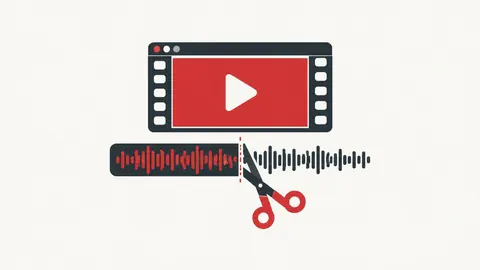
How to use the video trimmer
- Choose a video — it opens in the preview player.
- Set the start and end times (or use 'Set from player').
- Press Trim video and download the clip.
When it's useful
- Shortening a clip for WhatsApp Status
- Removing the setup at the start of a recording
- Sharing just one moment from a longer video
Limits to know
- The first time, your browser downloads a free processing engine of about 31 MB (it's kept for next time).
- Processing happens in your device's memory. Files up to about 500 MB usually work on a computer and about 150 MB on a phone; longer jobs are slower than desktop software.
- Fast mode cuts at the nearest keyframe, so the start may be up to a few seconds earlier. Exact mode re-encodes to MP4 and is slower.
Your files
Processing happens in your browser. Your files stay on your device and are gone when you close the page.
What goes in and what comes out
- Input:
- MP4, MOV, MKV, WebM and other common video files, up to 1 GB.
- Output:
- The trimmed clip in the same format (fast mode) or MP4 (exact mode).
Questions
Does trimming lower the quality?
Fast mode copies the original video without re-encoding, so quality is unchanged. Exact mode re-encodes with good quality settings.
Are my files uploaded?
No. The file is opened and processed in your own browser and never sent to our server.