
Online Tools
How to make a free QR code for your shop or link
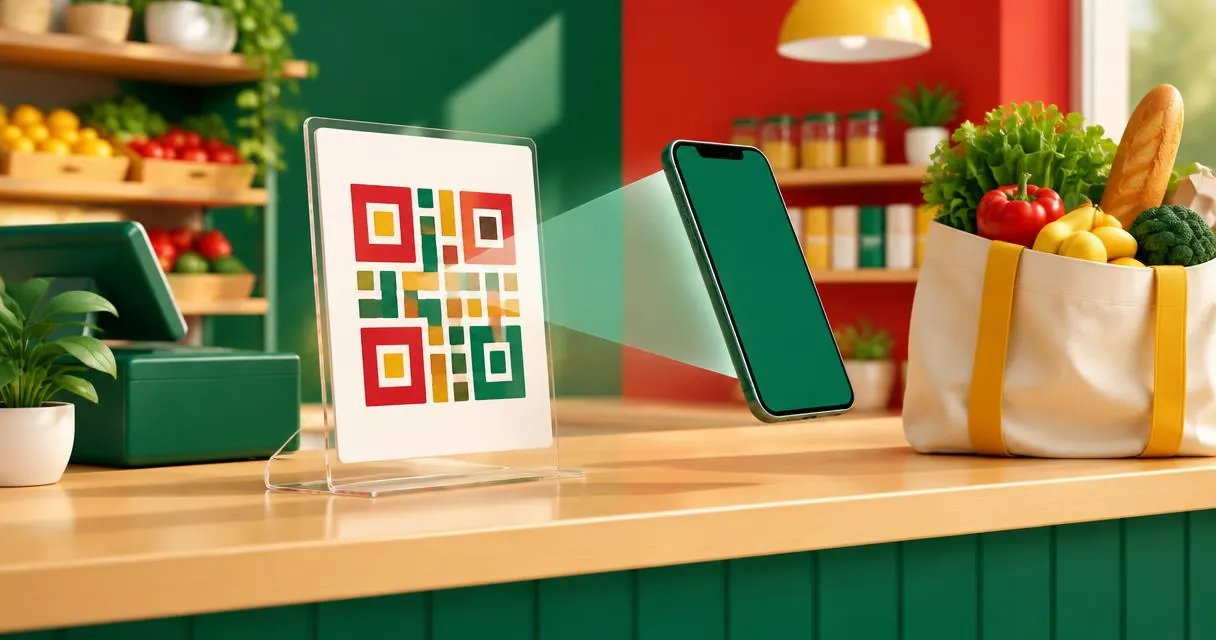
Create a static QR code for a link, message or shop contact, download it, and check the final print before sharing it with customers.
A QR code generator turns information such as a website link into a scannable image. To make one free, choose the content type, enter the correct details, download the image and scan it before sharing. For a Pakistani shop, practical uses include a menu link, a product catalogue or a WhatsApp enquiry.
The MayreDukaan QR code generator supports website links, text, WhatsApp chats, Wi-Fi details and phone calls. Its code builds the image in the browser and offers PNG and SVG downloads. Choose the action first: a code that displays text is different from one that opens your catalogue.
Choose what the QR code should contain
Think about what the customer should see after scanning. A short instruction beside the code can explain the purpose without putting unnecessary wording inside it.
| Mode | What you enter | Possible shop use |
|---|---|---|
| Website link | A complete destination URL | Open a catalogue or menu |
| Text | The wording itself | Display collection instructions |
| WhatsApp chat | International number and optional message | Start an order enquiry |
| Wi-Fi | Network name, security and password | Share guest access |
| Phone call | Number with country code | Open a calling action |
These are the tool’s implemented modes. It does not upload a PDF, create payment credentials, generate a batch of codes or add your logo. If your catalogue is a PDF, publish it at an accessible address through an appropriate service, then encode that address in website-link mode.
Create and download the code
- Open the QR code generator.
- Select Website link, Text, WhatsApp chat, Wi-Fi or Phone call.
- Replace any example content with your actual details.
- Keep a dark foreground and light background for a straightforward design.
- For a PNG, choose one of the available sizes: 256, 512, 1024 or 2048 pixels.
- Download PNG for a convenient image, or SVG when your design workflow needs a vector file.
- Scan the downloaded result and check the actual action before printing.
The preview updates from the fields. Downloading an image does not verify whether the destination is correct, public, current or owned by you. Open the destination separately as part of your check.
For a Pakistani mobile contact, the tool’s example uses the international form 923001234567, without the local leading zero. Replace that placeholder with the intended business number. For a detailed contact-specific workflow, see WhatsApp QR codes for shops.
A practical counter-card example
Suppose a small bakery in Lahore wants customers to open its current menu. Choose Website link and paste the menu’s complete address. Scan the result on a second phone, confirm that the menu opens without a staff login, and only then place the image in the counter-card layout.
Keep the printed instruction outside the code, for example a short invitation to view the menu. Do not cover the square pattern with a price sticker or decorative badge. Print one sample at the intended size rather than approving only a large on-screen preview.
If the menu address changes, the encoded link does not automatically change with it. This tool generates a static payload, not a managed redirect with an editing dashboard. You can update the content at a destination you control while keeping its address stable, or generate and distribute a new code.
Leave enough clear space around it
DENSO WAVE specifies a quiet zone four modules wide on every side of a QR code. A module is one of the small squares in the pattern, not a fixed number of millimetres for every code.
The MayreDukaan generator exports codes with a four-module light margin already included, so keep that border when you place the image in your artwork. Do not crop tightly to the pattern or put a border immediately against it. Scan-test the final exported design and the physical proof.
SVG export is useful when resizing artwork in a compatible layout application. It does not remove the need for a readable print, contrast and adequate clear space. There is no single print size that this tool guarantees will work for every payload and viewing distance.
Common mistakes and safety checks
Avoid encoding private information merely because a QR code looks unreadable to the eye. ZXing’s documented barcode content formats show that a code can carry ordinary text, links and Wi-Fi credentials. Anyone able to scan the image may be able to obtain that information.
Check that the printed code has not been covered or replaced before relying on it in a public location. For shop product identifiers rather than scannable web actions, investigate the separate barcode generator; do not assume those two jobs are interchangeable.
No scan analytics or editable redirect service is implemented here. Do not promise customers that the code tracks visits, confirms payments or validates an order.
Publish only after a real scan
Build the code, preserve its clear margin, and test the exact artwork customers will see. Create your image with the free QR code generator, then keep a copy of both the exported file and the destination details for future updates.
Frequently asked questions
Can I create a QR code for a PDF?
The tool does not upload PDFs. Publish the PDF at an accessible URL, then create a website-link code for that address.
Can I edit the code after printing?
The encoded payload is static. Keep the destination address stable or generate a replacement code when the required address changes.
Does the tool offer PNG and SVG?
Yes. Both download formats are implemented, and PNG has four selectable pixel sizes.
Useful on MayreDukaan
Sources
Facts last checked against these sources on 15 Nov 2026, 07:43 Pakistan time.
Images: Illustration created for MayreDukaan (not a photo)
More trending articles
 EntertainmentWatch Pakistani News Live Through Official Links15 Nov 2026 · 4 min read
 Pakistani DramasWatch Pakistani Dramas Online on Official Channels15 Nov 2026 · 5 min read
 Shopkeeper GuidesTake Your Shop Online in Pakistan: Setup Guide15 Nov 2026 · 4 min read
 Shopkeeper GuidesInstall the MayreDukaan APK on Android: A Guide15 Nov 2026 · 4 min read