
TV Episode Guide: Track New Episodes and Seasons
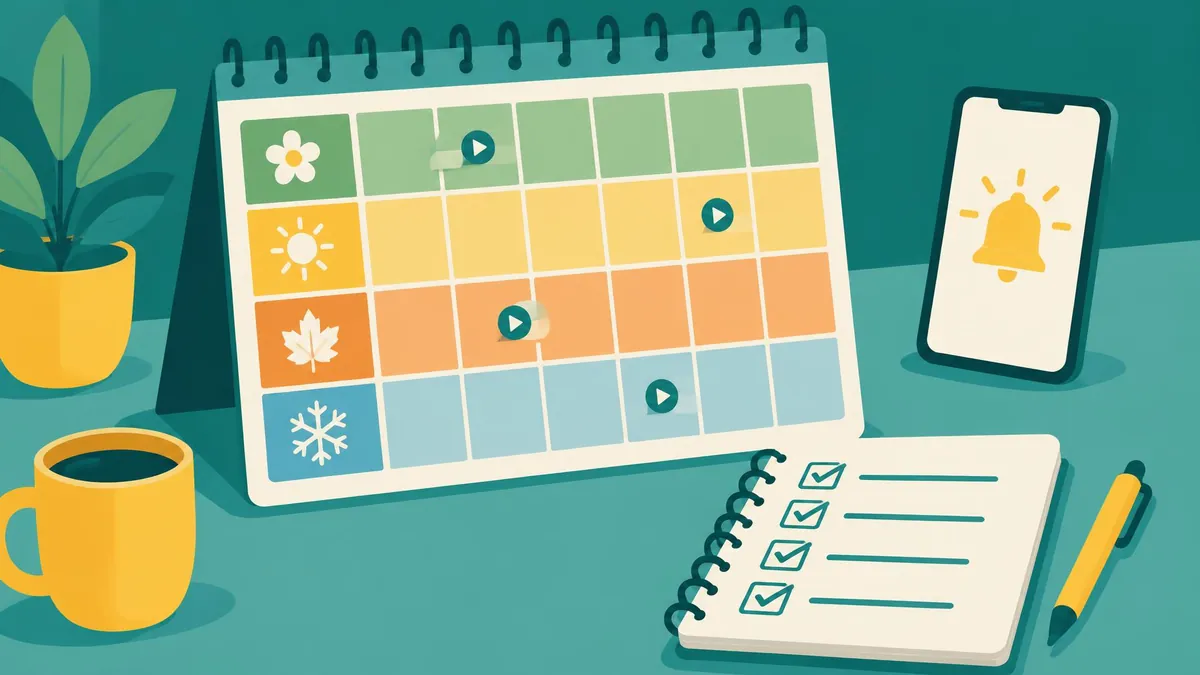
Track TV episodes with two separate records: an official watchlist for titles you want to follow and a simple viewing log for your last completed episode. Add release reminders only where the platform actually offers them.
Track TV episodes with two separate records: an official watchlist for titles you want to follow and a simple viewing log for your last completed episode. Add release reminders only where the platform actually offers them.
Distinguish saving, watching, and release alerts
A watchlist bookmarks a title. A viewing log records progress. A reminder flags a future release. These functions can overlap, but do not assume that saving a series will automatically create a per-episode calendar. Your tracking method should show what you have watched, what is currently available locally, and what has merely been announced.
Use Netflix My List accurately
Netflix’s official My List instructions explain how to save titles. On mobile, open the show and tap the My List icon; on the web, use Add to My List from the title card. TV menus vary, so use the title’s Add to My List control. My List is a title-level collection, not a complete manual episode ledger. Its order can reflect relevance rather than a simple broadcast chronology.
Set release reminders where offered
Netflix documents Remind Me for eligible upcoming titles. Select it when that option appears. The service says a released title can appear in My List and you may receive an on-service notification or email. This is not a promise of a notification for every weekly episode. A missing Remind Me control is not something a third-party extension can safely be assumed to fix.
Keep a minimal episode ledger
Use a notebook, spreadsheet, or notes app with columns for title, season, last completed episode, next episode, official link, viewing country, and date checked. Record completion only after watching, particularly when a household shares devices. Keep specials and split seasons in the numbering used by the official provider. If two services number episodes differently, record both labels rather than overwriting the original.
Check release information before scheduling
Use the official show page or broadcaster announcement to verify the next installment. Record the named time zone when a specific time is given; do not treat a US release date as a worldwide simultaneous launch. If the publisher has announced only a month or year, preserve that level of precision. Netflix notes that production or licensing delays can change an expected release.
Handle travel, gaps, and disappearing titles
Netflix’s travel guidance explains regional catalog differences. If a saved show disappears, check whether you changed countries or whether the platform still carries it. Do not mark a season canceled because it is absent from one catalog. Likewise, do not mark a series completed merely because no more episodes are currently visible. Use “availability unconfirmed” until an official source clarifies the position.
Build a weekly maintenance routine
After viewing, update the last completed episode. Once a week, open official listings for shows you actively follow, remove finished titles from your active queue, and check announced dates. Keep a separate “waiting for official news” list to prevent rumors entering your calendar. Avoid shared public notes containing account credentials or household details; an episode ledger needs only viewing information.
Questions readers ask
Does My List track every episode manually?
No. It saves titles; use a separate log when you need a reliable personal episode ledger.
Does Remind Me guarantee weekly episode alerts?
No. Netflix documents it for eligible upcoming titles, not as a universal weekly episode calendar.
Why can a watchlist title disappear?
It may leave the catalog or be unavailable in your current country; check the official listing.
Related reading
Official Pakistani drama viewing basics
Frequently asked questions
Does My List track every episode manually?
No. It saves titles; use a separate log when you need a reliable personal episode ledger.
Does Remind Me guarantee weekly episode alerts?
No. Netflix documents it for eligible upcoming titles, not as a universal weekly episode calendar.
Why can a watchlist title disappear?
It may leave the catalog or be unavailable in your current country; check the official listing.
Useful on MayreDukaan
Sources
Facts last checked against these sources on 16 Nov 2026, 07:00 Pakistan time.
Images: Illustration created for MayreDukaan (not a photo)
More trending articles
 International EntertainmentWhere to Watch TV Series: Find Legal Platforms16 Nov 2026 · 3 min read
 PDF and Document ToolsAdd Page Numbers to a PDF Without Covering Content16 Nov 2026 · 5 min read
 PDF and Document ToolsExtract Images from PDFs Without Saving Whole Pages16 Nov 2026 · 5 min read
 PDF and Document ToolsPDF to JPG: Convert Pages Without Losing Detail16 Nov 2026 · 5 min read