
DOCX to text converter
Get the words out of a Word document without opening Word — useful for pasting into forms, websites or messages.
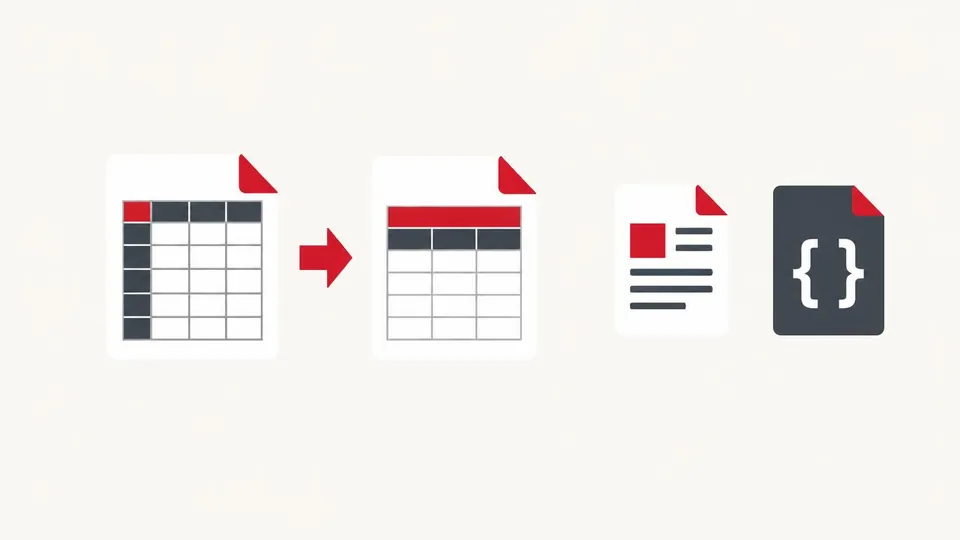
How to use the DOCX to text converter
- Choose a .docx file.
- Check the extracted text and word count.
- Copy it or download as a .txt file.
When it's useful
- Pasting a Word document's content into a website or app
- Getting text from a document on a phone without Word
- Counting words in a Word file
Limits to know
- Only .docx files are supported. Save old .doc files as .docx first.
- Formatting, images, headers, footers and footnotes aren't included — only the main body text.
Your files
Processing happens in your browser. Your files stay on your device and are gone when you close the page.
What goes in and what comes out
- Input:
- A Word .docx document, up to 50 MB (not old .doc).
- Output:
- Plain text on screen, copyable or as a .txt file.
Questions
Are tables included?
Yes, their text is extracted; each cell appears on its own line.
Are my files uploaded?
No. The file is opened and processed in your own browser and never sent to our server.