
CSV to Excel converter
Turn a CSV export into a proper Excel workbook. Numbers stay numbers, and codes with leading zeros (like phone numbers) are kept exactly.
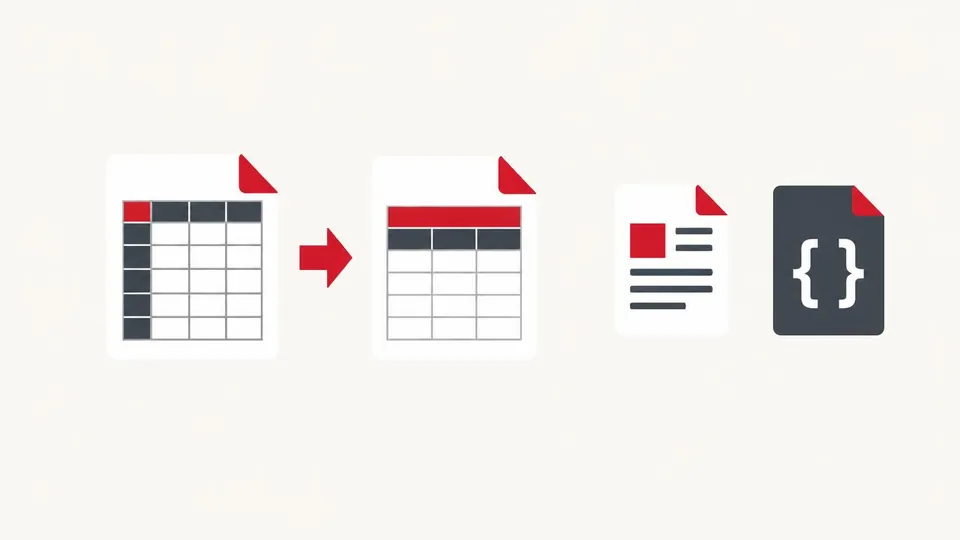
How to use the CSV to Excel converter
- Choose a CSV file or paste CSV text.
- Pick the separator and check the preview.
- Press Download .xlsx.
When it's useful
- Opening a bank or shop export in Excel without broken columns
- Keeping phone numbers like 0300… from losing their zero
- Sending a spreadsheet to someone who doesn't use CSV
Limits to know
- Creates one plain sheet without formatting, formulas or column widths.
- Up to about 200,000 rows is practical in a browser; very large files may be slow.
Your files
Processing happens in your browser. Your files stay on your device and are gone when you close the page.
What goes in and what comes out
- Input:
- CSV, TSV or TXT with comma, semicolon, tab or pipe separators (file or pasted), up to 50 MB.
- Output:
- An Excel .xlsx workbook with one sheet.
Questions
Will Excel change my phone numbers?
No. Values with a leading zero are saved as text, so 03001234567 stays exactly as written.
Are my files uploaded?
No. The file is opened and processed in your own browser and never sent to our server.