
Excel to CSV converter
Export a sheet from an Excel workbook as CSV for importing into other apps, websites or databases.
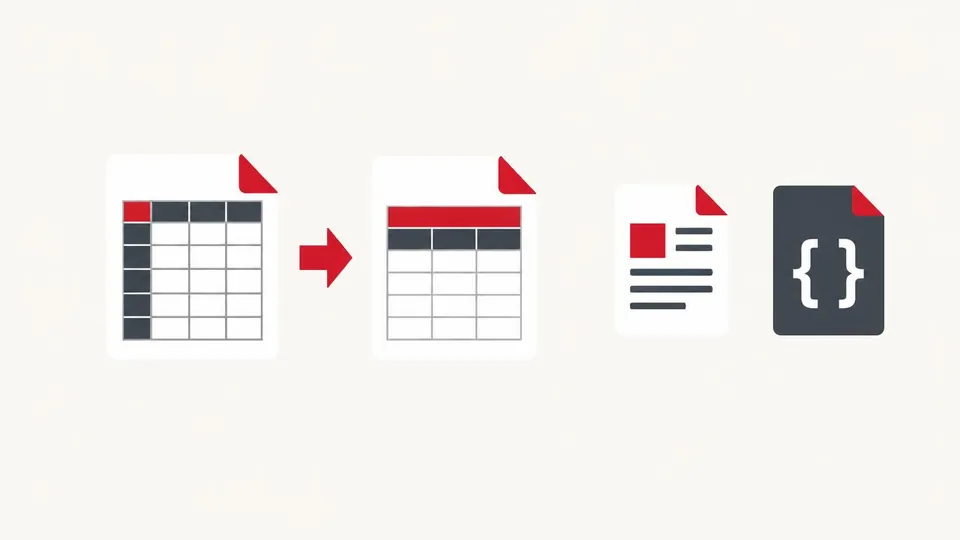
How to use the Excel to CSV converter
- Choose an .xlsx file.
- Pick the sheet and separator, and check the preview.
- Press Download CSV.
When it's useful
- Importing products or customers into another system
- Converting a supplier's price list for an online shop
- Getting plain data out of a formatted workbook
Limits to know
- Only .xlsx files are supported. Save old .xls files as .xlsx first.
- Formulas give their last saved result. Dates appear as Excel's date numbers (e.g. 46343) unless the cell was stored as text.
Your files
Processing happens in your browser. Your files stay on your device and are gone when you close the page.
What goes in and what comes out
- Input:
- An Excel .xlsx workbook, up to 50 MB (not old .xls).
- Output:
- A UTF-8 CSV file of the chosen sheet.
Questions
Can I convert all sheets at once?
Pick one sheet at a time; each download is one CSV.
Are my files uploaded?
No. The file is opened and processed in your own browser and never sent to our server.