
CSV Formula Injection: Review Exports Before Opening
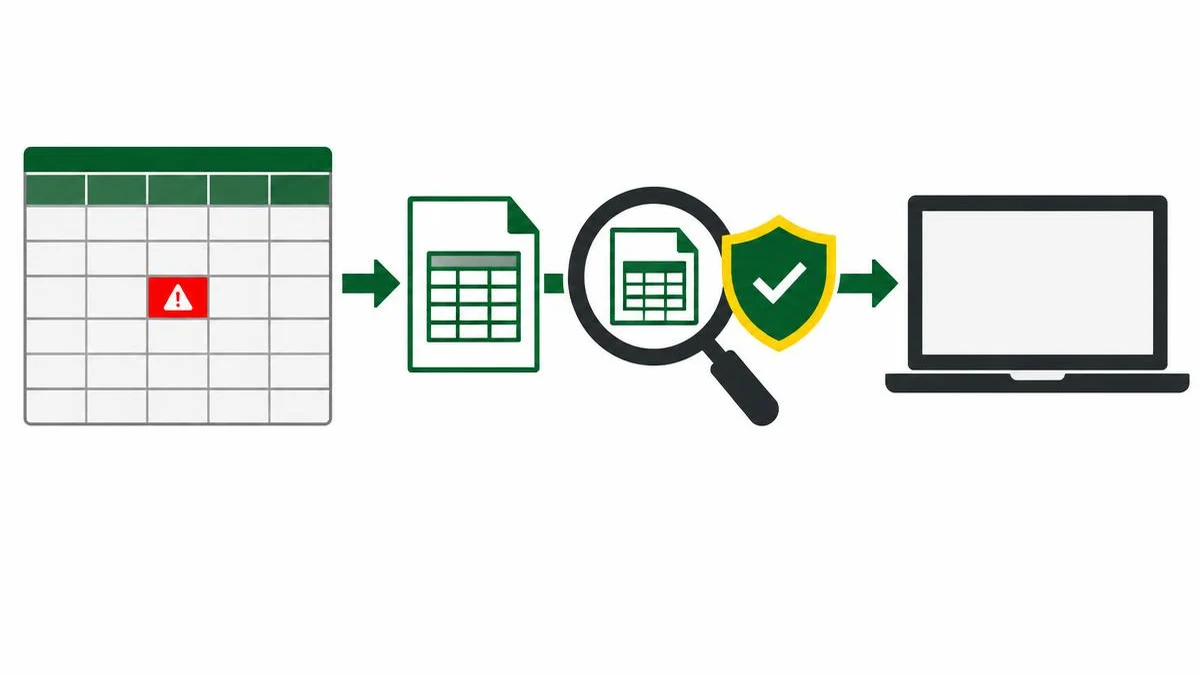
Customer-supplied text can become a spreadsheet formula even in structurally valid CSV. Learn the risk boundaries, the limits of common escapes and the checks needed for human-viewing exports.
Valid CSV can still be dangerous in a spreadsheet
CSV formula injection happens when untrusted text is exported into a field that spreadsheet software interprets as a formula. The exporter may produce perfectly valid delimiters and quotes while still delivering active spreadsheet content. A customer name, support note or product description can become an execution boundary when staff open the export.
The exact consequences depend on the spreadsheet application, version, security settings and available functions. Do not claim that every formula executes an operating-system command. The important design failure is allowing untrusted data to be reinterpreted as instructions, with possible unwanted calculations, external interactions or data disclosure in vulnerable workflows.
Review parsed cells, not just the raw file
OWASP identifies equals, plus, minus and at signs as relevant formula-leading characters, alongside tabs, carriage returns and line feeds. It also notes full-width variants in some locales. These are review triggers, not proof that every matching value is malicious. A negative amount and an international telephone number can be legitimate business data.
A raw-text check limited to the first character of each line is insufficient. CSV records can contain quoted line breaks. Delimiters and quotes also affect where one cell ends and the next begins. Parse the file according to the intended delimiter and quoting rules, then evaluate the resulting cells under the target spreadsheet workflow.
Headers count too. If users can supply column names, those names are untrusted fields rather than automatically safe labels.
Separate structural escaping from formula defenses
The JSON to CSV converter escapes delimiters, quotes and line breaks so values can occupy CSV fields. Inspection of its csvCell helper found no formula-neutralization stage. Do not advertise it as a safe-spreadsheet export sanitizer.
The CSV to JSON converter parses CSV into text values for inspection; it does not evaluate spreadsheet formulas in its helper. That can make a small, non-sensitive sample easier to review, but conversion is not a security verdict and does not promise that a later spreadsheet import is safe.
| Control | What it addresses | What it does not establish |
|---|---|---|
| CSV quoting | Field boundaries and embedded punctuation | Literal treatment by every spreadsheet |
| Text-typed import | Intended cell interpretation in that import | Safe behavior after all later saves and imports |
| Formula-neutralization policy | A specific spreadsheet threat model | Universal compatibility without data changes |
| Restricted spreadsheet environment | Reduces some application risks | Correctness of the exported dataset |
Why a universal escape recipe is misleading
OWASP discusses quoting, apostrophe prefixes and an Excel-focused quoted-tab approach. Its current guidance also warns that spreadsheet save-and-reopen behavior can remove protections, and that there is no universal sanitization strategy safe for all spreadsheet applications and downstream consumers.
Prefixes change the underlying value. A defense suitable for a report viewed by staff may corrupt an identifier when the same file is later imported into a business system. Do not silently add characters to a machine-to-machine feed and call the result equivalent data.
Instead, define separate export contracts where appropriate: a typed machine feed preserving exact values, and a spreadsheet-viewing export with an explicitly documented literal-text policy. A typed spreadsheet format can offer more control, but its writer must actually emit untrusted content as literal strings rather than formulas.
Build a controlled review
- List which columns and headers can contain user-controlled data.
- Identify the exact spreadsheet applications and import methods staff use.
- Review parsed values for suspicious leading characters and boundary manipulation.
- Apply a documented mitigation designed for that destination.
- Test opening, saving, reopening and re-exporting in an isolated environment.
- Verify that legitimate phone numbers, negative values and identifiers still retain their required meaning.
Use harmless test strings rather than formulas that contact external services or read data. Keep applications patched, respect security warnings, and avoid enabling external content merely to make a test file behave normally.
Make changes auditable
Use text comparison to inspect small synthetic before-and-after exports while also checking them with a CSV-aware parser. A text diff can show added prefix characters, but it cannot determine whether a spreadsheet will treat a cell as literal text.
Record the export version, mitigation policy and applications tested. Repeat those checks after changing delimiters, spreadsheet software or the export library. The useful claim is specific: a defined export was tested under a defined workflow. It is not that CSV has become inherently safe to open.
References
Frequently asked questions
Is a quoted formula harmless?
Not necessarily. CSV quotes preserve field structure; spreadsheet software can still interpret the resulting cell as a formula.
Does the JSON to CSV tool sanitize formulas?
No formula-neutralization logic was found in the inspected helper.
Are all minus-prefixed values attacks?
No. Negative numbers can be legitimate. Treat risky prefixes as review signals within a defined column schema.
Can apostrophe prefixes solve every case?
No. OWASP warns about application differences and save-and-reopen behavior; prefixes can also change downstream data.
Does CSV to JSON execute formulas?
The inspected helper parses text and does not evaluate spreadsheet formulas. That is not a general security certification.
What should an export test include?
Test the actual target application, import method, save-and-reopen cycle, suspicious cells and legitimate values that mitigations could alter.
Useful on MayreDukaan
Sources
Facts last checked against these sources on 17 Nov 2026, 06:40 Pakistan time.
Images: Original AI-generated illustration by MayreDukaan; conceptual, not a product screenshot.
More trending articles
 Shopping and DealsUK Fake Online Shops: Check the Seller Before Paying17 Nov 2026 · 5 min read
 AI and SoftwareVerify an AI Summary Against the Original Document17 Nov 2026 · 5 min read
 Artificial IntelligenceGemini Activity Privacy: History, Training and Deletion17 Nov 2026 · 5 min read
 AI and SoftwarePrepare a Spreadsheet for Safer Gemini Analysis17 Nov 2026 · 4 min read