
Prepare a Spreadsheet for Safer Gemini Analysis
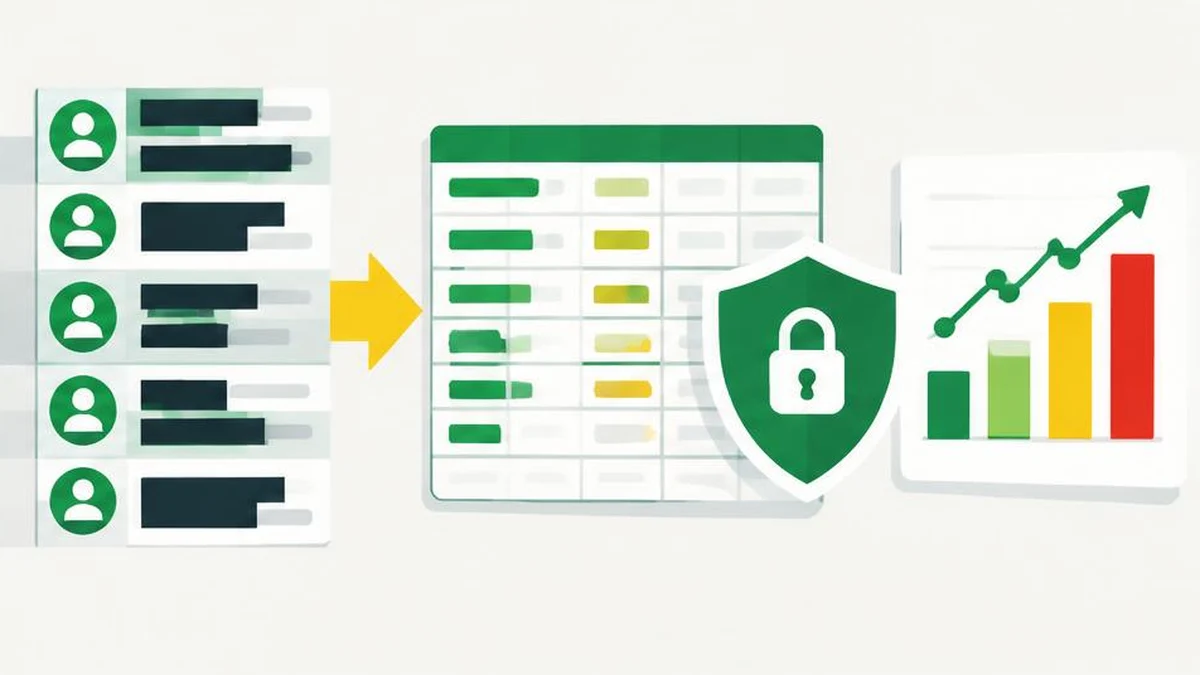
A useful spreadsheet prompt starts before the upload. Reduce the data to an authorized analytical extract, inspect what the file actually contains, and establish totals you can verify independently. Gemini accepting a file is not proof that every row was read correctly.
Before uploading a spreadsheet to Gemini, create a separate analytical extract containing only the information the task needs. Removing customer names is a start, not a complete privacy assessment. Account permissions, indirect identifiers, embedded content, and the accuracy of the resulting analysis all matter.
Google's file-analysis documentation explains how attachments work and warns that large inputs can lead to missed details. The preparation workflow below reduces unnecessary disclosure and gives you a way to detect incorrect analysis. It does not guarantee anonymity or authorize uploading restricted data.
Decide whether an upload is appropriate
Write the analytical question first. “Compare monthly revenue by product category” usually needs different fields from “investigate a specific customer dispute.” If aggregate data answers the question, do not send transaction-level customer records simply because they are available.
Confirm that your organization permits the proposed data and service. When using a work or school Google Account, the documented requirements can include administrator-enabled access to apps for Drive attachments. A feature being visible is not the same as permission to share regulated or contractually restricted information.
Avoid uploading entirely when you cannot establish authority to disclose the data, when the file contains credentials, or when the task can be completed adequately in an approved spreadsheet application.
Build a minimal copy, not an edited master
Keep the original unchanged in its approved location. Export a purpose-built copy, then inspect that exported file rather than assuming the original workbook's visible sheet is all it contains.
| Data element | Practical preparation | Remaining concern |
|---|---|---|
| Names, email addresses, phone numbers | Remove unless essential and authorized | Other columns may still identify people |
| Customer or account IDs | Exclude or replace when a join is genuinely needed | Reversible codes are not anonymous |
| Exact addresses and timestamps | Aggregate if the question allows | Rare combinations can remain identifying |
| Free-text notes | Exclude or review individually | Notes often contain unexpected personal details |
| Revenue and quantities | Retain only needed measures | Commercial sensitivity can remain |
| Hidden sheets, comments, extra tabs | Inspect and exclude unnecessary content | The upload is the file, not just the visible selection |
If you replace identifiers, keep any lookup table outside the upload and in an approved location. Do not include the key in a second tab. Also inspect formulas, links, filenames, and document properties for information you did not intend to disclose.
Establish check figures before using Gemini
Calculate independent baseline figures in your spreadsheet application. Record the included period, row count, currency, units, excluded records, and the totals relevant to your question. Decide how blanks, refunds, duplicates, and cancelled transactions should be handled.
For example, a category-sales question should specify whether sales are gross or net of refunds and whether tax is included. This is a definition choice, not something to leave for a model to infer. Use invented examples when testing a prompt format; no real customer information is needed to test whether the instructions are understandable.
If preparing a non-sensitive export, CSV to JSON and the JSON formatter can help inspect structure. Text comparison can show differences between small text exports. None of these utilities verifies numerical truth or automatically anonymizes records.
Upload using the documented attachment route
In the Gemini web app, enter your question, select Add files, and choose Upload Files for a supported local file. The documentation also describes Add from Drive. Drive attachments require History to be on and Google Workspace to be connected to Gemini; work or school accounts have additional administrator requirements.
Google documents up to ten supported attachments in one prompt, subject to availability, with non-video supported files up to 100 MB each. These are acceptance limits, not recommendations for analytical quality. There are also rolling usage limits, and account or plan conditions can affect access. Prefer a small, focused extract over a large workbook padded with unrelated sheets.
Ask Gemini to state which sheets, columns, period, and definitions it used before requesting conclusions. A chart with polished labels is still an output to check, not evidence that the input was interpreted completely.
Reconcile results before sharing them
Compare the output with your independent totals and manually inspect selected source rows. Check negative amounts, missing values, date boundaries, and category labels. Recalculate any reported percentage using the stated numerator and denominator.
If Gemini reports an analysis failure, Google's help recommends reattaching the file. If the input is too large for good results, reduce the content and rerun the task. Do not repeatedly upload the same oversized workbook while assuming the next fluent response must be complete.
Stop when you cannot reconcile a material difference. Preserve the question, the minimized input version, and the checks you performed in an approved record. Share only the reviewed findings, not an unverified transcript containing unnecessary data.
Sources and scope
Official Google documentation reviewed November 17, 2026. Google's general Gemini guidance warns that responses can be wrong. This is a preparation and verification workflow, not a functional test or a promise about confidentiality.
Frequently asked questions
Which columns should I remove?
Remove direct identifiers and any field unnecessary for the defined question. Review free text, hidden content, and indirect identifiers as well.
Is replacing names with codes enough?
No. Codes may be reversible, and combinations of dates, locations, or transactions can still identify people.
Does Gemini accept spreadsheets?
The official attachment guide supports spreadsheet analysis and chart creation. Check current supported formats and the limits for your account.
Can I attach a Drive file with History off?
The reviewed file guide states that adding files from Drive requires History on and Google Workspace connected to Gemini.
What if the totals disagree?
Recheck definitions, row coverage, date ranges, refunds, blanks, and filters. Do not share a material conclusion until the difference is resolved.
Does successful upload prove complete analysis?
No. Google warns that large inputs can produce responses that miss details or connections.
Useful on MayreDukaan
Sources
Facts last checked against these sources on 17 Nov 2026, 06:44 Pakistan time.
Images: Original AI-generated illustration by MayreDukaan; conceptual, not a product screenshot.
More trending articles
 AI and SoftwareVerify an AI Summary Against the Original Document17 Nov 2026 · 5 min read
 Shopping and DealsUK Fake Online Shops: Check the Seller Before Paying17 Nov 2026 · 5 min read
 Artificial IntelligenceGemini Activity Privacy: History, Training and Deletion17 Nov 2026 · 5 min read
 Android and SmartphonesAndroid Unknown Tracker Alerts: A Safety-First Guide17 Nov 2026 · 5 min read