
Gemini Activity Privacy: History, Training and Deletion
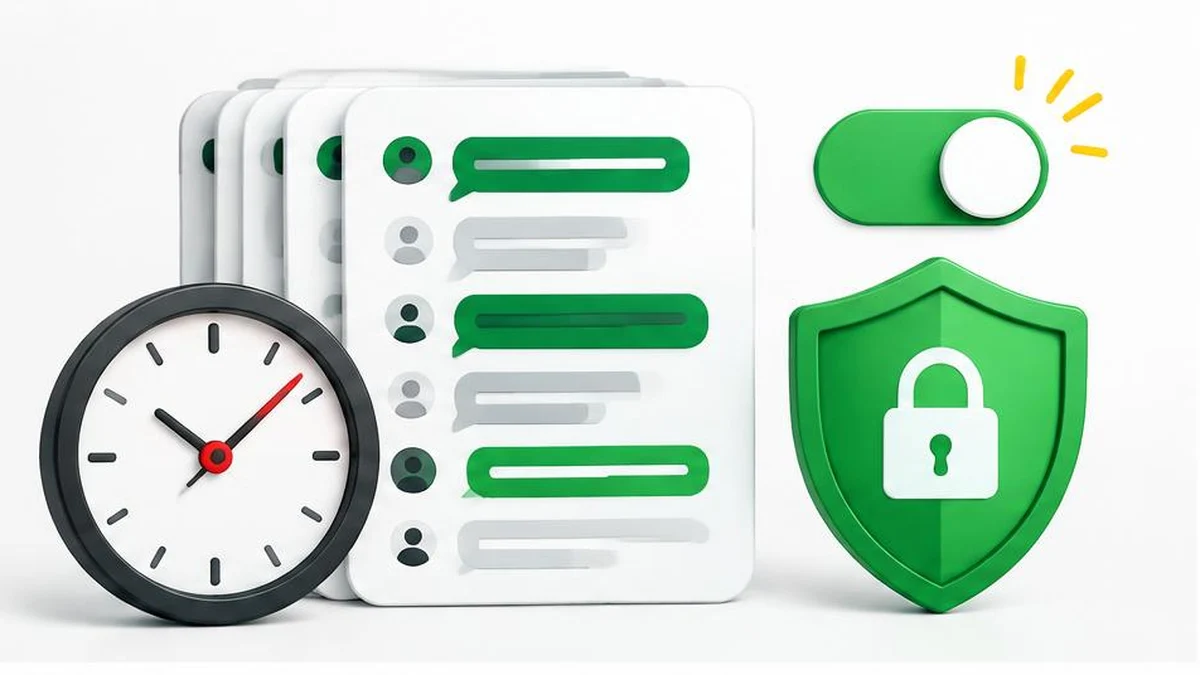
Gemini privacy is not a single switch. History visibility, training preferences, memory, feedback, and connected-app data have different effects. Google’s November 2026 documentation also changes the retention picture compared with older temporary-chat announcements.
Gemini History, model-training preferences, temporary chats, and deletion answer different privacy questions. Turning off one setting does not mean every related record is removed, every connected app stops processing data, or all review ends. Start with the current documentation for your account rather than an old screenshot.
The Gemini Apps Privacy Hub, marked updated November 16, 2026 in the saved official text, is the primary reference for this guide. Its current retention explanation matters: it describes temporary chats and History-off chats being retained with your account for around two months. Do not substitute an older retention claim from a launch announcement.
Identify the account and controls you are reviewing
Confirm which Google Account is signed in and whether it is personal, work, or school managed. Organization settings and administrator responsibilities can differ. Use Google's history management guide alongside the Privacy Hub, and inspect the options actually available in your account.
Write down your objective: stop future chats appearing in History, limit generative-model training, remove an existing chat, or reduce personalization. Those objectives overlap, but they are not identical. Review each one deliberately rather than relying on a broad “privacy off” mental model.
Understand what History off does—and does not do
The current Privacy Hub says future chats will not appear in History when the History setting is off. It also says those chats are still saved for around two months and used to respond, process feedback, and protect Google, its users, and the public, with help from human reviewers.
| Choice or action | Documented effect | Important boundary |
|---|---|---|
| Turn History off | Future chats do not appear in History | Retention and review do not become zero |
| Use a temporary chat | Temporary chats are not used to train Google's AI models | The current notice still describes retention |
| Turn chat-content training off | Future chats are not used to train generative models unless you provide feedback | Other service-improvement and protective uses remain |
| Delete Gemini history | Removes selected activity through the history controls | Does not delete everything held by connected services |
| Adjust auto-delete | Changes the history auto-deletion period | Reviewed copies have a separate retention explanation |
Some Connected Apps become unavailable when History is off. The Hub also warns that other Google settings, such as Search Services History or Timeline, may continue saving related activity. Do not treat a change in Gemini as a global Google Account deletion request.
Review training and feedback separately
The Hub describes a choice in Gemini History controlling whether chat content, including text and attachments, is used to train generative AI models. When that setting is off, future chats are not used for this training unless you provide feedback. However, Google says future chats can still be reviewed and used to improve services in other ways and for protective purposes.
This is a crucial distinction: “not used to train generative models” is narrower than “not used for anything” or “never reviewed by a person.” Reviewed chats and related data are separated from the account and retained for up to three years under the described policy.
Feedback can include more than the short comment you type. The Hub describes associated conversations, included content, and related context being collected and reviewed. When History is off and feedback is submitted, it describes context including the last 24 hours of chats and content in them. Read the feedback notice before sending a report involving sensitive information.
Delete history with realistic expectations
Use the official history-management controls to review and delete activity you no longer need. Separately inspect auto-delete. The Privacy Hub lists a default of 18 months, with choices of 3 months, 36 months, or indefinite retention for that setting.
Deleting activity is not a promise to erase every associated copy. Google says chats reviewed by human reviewers and related data are not deleted when you delete your activity; they can be retained for up to three years. The Hub also describes longer retention for legitimate business or legal purposes. Avoid promising an immediate universal erasure deadline.
Connected-app data needs its own review. Disconnecting an app does not delete Gemini History, and deleting Gemini History does not delete data an app already received. The Hub also says history deletion does not delete remote browser or remote code-execution data. If you used those features, examine their separate management choices.
Check memory and personalization independently
The Hub describes an eligible user's Memory summary setting as another control: you can view, edit, delete, or turn off the summary of what Gemini understands about you. Review it separately rather than assuming that deleting one conversation fully answers every personalization question.
A practical account review is to inspect History, training choices, memory, connected apps, and mobile permissions in turn. Record the setting names and review date without copying private chat content. For a sanitized checklist, compare revisions, count words, or clean spacing; these are editing aids, not privacy-audit tools.
Research date and scope
Official saved Google documentation reviewed November 17, 2026. The current Privacy Hub takes precedence here over the older temporary-chat announcement's retention description. No account screen or deletion outcome was tested. Settings availability can differ, and organization-managed accounts need administrator-specific guidance.
Frequently asked questions
Does History off mean Google stores nothing?
No. The reviewed November 2026 Privacy Hub describes around two months of account-linked retention for History-off and temporary chats.
Are temporary chats used to train Google AI models?
The current Privacy Hub says temporary chats are not used to train Google’s AI models. That does not mean zero retention.
Does turning training off prevent all human review?
No. The Hub describes other improvement and protective uses, including review, even when generative-model training is off.
Can feedback include conversation content?
Yes. Google describes feedback processing that can include associated conversations, attachments, connected-app content, and related context.
What auto-delete options are documented?
The Privacy Hub lists 18 months as the default, with 3 months, 36 months, or indefinite as alternatives.
Does deleting Gemini history erase connected-app data?
No. Data already received by another app is subject to that app’s controls and policies.
Do reviewed copies disappear when I delete history?
Google says reviewed chats and related data can be retained for up to three years even after activity deletion.
Useful on MayreDukaan
Sources
Facts last checked against these sources on 17 Nov 2026, 06:44 Pakistan time.
Images: Original AI-generated illustration by MayreDukaan; conceptual, not a product screenshot.
More trending articles
 Shopping and DealsUK Fake Online Shops: Check the Seller Before Paying17 Nov 2026 · 5 min read
 AI and SoftwareVerify an AI Summary Against the Original Document17 Nov 2026 · 5 min read
 AI and SoftwarePrepare a Spreadsheet for Safer Gemini Analysis17 Nov 2026 · 4 min read
 Android and SmartphonesAndroid Unknown Tracker Alerts: A Safety-First Guide17 Nov 2026 · 5 min read