
Android Unknown Tracker Alerts: A Safety-First Guide
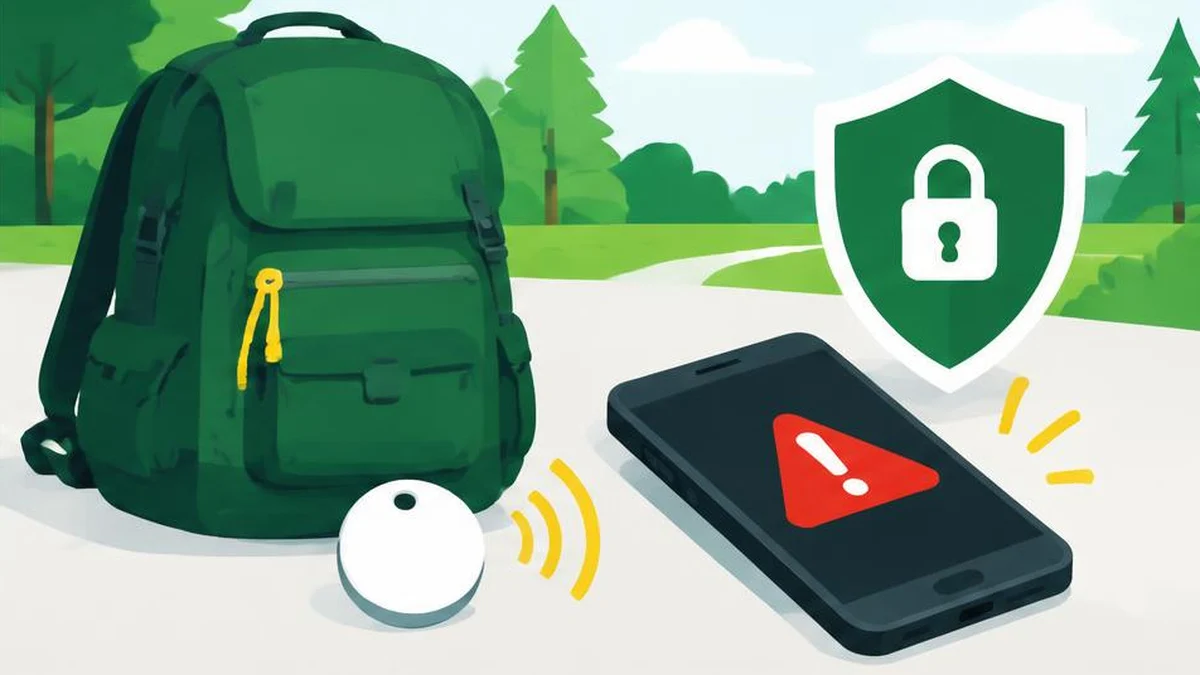
An unknown tracker alert deserves attention, but it is not proof of who placed a device or why. Prioritize your safety, preserve useful information when safe, and use the tracker-specific instructions rather than assuming your phone can switch every tracker off.
An unknown tracker alert deserves attention, but it is not proof of who placed a device or why. Prioritize your safety, preserve useful information when safe, and use the tracker-specific instructions rather than assuming your phone can switch every tracker off.
Put personal safety ahead of searching
If you feel at risk, go to a safe public place and contact local law enforcement, a trusted person, or an appropriate support service. You do not need to finish locating a tracker before seeking help. Do not confront a suspected owner or arrange a meeting to demand an explanation. If danger is immediate, use the emergency services appropriate to your location.
Borrowed belongings or traveling with someone who carries a tracker can also explain an alert. That possibility should not be used to dismiss your concern. Keep your response focused on what the phone actually detected and on the assistance you need, rather than making unsupported accusations.
Know the coverage and limits
The current unknown tracker guide says the feature is available on Android 6 and later and is delivered through Google Play services updates. Current compatibility includes Find Hub network-compatible tags and headphones, plus Apple AirTags. It is not a detector for every possible tracking device.
Automatic alerts consider a tracker moving with you over time. A manual scan instead finds compatible trackers currently nearby and separated from their owners; it does not establish that each result has followed you. An empty result is not a guarantee that no tracking is occurring.
Location must be on for automatic alerts. Manual scanning on Android 11 and later does not require the phone’s Location setting to be on; on Android 10 and earlier it uses Location and Bluetooth. Do not generalize one version’s requirements to every phone.
Review the alert without overinterpreting it
Tap the alert to see a map of where the tracker was detected traveling with you. That map does not show where the tracker’s owner checked its location. Avoid treating a map point as the owner’s address or evidence of a specific person’s actions.
If safe, use Play sound to help find the tracker. Google says playing the sound does not notify the owner. Failure to hear it can mean it is out of range, its identifier changed, or another documented condition applies; silence is not proof that the alert was false.
Find nearby guidance is available only for Find Hub network-compatible trackers, not universally for every supported tag. If searching your belongings would put you at risk, stop and seek assistance. Do not crawl into unsafe areas, dismantle a vehicle in traffic, or retrace an unsafe route simply to complete a technical checklist.
Preserve information while it is available
| Information | Why preserve it |
|---|---|
| Alert and map screenshots | Record what the phone displayed |
| Tracker identifier or serial number | Helps distinguish the physical device |
| Date and time notes | Supplies context without guessing intent |
| Manufacturer instructions | Identifies the correct device-specific process |
Google says previous alerts are deleted after 48 hours. Turning alerts off clears previous alerts and associated unknown-tracker information, which cannot be recovered. Do not turn them off as an evidence-preservation step.
If helpful, combine copies of screenshots into an image-to-PDF document, but retain the original screenshots separately. A PDF is an organizational copy, not proof that a forensic chain of custody has been established. Keep the record secure and avoid posting identifiers or location maps publicly.
Use text compare for nonsensitive changes to an incident chronology, not to identify the owner. A date difference calculator can help organize dates you supply; it does not validate events or determine legal reporting deadlines.
Understand disabling and manual scans
Turning off your phone’s Bluetooth or Location, or enabling airplane mode, does not disable the tracker or prevent its owner from receiving its location through other devices. Use manufacturer-specific instructions accessed through Next steps if disabling is safe for your situation.
Google warns that some trackers can factory-reset when turned off, breaking their association with the original owner and limiting information available to law enforcement. Turning off a tracker stops future updates from it, but its last reported location may remain visible. Consider your safety and seek guidance if disabling could increase risk.
A temporary location-update pause of up to 24 hours is documented only for Find Hub network-compatible trackers and concerns location information from your phone. It is not a universal off switch for a tracker.
To scan manually, use Unknown tracker alerts and Scan now. Current menus generally place this under Safety & emergency on Android 12 and later; Android 11 and earlier use Google, Personal & device safety. Device wording can vary. The separate theft protection guide concerns protecting a phone’s data after theft, not proving who owns an unknown tracker. Keep those tasks distinct and seek human help whenever safety is uncertain.
Sources and verification
Official documentation read on November 17, 2026. This is a documentation-based guide, not a device test, channel experiment, or guarantee of availability.
Frequently asked questions
Does an alert prove malicious tracking?
No. Borrowed belongings and shared travel can also cause alerts, but safety concerns still deserve attention.
Does airplane mode disable the tracker?
No. Changing your phone’s radios does not turn off the tracker itself.
Will playing a sound notify the owner?
Google says playing the tracker sound does not notify the owner.
How long do previous alerts remain?
Current help says alerts are deleted after 48 hours.
Can I scan for every kind of tracker?
No. Coverage is limited to the compatible tracker categories listed in current Help.
Should I confront the suspected owner?
No. Prioritize a safe location and seek trusted or professional assistance instead.
Useful on MayreDukaan
Sources
Facts last checked against these sources on 17 Nov 2026, 06:44 Pakistan time.
Images: Original AI-generated illustration by MayreDukaan; conceptual, not a product screenshot.
More trending articles
 Android and SmartphonesAndroid App Archiving vs Uninstalling: What Stays17 Nov 2026 · 4 min read
 Android and SmartphonesAndroid Theft Protection: Check Locks Before a Loss17 Nov 2026 · 4 min read
 Android and SmartphonesAndroid Private Space: Separation Is Not Total Secrecy17 Nov 2026 · 4 min read
 Shopping and DealsUK Fake Online Shops: Check the Seller Before Paying17 Nov 2026 · 5 min read