
Heading structure checker
Check that a page's headings form a clear outline for readers, screen readers and search engines.
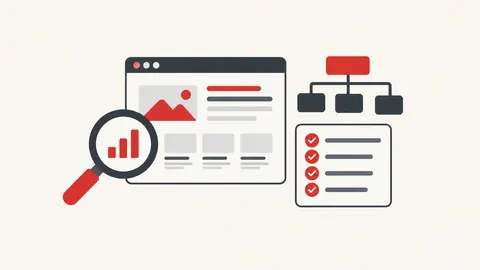
How to use the heading structure checker
- Enter a page URL (or paste its HTML).
- Press Check.
- Review the outline and fix the issues listed.
When it's useful
- Checking blog posts have one clear H1
- Finding skipped heading levels
- Reviewing a competitor's page structure
Limits to know
- Only public pages can be checked. Pages behind a login, on private networks or that block automated visits can't be read.
- It reads the HTML the server sends. Headings added later by JavaScript may not appear.
Your privacy
When you check a URL, our server fetches that public page once and shows you the result. Nothing is saved. Pasted HTML or files are checked only in your browser.
What goes in and what comes out
- Input:
- A public page URL or pasted HTML.
- Output:
- The H1–H6 outline with issues listed.
Questions
Is the page I check stored?
No. Our server fetches the public page once to read it, then the result is shown only to you. Nothing is saved.
Is having two H1s bad for SEO?
Google says it isn't a problem by itself, but one clear H1 usually makes a page easier to understand.