
Image alt text checker
Find images that screen readers and search engines can't understand.
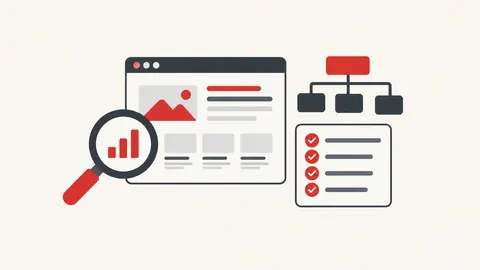
How to use the image alt text checker
- Enter a page URL (or paste its HTML).
- Press Check.
- Add descriptive alt text to the images flagged.
When it's useful
- Improving accessibility of product pages
- Finding images with file names as alt text
- Checking a page before publishing
Limits to know
- Only public pages can be checked. Pages behind a login, on private networks or that block automated visits can't be read.
- Empty alt (alt="") is correct for purely decorative images, so those are listed separately instead of as errors.
Your privacy
When you check a URL, our server fetches that public page once and shows you the result. Nothing is saved. Pasted HTML or files are checked only in your browser.
What goes in and what comes out
- Input:
- A public page URL or pasted HTML.
- Output:
- Every image with its alt text status.
Questions
Is the page I check stored?
No. Our server fetches the public page once to read it, then the result is shown only to you. Nothing is saved.