
Canonical tag checker
Make sure each page tells search engines the right address to index.
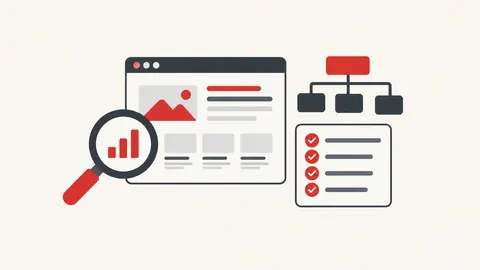
How to use the canonical tag checker
- Enter the page URL.
- Press Check.
- Read the canonical, redirects and robots tags found.
When it's useful
- Checking pages after moving a site to a new domain
- Finding pages that point their canonical to the homepage by mistake
- Verifying www vs non-www setup
Limits to know
- Only public pages can be checked. Pages behind a login, on private networks or that block automated visits can't be read.
- Canonicals sent in HTTP headers are not read; only the HTML tag is checked.
Your privacy
When you check a URL, our server fetches that public page once and shows you the result. Nothing is saved. Pasted HTML or files are checked only in your browser.
What goes in and what comes out
- Input:
- A public page URL.
- Output:
- The canonical URL, whether it's self-referencing, robots meta and issues.
Questions
Is the page I check stored?
No. Our server fetches the public page once to read it, then the result is shown only to you. Nothing is saved.
Does Google always obey the canonical?
No. It's a strong hint, but Google may choose a different URL.