
Image Alt Text SEO: Write Useful Descriptions
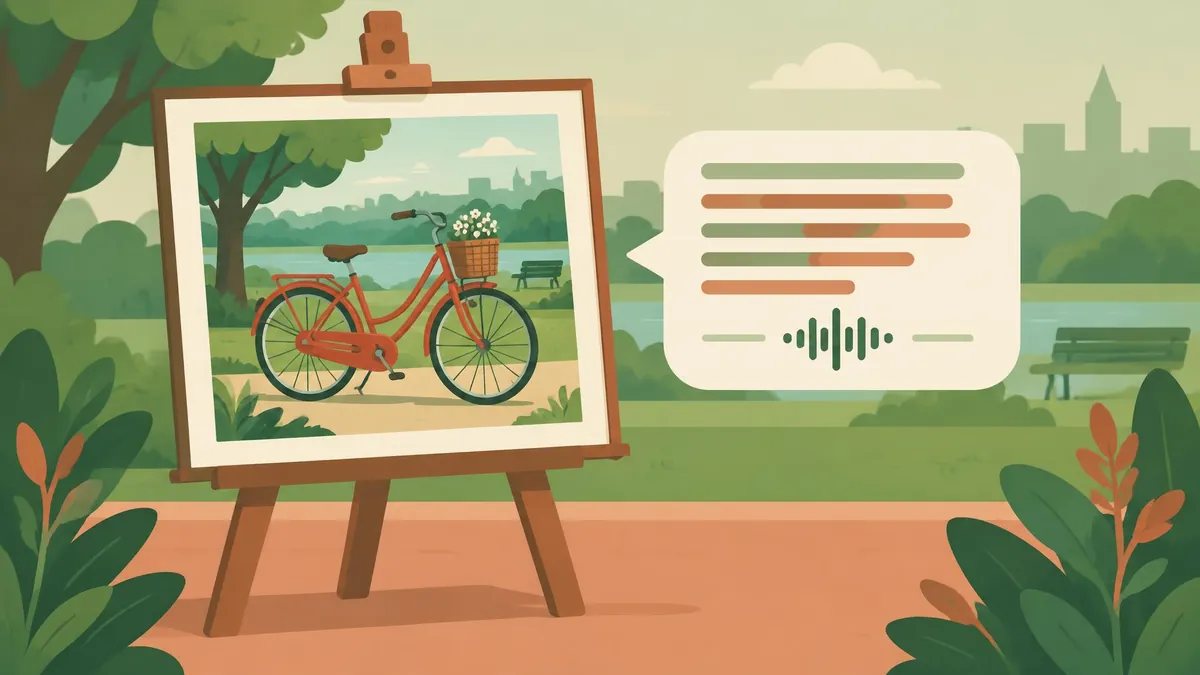
Good alt text explains an image’s purpose in context. Use accessible descriptions instead of keyword lists, and know when an empty alternative is correct.
Image alt text should communicate the information or function an image contributes to the page, not list keywords you want to rank for. A product photo may need a concise visual description, a linked icon may need its action explained, and a purely decorative image usually needs an empty alternative. Context determines the right answer.
Google's image SEO guidance and the W3C Web Accessibility Initiative's alt decision tree point toward the same useful habit: describe what matters to someone who cannot see the image, without stuffing unrelated search terms into the description.
What alt text means for SEO and accessibility
Alt text is the text alternative associated with an image element. It helps make image content available when the image cannot be seen, including through assistive technology. Google uses alt text alongside page content and computer vision to understand image subject matter.
In its image SEO guidance, Google recommends useful, information-rich descriptions in context and warns against keyword stuffing. That supports accurate labeling, not an instruction to turn every image into a paragraph of search queries.
Alt text is also not the same thing as a caption. A caption is visible surrounding content; alt text serves a different role. They can complement one another, but repeating a nearby sentence word for word may add no information.
Use the W3C decision tree before writing
The W3C alt decision tree asks about text in the image, the image's function, and whether it contributes meaning. Translate that into this editorial workflow:
- Decide whether the image performs an action or links somewhere.
- Identify information that would be lost if it disappeared.
- Check whether nearby real text already supplies that information.
- Write the shortest clear alternative that preserves the purpose.
- If it is purely decorative or fully redundant in the relevant context, use an empty alt attribute.
An empty alternative is intentional. Omitting the attribute is not the same instruction. In a CMS, check whether its “decorative” control actually outputs an empty alt attribute rather than simply leaving the image unlabeled.
Informative photo examples
Suppose a repair article shows a hand turning a shutoff valve below a sink. “Sink image plumbing water repair” is a keyword list, not a helpful alternative. “Hand turning the shutoff valve beneath a kitchen sink” communicates the important action.
For an online shop, “Blue ceramic mug with a curved handle and white interior” may explain the product view better than “Best mug buy cheap mug online.” Do not add qualities that cannot be established from the picture, such as heat resistance or manufacturing origin.
The same photo can need a different description elsewhere. In an article about glaze defects, a small chip may be the main point. On a general product listing, the color and shape may matter more. Alt text is written for the image in its current page, not permanently assigned without review wherever the file appears.
Functional images need functional descriptions
If an image is the only content of a link or button, describe the destination or action. W3C's decision tree prioritizes that purpose because a visual description alone may not explain how to use the control.
For example, an image-only magnifying-glass button should communicate “Search” rather than merely “Magnifying glass.” A linked cover leading to an annual report should identify the destination, not just its colors.
If nearby text already gives the same link its accessible meaning, the image may be redundant and need an empty alternative. Review the complete control rather than deciding solely by looking at the picture file in the media library.
When empty alt text is the right choice
Pure decoration can include a flourish, divider, or background-style illustration that adds no information to the page. Reading out a description of every decorative shape can interrupt the useful content.
Do not mark an informative diagram as decorative simply because writing its alternative is difficult. Conversely, do not force a keyword into a decorative border because an SEO plugin reports an empty alt field.
W3C also covers images whose relevant content is already present as real text nearby. The question is whether the alternative supplies something necessary in that context, not whether an automated checker prefers every field to contain words.
Images of text and complex charts
If important words appear only inside an image, W3C's decision tree says to include that text in the alternative, subject to the image's function and context. Better still, use actual page text where practical rather than making essential instructions depend on a graphic.
A complex chart needs more than a dense alt paragraph. W3C's complex-images guidance recommends a short identification plus a fuller text equivalent of the information. Provide the relevant values, relationships, or conclusions in nearby prose or an accessible table.
For example, “Monthly water use, with the highest consumption in July” can orient the reader, while a nearby table carries the underlying figures. Do not invent numbers or trends that the actual chart does not show. Ensure the longer explanation is discoverable and clearly connected to the image.
Is there a fixed ideal length?
Do not treat a plugin's character threshold as a universal Google ranking rule. Write a concise description that preserves the meaning. If explaining the image requires a long analysis, move that detail into the page and let the short alternative identify the image's purpose.
Avoid unnecessary openings such as “image of” when they add no information. But identifying the medium can matter: a schematic illustration is not a photograph, and a conceptual drawing should not be described as documentary evidence.
There is also no need to repeat the article's primary keyword in every image. Use relevant words when they naturally identify the subject; omit them when they merely duplicate an SEO brief.
Audit the image and the page together
The Meta Tag Analyzer can inspect image alt text in server-returned or pasted HTML. It may not see content added later by JavaScript, and a nonempty attribute is not proof that its wording is useful. Follow automated checks with human review.
Other image decisions remain separate. The image-format guide explains format trade-offs, while the compression guide covers file preparation. Neither replaces an appropriate text alternative.
Similarly, the Open Graph preview checks sharing-card presentation; it is not a substitute for examining on-page image accessibility. Before publishing, read the article without its pictures. If essential meaning disappears, improve the text alternative, surrounding explanation, or both.
Frequently asked questions
What is alt text SEO?
It is the practice of writing accurate, contextual image alternatives that support accessibility and help search engines understand image content.
Should every image have descriptive alt text?
No. Decorative or appropriately redundant images should use an empty alternative; informative and functional images need suitable alternatives.
Should alt text include keywords?
Use relevant subject terms naturally, but do not stuff keywords or add claims not supported by the image.
How should I describe a complex chart?
Give a brief identification and provide the meaningful data or relationships in a fuller text equivalent on the page.
Useful on MayreDukaan
Sources
- Google Search Central: Google image SEO best practices
- W3C WAI: An alt Decision Tree
- W3C WAI: Complex Images
Facts last checked against these sources on 16 Nov 2026, 06:47 Pakistan time.
Images: Illustration created for MayreDukaan (not a photo)
More trending articles
 PDF and Document ToolsAdd Page Numbers to a PDF Without Covering Content16 Nov 2026 · 5 min read
 PDF and Document ToolsExtract Images from PDFs Without Saving Whole Pages16 Nov 2026 · 5 min read
 PDF and Document ToolsPDF to JPG: Convert Pages Without Losing Detail16 Nov 2026 · 5 min read
 International EntertainmentWhere to Watch TV Series: Find Legal Platforms16 Nov 2026 · 3 min read