
Fake Delivery Texts: Verify a Parcel Without Clicking
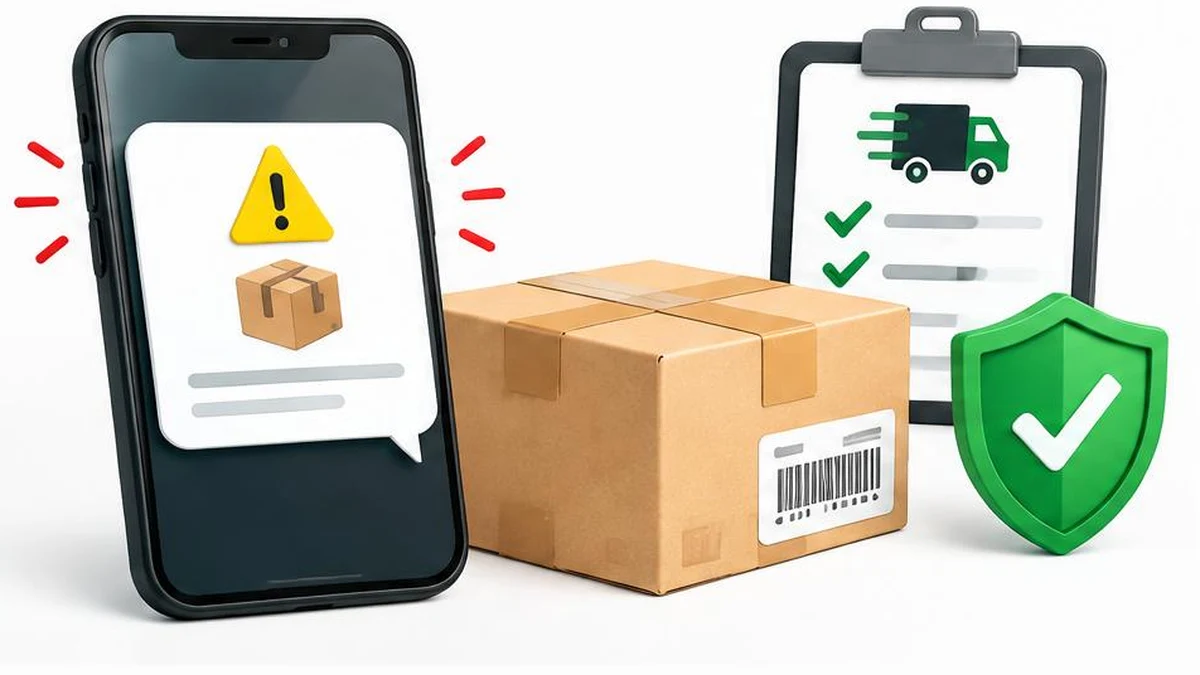
A delivery text is not proof that a parcel needs attention. Check your order and carrier independently, then respond according to what you actually shared. This US guide separates suspicious-message reporting from urgent card and account recovery.
An unexpected delivery text can arrive while you really are waiting for a package. That coincidence does not authenticate it. The safest first move is to leave the message alone and check the order through a route you already trust, not through the link or telephone number supplied in the text.
The FTC’s Top text scams of 2024 describes fake package problems and small redelivery charges used to collect sensitive information. That report describes historical reports, not a measured increase in holiday scams in 2026.
Verify the parcel through your own records
- Open the retailer’s app or type its known website address yourself. Avoid an advertisement or link offered by the suspicious sender.
- Find the order in your purchase history. Check the destination, dispatch status and carrier listed there.
- Use the tracking link within that trusted order record, or enter its tracking number on the carrier’s independently located website.
- If there is a genuine delivery exception, follow the instructions in that verified account. Contact customer support through the official app or website if anything is unclear.
If you cannot match the message to an order, do not provide information to help the sender “find” your parcel. A gift or household member’s purchase could explain an unfamiliar delivery, but ask the person directly rather than using the text to investigate.
Recognize the request, not just the appearance
A familiar logo, professional wording or recognizable carrier name is easy to copy. A message may claim that an address is incomplete, a parcel is held, or a tiny fee is needed before a deadline. The small amount can distract from the much larger risk of entering card details on an impersonation page.
A request for a Social Security number, banking credentials or a one-time banking code is especially concerning. Do not send that information to resolve an unexpected parcel message. If a real payment or address update is required, verify it inside the official service first. This is a verification rule, not a claim that every carrier charge is fraudulent.
Do not turn inspection into another exposure
You do not need to open a suspicious URL to decide not to trust it. If you already have the address as plain text, a text comparison can help you notice spelling differences against a known official address. It cannot establish that a website is safe.
A URL encoder and decoder can make percent-encoded characters readable. It is not a reputation checker, malware scanner or safe browsing environment. Avoid pasting private tracking links or account tokens into unnecessary tools. Never visit a decoded address merely because it looks more readable.
If you clicked, act on what happened next
Merely opening a link is different from submitting payment information, entering a password or installing software. Close the page and stop interacting. Note what you entered or downloaded so you can explain it accurately to support.
- Card details entered: contact the card issuer immediately through its app or the number on your card. Explain the suspected phishing exposure and ask about securing the card, checking transactions and disputing any relevant charges.
- Password entered: open the genuine service independently and change the password. Change it on other accounts where you reused it, starting with email if affected. A password generator can help create a unique replacement; save it securely and enable multifactor authentication where available.
- Banking codes shared or banking access exposed: contact the bank urgently through a known official channel. Do not approve further prompts from an unexpected caller claiming to help.
- Software installed: stop using it and seek help through trusted device or security support. Avoid another unsolicited “technician” offering recovery.
Do not wait for a fraudulent transaction to appear before reporting exposed details. Equally, do not assume that clicking alone proves money has been stolen. Tell the bank precisely what happened. Recovery and reimbursement depend on the circumstances; neither is guaranteed.
Preserve, report and block
Keep a screenshot showing the message, sender and time, without following its link. The FTC advises forwarding suspicious texts to 7726, using the messaging app’s spam-reporting function, and reporting fraud at ReportFraud.ftc.gov. Follow the options available on your device and network.
Do not reply, including with STOP, to an unexpected suspected scam text. The FTC recommends not responding to unexpected texts. Blocking the sender can reduce further contact from that address, but it does not prevent every future attempt.
The OCC’s holiday and gift-card guidance likewise recommends tracking deliveries directly through the retailer or shipping service. Build that habit before the next message arrives: your own order record is the starting point, not the sender’s urgency.
Research reviewed November 17, 2026. This is US-focused safety guidance, not a guarantee that a particular message is genuine or that a payment can be recovered.
Frequently asked questions
Can a real-looking logo prove a text is genuine?
No. Verify the order through the retailer or carrier independently; copied branding is not authentication.
Is a small redelivery fee always fake?
Not every delivery charge is fraudulent, but an unexpected fee link needs independent verification before any payment.
What if I am expecting a package?
Check the tracking in your actual order record. Timing alone does not verify the message.
Should I reply STOP?
Do not respond to an unexpected suspected scam text. Use spam reporting and blocking instead.
What if I entered card details?
Contact your card issuer immediately using an official channel and explain the information you exposed.
Can a URL decoder confirm safety?
No. It only changes the representation of encoded text and does not assess trustworthiness.
Useful on MayreDukaan
Sources
Facts last checked against these sources on Nov 16, 2026, 8:44 PM ET.
Images: Original AI-generated illustration by MayreDukaan; conceptual, not a product screenshot.
More trending articles
 Black Friday and Cyber MondayBlack Friday BNPL: Build a Repayment Calendar First17 Nov 2026 · 5 min read
 Black Friday and Cyber MondayAmazon Black Friday 2026: Dates, Access and Returns16 Nov 2026 · 5 min read
 Shopping and DealsGift-Card Tampering: Check the Card and Save Proof17 Nov 2026 · 4 min read
 Business and RetailRequest Customer Reviews Without Buying Praise17 Nov 2026 · 4 min read