
Organize PDF pages
Rearrange a PDF visually: move pages up or down, remove pages, and download the new order as one PDF.
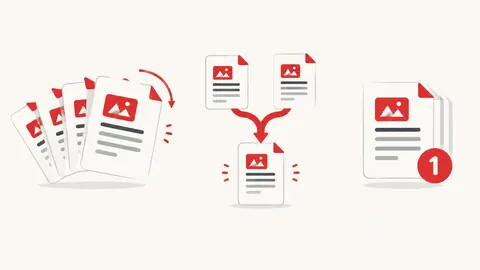
How to organize PDF pages
- Choose a PDF — page thumbnails appear.
- Use the arrows to move pages and the bin to remove them.
- Press Save PDF to download the new document.
When it's useful
- Putting scanned pages back in the right order
- Removing blank or duplicate pages
- Extracting only the pages you need to send
Limits to know
- Password-protected PDFs can't be opened until the password is removed.
- Thumbnails are drawn on your device; very long PDFs (300+ pages) can be slow on phones.
- Thumbnails are drawn with the free, open-source PDF.js viewer, which downloads (under 2 MB) the first time you use the tool.
Your files
Processing happens in your browser. Your files stay on your device and are gone when you close the page.
What goes in and what comes out
- Input:
- One PDF file, up to 200 MB.
- Output:
- A new PDF with your page order; removed pages are left out.
Questions
How do I extract pages?
Delete every page you don't want and save — the new PDF contains only the pages left.
Are my files uploaded?
No. The file is opened and processed in your own browser and never sent to our server.