
PDF to images
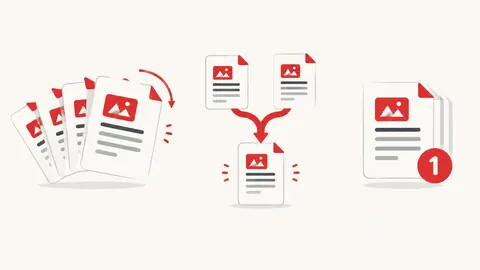
Convert PDF pages into pictures you can post, share on WhatsApp or insert into slides.
How to use the PDF to images
- Choose a PDF file.
- Pick JPG or PNG and the image quality (resolution).
- Press Convert, then download single pages or a ZIP of all of them.
When it's useful
- Sharing one page of a PDF on WhatsApp or social media
- Inserting a page into a presentation
- Making product catalogue pages into images
Limits to know
- Password-protected PDFs can't be opened until the password is removed.
- Pages are drawn with the free, open-source PDF.js viewer (under 2 MB, downloaded the first time). Unusual fonts may look slightly different.
- High resolution on long PDFs uses a lot of memory; convert in parts on phones.
Your files
Processing happens in your browser. Your files stay on your device and are gone when you close the page.
What goes in and what comes out
- Input:
- One PDF file, up to 200 MB.
- Output:
- One JPG or PNG per page, downloadable singly or as a ZIP.
Questions
Which resolution should I choose?
Standard (about 150 DPI) suits screens and WhatsApp. High (about 300 DPI) suits printing.
Are my files uploaded?
No. The file is opened and processed in your own browser and never sent to our server.