
Rotate PDF
Fix sideways or upside-down scanned pages. Choose the pages and the direction, then download the corrected PDF.
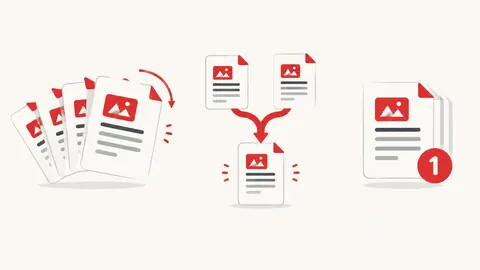
How to rotate PDF
- Choose a PDF file.
- Pick the rotation and type which pages to turn (or leave it on all pages).
- Press Rotate and download the new PDF.
When it's useful
- Fixing a scan where some pages came out sideways
- Turning landscape tables upright for reading
- Correcting phone-scanned documents before emailing
Limits to know
- Password-protected PDFs can't be opened until the password is removed.
- Rotation changes how pages are displayed; the page content itself is not altered.
Your files
Processing happens in your browser. Your files stay on your device and are gone when you close the page.
What goes in and what comes out
- Input:
- One PDF file (not password-protected), up to 200 MB.
- Output:
- The same PDF with the chosen pages rotated.
Questions
Can I rotate only some pages?
Yes. Type pages and ranges such as 2, 5-7. All other pages stay as they are.
Are my files uploaded?
No. The file is opened and processed in your own browser and never sent to our server.