
Compress PDF
Make large scanned PDFs small enough to email or upload. You see the real new size before you download.
Pages are re-saved as compressed images, so text becomes non-selectable. Use it for scans, not for documents you need to copy text from.
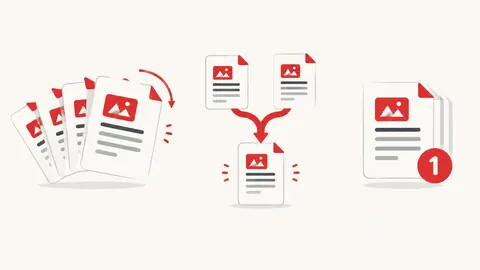
How to compress PDF
- Choose a PDF file.
- Pick a compression level.
- Press Compress, compare the sizes and download if it's smaller.
When it's useful
- Shrinking phone scans so they fit email or portal size limits
- Reducing image-heavy catalogues
- Making a PDF faster to share on WhatsApp
Limits to know
- This is image-based compression: every page becomes a picture, so text can no longer be selected or searched and links stop working. Don't use it for documents that need copyable text.
- Text-only PDFs may become bigger — the tool then tells you and you can keep the original.
- Password-protected PDFs can't be opened until the password is removed.
Your files
Processing happens in your browser. Your files stay on your device and are gone when you close the page.
What goes in and what comes out
- Input:
- One PDF file, up to 200 MB — best for scans and photo PDFs.
- Output:
- A smaller PDF made of page images (text not selectable), only offered when it's actually smaller.
Questions
Why might my PDF get bigger?
PDFs that contain mostly text are already very small. Turning their pages into images adds size, so the tool shows both sizes and suggests keeping the original.
Are my files uploaded?
No. The file is opened and processed in your own browser and never sent to our server.