
Google Free Listings: Check Your Shop’s Eligibility
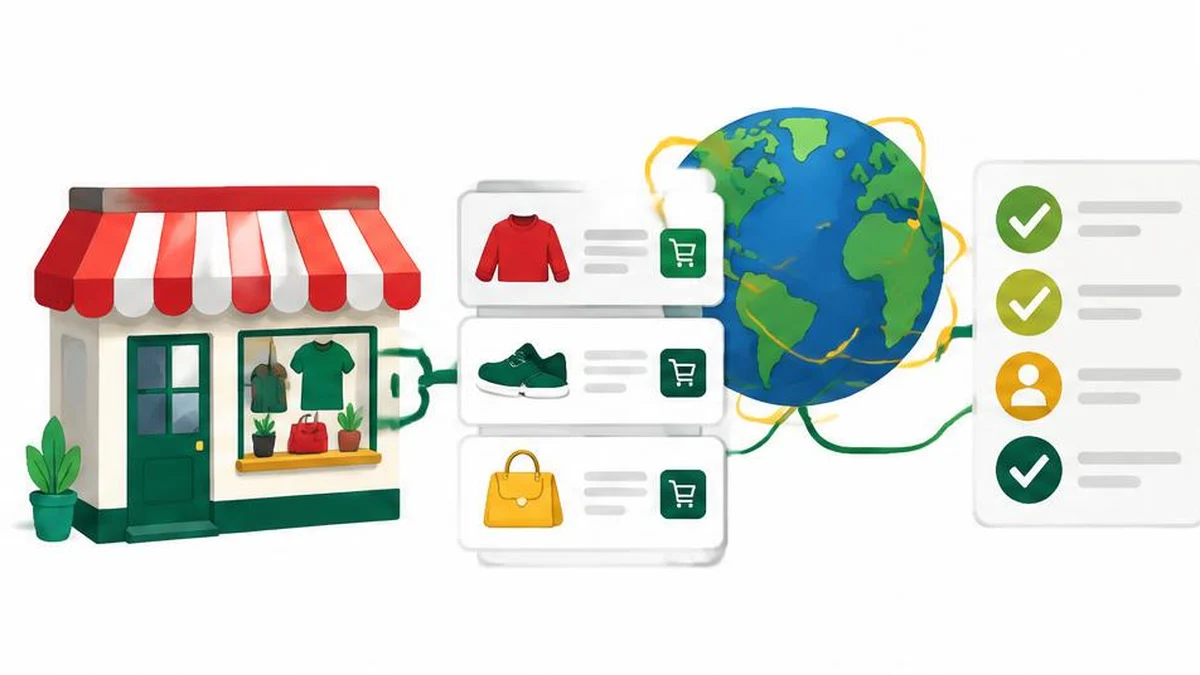
Google describes free listings as a way eligible products can appear on its surfaces without a listing charge. That is not a promise of impressions, orders or a particular ranking. Paid advertising is a separate decision. Start with the practical question: can Google understand an accurate, purchasable product offer from your shop? A free listing is not a substitute for a working product page, a clear seller identity or a checkout that customers can actually use.
Understand what free means
Google describes free listings as a way eligible products can appear on its surfaces without a listing charge. That is not a promise of impressions, orders or a particular ranking. Paid advertising is a separate decision. Start with the practical question: can Google understand an accurate, purchasable product offer from your shop? A free listing is not a substitute for a working product page, a clear seller identity or a checkout that customers can actually use.
Check the market before preparing everything
Consult the current free-listings guidance and your Merchant Center account for your target country, product category and available destinations. Availability and required information are not necessarily identical across countries. Do not infer eligibility in one market from another shop’s screenshots. Make a list of unresolved country-specific shipping, tax and policy questions. If your product is regulated or restricted, check the relevant Google policy and local requirements before investing in a full catalog upload.
Build a consistent product record
For each offer, compare the item identifier, title, description, price, availability, product URL and image with the live store. Google’s product data specification explains the attributes and conditional requirements; it should be the reference for the actual submission method. Keep variant details explicit rather than using one ambiguous row for every color. If a stock system changes the storefront, make sure the process that produces your product data is updated too. Stale information can undo an otherwise careful setup.
Make purchase conditions visible
Review seller contact details, delivery information and return terms from the customer’s perspective. Google’s free-listings guidance discusses shipping information and return policy information, with requirements depending on the market. A policy link that leads to a blank page is not a useful disclosure. Ask whether customers can identify the seller and understand the full offer before payment. Do not copy another shop’s return window or claim that a platform setting overrides consumer rights in the destination country.
Use supporting tools for narrow checks
If your working inventory is a CSV, CSV to JSON can help you inspect a small sample in another representation. It is not a Merchant Center feed validator or uploader. Use image info to inspect an image’s basic properties before comparing them with Google’s requirements. The meta tag analyzer can support a page metadata review; it does not establish product-policy compliance, verify all structured data or guarantee indexing. Keep customer information out of sample files.
Test a representative sample
Choose several products that expose different problems: an out-of-stock item, a product with multiple sizes, a discounted item and a product with a special shipping condition. Compare the submitted information with what a shopper sees after following each URL. Verify that links do not land on a general category page or default to the wrong variant. Record differences before expanding the process to the whole catalog. A small sample is a diagnostic aid, not proof that every record is correct.
Monitor eligibility separately from performance
Read account notices and item-level issues after setup. Distinguish a product that is ineligible from one that is eligible but receives little exposure. The latter does not automatically mean the submission failed. Google explicitly says that enabling permission for free listings does not guarantee products will be shown. Track impressions and clicks using the reporting available in your account, then improve the offer and data quality without inventing a visibility timetable. No MayreDukaan Merchant Center integration is assumed in this workflow.
Final review checklist
- Confirm current market and product eligibility.
- Compare a representative product sample with the live store.
- Keep eligibility reporting separate from impressions and sales.
Evidence and scope
Research checked on 17 November 2026. The linked primary guidance supports this workflow; illustrative scenarios are not measured market results. Recheck the current official requirements before a consequential decision. 1 2
Frequently asked questions
Are free listings the same as ads?
No. They are distinct from paid advertising.
Does activation guarantee impressions?
No. Google states that permission to show products is not a display guarantee.
Does a converter upload my feed?
No. The linked converter only changes data representation.
Should price match the store?
Product data should accurately match the offer customers can purchase.
Can one checklist cover every country?
No. Check current market, product and account requirements.
Useful on MayreDukaan
Sources
Facts last checked against these sources on 17 Nov 2026, 06:40 Pakistan time.
Images: Original AI-generated illustration by MayreDukaan; conceptual, not a product screenshot.
More trending articles
 Shopping and DealsUK Fake Online Shops: Check the Seller Before Paying17 Nov 2026 · 5 min read
 AI and SoftwareVerify an AI Summary Against the Original Document17 Nov 2026 · 5 min read
 Artificial IntelligenceGemini Activity Privacy: History, Training and Deletion17 Nov 2026 · 5 min read
 AI and SoftwarePrepare a Spreadsheet for Safer Gemini Analysis17 Nov 2026 · 4 min read