
India Refund Stuck? Prepare an NCH Complaint File
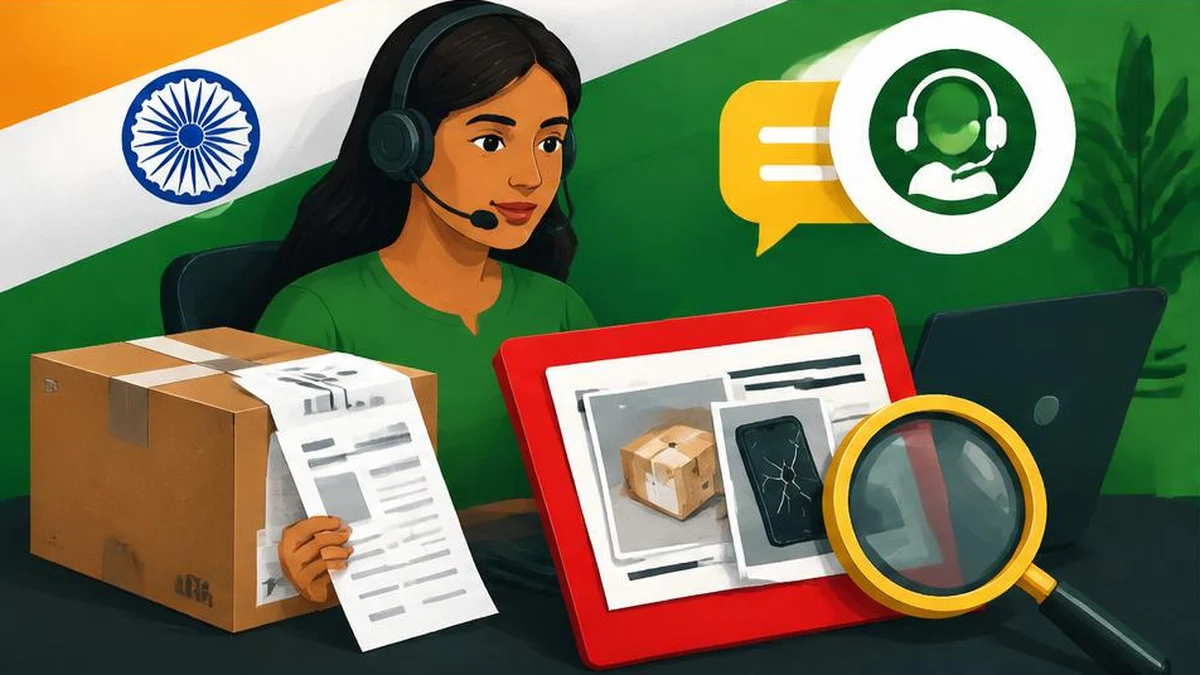
A refund complaint is easier to assess when the order, return, payment and support chronology agree. Build that file, use official NCH channels and track the actual outcome.
Turn a refund story into a checkable record
When an ecommerce refund stalls, the most useful next step is often a clear evidence file. Separate what happened from what a support agent predicted. “Refund initiated” and “money received” are different events, and a return pickup does not by itself prove that a refund reached your payment account.
India’s National Consumer Helpline provides grievance registration, document upload and tracking. Its published workflow says NCH processes a grievance, forwards it to the concerned entity and lets the consumer view responses or resolution updates. Filing is not a guaranteed refund, a bank reversal or a court order.
This guide focuses on preparing an ordinary purchase complaint. It does not set legal limitation periods, determine jurisdiction or replace urgent contact with your payment provider when a transaction is unauthorized.
Identify the transaction and the responsible parties
Start with the order record rather than a long narrative. Note the marketplace, the actual seller shown on the invoice, the product, the amount paid and the payment method. Record a return or cancellation reference if one exists.
Then list what you are asking to happen. For example: “Please investigate the missing refund for this returned order and provide the payment reference if it has already been sent.” Avoid demanding several inconsistent remedies in different support channels. A precise request makes it easier to see whether the eventual response addresses the issue.
Contact the seller or platform through its official support route and keep the acknowledgement. This is a practical evidence-building step, not a claim that every consumer must complete an identical sequence before any other remedy is available.
Build a chronology that distinguishes promises from facts
A compact table is easier to check than screenshots presented without explanation.
| Event | Evidence to keep | Important distinction |
|---|---|---|
| Purchase | Order confirmation and invoice | Ordered versus paid |
| Cancellation or return request | Reference and acknowledgement | Requested versus accepted |
| Pickup or delivery back | Tracking or receipt | Collected versus received |
| Refund communication | Message and transaction reference | Promised versus issued |
| Account check | Relevant redacted payment record | Issued versus credited |
Write exact dates as shown in the records. If you calculate elapsed days with the date difference calculator, say which start and end dates you used. The calculator measures a calendar interval; it does not establish a statutory deadline or a platform’s contractual obligation.
If support messages contradict each other, compare redacted copies with text compare. Preserve the originals separately. Do not edit a screenshot to remove inconvenient context or describe an agent’s estimate as an official decision.
Assemble readable, minimal attachments
Give every file a descriptive name, such as order-confirmation, return-pickup and support-response, with a date where helpful. Include enough context to connect each document with the order. Remove unrelated transactions and unnecessary personal information from working copies, while retaining secure originals.
The image to PDF tool can combine image evidence into a PDF in your chosen order. Check the current complaint channel’s allowed attachment types and limits first; creating a PDF does not guarantee acceptance. Open the finished file and verify that dates, amounts and references remain legible.
Never include passwords, OTPs or complete card credentials in the complaint narrative or an unrelated document tool. Use the official portal’s required fields for necessary identity and contact details, and be cautious about sending a full payment statement when a relevant extract will explain the issue.
Submit through a channel reached from the official site
The NCH homepage lists its web portal, mobile app, UMANG, WhatsApp and call-centre routes. Navigate from that official site to choose the current channel, rather than trusting a number posted in an unsolicited social-media reply.
A concise narrative can follow this sequence:
- Identify the order and amount.
- State the reason for the return or cancellation.
- Give the dated return and refund communications.
- Explain what remains unresolved.
- State the remedy or clarification requested.
- Identify the supporting attachments.
Review all names, amounts and dates before submitting. Retain the grievance reference and acknowledgement, then use the official tracking route to read updates.
Assess the response, not just the status label
If the company says a refund was issued, ask for enough reference information to reconcile it with your payment provider. If the reply concerns a different order or omits the missing amount, explain that discrepancy with evidence instead of simply resubmitting the whole story.
NCH publishes individual success stories, including a historical ecommerce refund case. Such a case illustrates a possible outcome; it is not a current resolution rate or a promise about your timing. If the grievance remains unresolved, obtain official guidance about appropriate further remedies. Do not assume an NCH acknowledgement means a consumer-commission case has been filed or any separate deadline has stopped running.
Frequently asked questions
Does NCH filing guarantee a refund?
No. NCH describes forwarding grievances and sharing responses or resolution updates, not a guaranteed payment outcome.
What should I attach?
Relevant order, payment, return and support records that establish the chronology, with unrelated sensitive information removed from working copies.
Which NCH channels can I use?
The official homepage lists the web portal, mobile app, UMANG, WhatsApp and call centre. Follow its current links.
Is a refund message proof of account credit?
Not necessarily. Reconcile the message and any refund reference with your payment account or provider.
Can I combine screenshots into one file?
Yes, if the complaint channel accepts that file type and size. Check readability and preserve the original records.
Does a grievance reference mean a court case exists?
Do not assume so. NCH’s described grievance workflow is not itself evidence that a consumer-commission case has been filed.
Useful on MayreDukaan
Sources
Facts last checked against these sources on 17 Nov 2026, 06:44 Pakistan time.
Images: Original AI-generated illustration by MayreDukaan; conceptual, not a product screenshot.
More trending articles
 Shopping and DealsUK Fake Online Shops: Check the Seller Before Paying17 Nov 2026 · 5 min read
 AI and SoftwareVerify an AI Summary Against the Original Document17 Nov 2026 · 5 min read
 Artificial IntelligenceGemini Activity Privacy: History, Training and Deletion17 Nov 2026 · 5 min read
 AI and SoftwarePrepare a Spreadsheet for Safer Gemini Analysis17 Nov 2026 · 4 min read