
JSON to CSV: Keep Columns, Nested Data and Leading Zeros
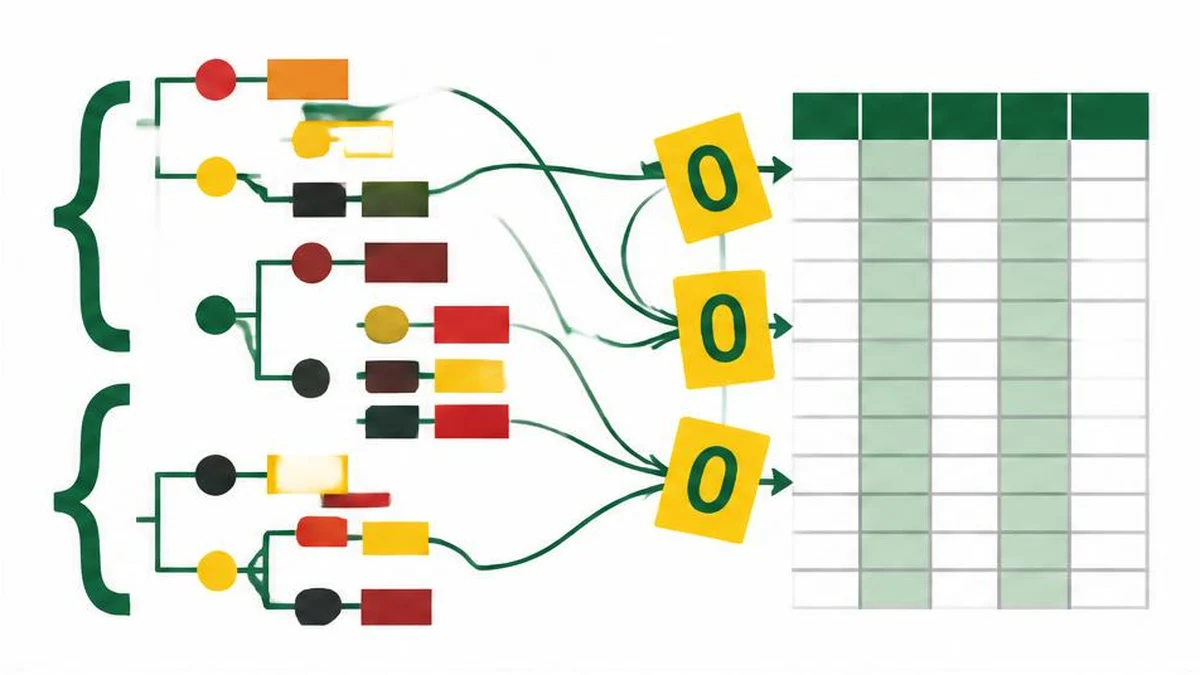
A reliable JSON export starts with a schema decision, not a download button. This guide covers the converter’s actual column and nested-value behavior and the spreadsheet checks needed after export.
Decide what one row represents
Before converting JSON to CSV, decide whether a row represents a customer, an order or an order line. JSON can nest arrays and objects; CSV is a table of records and fields. There is no single lossless flattening rule that turns every nested document into the table a business process expects.
An order containing three products could become one row with a serialized products field, three rows repeating the order number, or separate order and line-item files. Those choices have different meanings. Write the expected columns and row count before exporting, especially when totals or joins depend on the result.
What the converter actually does
The JSON to CSV converter parses JSON and accepts arrays of objects or arrays of arrays. Source inspection shows that, for object rows, it collects the union of top-level keys in first-seen order. It does not recursively flatten nested properties into dotted column names.
Nested objects and arrays are serialized as JSON text inside a field. Null and undefined values become empty strings in the CSV output; a property missing from a row therefore produces an empty field as well. This means the export does not preserve the distinction among null, missing and an empty string by itself.
| Input situation | Inspected output behavior | Decision to make |
|---|---|---|
| A key appears only in a later row | Added to the combined header | Confirm the column is expected |
| Nested object or array | Serialized into one CSV field | Keep it, flatten upstream or create a related table |
| Null or missing property | Empty field | Add an explicit status column if the distinction matters |
| Array of arrays | Rows exported without an object-derived header | Supply a consistent positional schema |
Use a homogeneous array of records with a known schema. Although parsing JSON checks syntax, it does not prove that every row has the same business meaning.
Preserve identifiers before formatting
A postal code or stock code containing leading zeros should generally be represented as a JSON string when those zeros are meaningful. If the source already stores a code as the number 123, an exporter cannot infer whether the intended identifier was 00123, 0123 or 123.
Even a correctly exported string can lose zeros when spreadsheet software guesses a numeric column type. Import the CSV through the application's text/data import workflow and explicitly set identifier columns to text. Quoting a field according to CSV syntax does not reliably force a spreadsheet to retain its type as text.
Use the JSON formatter on a small synthetic sample to inspect whether codes are strings and whether nested arrays exist. It is a syntax and readability aid, not a schema validator for your customer or order model.
CSV quoting solves structure, not security
RFC 4180 describes a common CSV format in which fields containing commas, quotes or line breaks need special quoting, and embedded double quotes are doubled. The inspected exporter applies structural escaping for the selected delimiter and those characters.
That escaping does not prevent spreadsheet formula interpretation. A cell beginning with an equals sign can remain a formula candidate even inside a correctly quoted CSV field. The converter does not implement a formula-neutralization pass. If customer-controlled fields will be opened in a spreadsheet, review the separate injection risk before distribution.
Check meaning with a small export
- Include a record with every expected key, not just the first ordinary row.
- Include a meaningful leading-zero identifier, a comma, a quote and a multiline field.
- Include a null, an empty string and a missing property to expose information loss.
- Include one nested object and one nested array.
- Import the result with explicit column types and compare a few known records.
Use text comparison when checking header changes between export revisions. It compares text, not database rows; line-based output can be misleading when fields contain legitimate embedded line breaks. Confirm record counts using a CSV-aware reader rather than counting visible lines.
Keep a reversible source
Retain the original JSON and a short export specification recording delimiter, column order, null policy and nested-data policy. CSV does not carry a complete type schema. When the receiving system needs exact distinctions, use a documented import contract or a more suitable interchange format rather than assuming the spreadsheet view preserves the original document.
References
Frequently asked questions
Does this tool flatten nested objects?
No. The inspected helper serializes nested objects and arrays into individual fields.
Are columns taken only from the first object?
No. It collects top-level keys across object rows in first-seen order.
How are null values exported?
They become empty fields, as do missing properties, so those states are not distinguishable in the CSV alone.
Do CSV quotes preserve leading zeros?
Not reliably in spreadsheet applications. Import the identifier column explicitly as text.
Does CSV escaping prevent formulas?
No. Structural quoting and formula neutralization are different operations; the inspected converter does not neutralize formulas.
Can counting lines verify the row count?
Not reliably. A properly quoted field can contain embedded line breaks; use a CSV-aware parser.
Useful on MayreDukaan
Sources
Facts last checked against these sources on 17 Nov 2026, 06:40 Pakistan time.
Images: Original AI-generated illustration by MayreDukaan; conceptual, not a product screenshot.
More trending articles
 Shopping and DealsUK Fake Online Shops: Check the Seller Before Paying17 Nov 2026 · 5 min read
 AI and SoftwareVerify an AI Summary Against the Original Document17 Nov 2026 · 5 min read
 Artificial IntelligenceGemini Activity Privacy: History, Training and Deletion17 Nov 2026 · 5 min read
 AI and SoftwarePrepare a Spreadsheet for Safer Gemini Analysis17 Nov 2026 · 4 min read