
ProductGroup Markup: Describe Real Product Variants
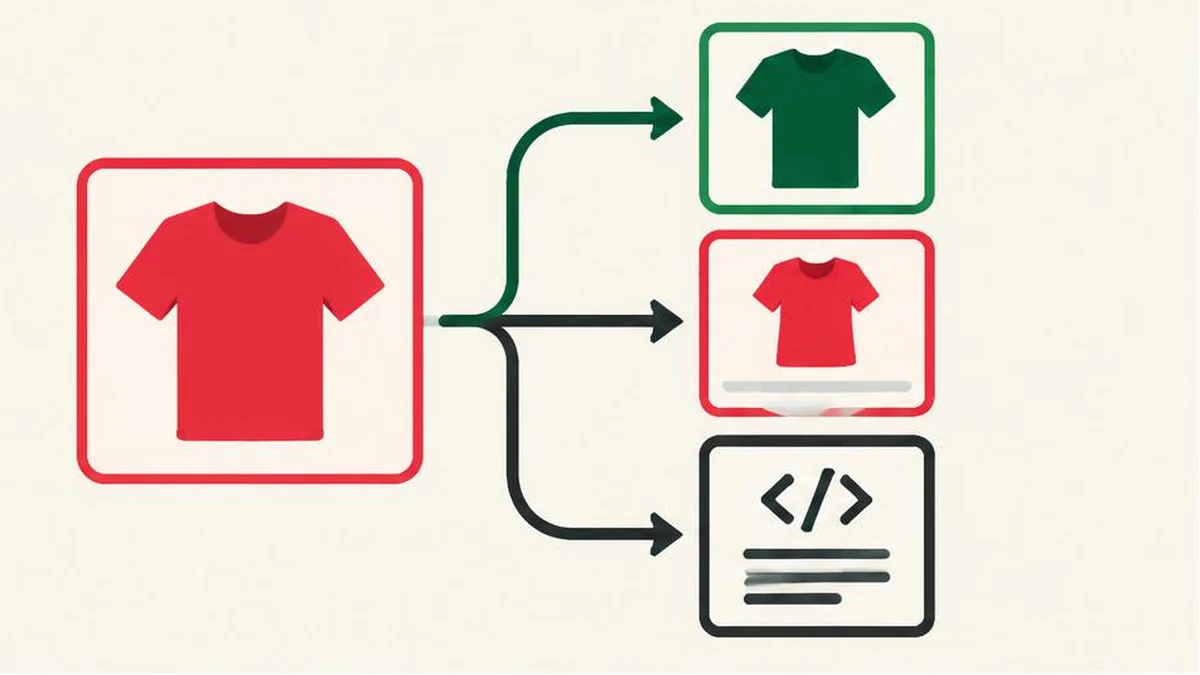
Group real product variants without inventing offers. Coordinate identifiers, visible selections and merchant data, then validate syntax and search eligibility separately.
Begin with the product relationship
Product variants are related versions of a product, such as a shirt offered in different sizes and colours. Google’s product-variant documentation explains how ProductGroup structured data can describe that relationship. The task is to represent the catalogue accurately, not to create more products in markup than a customer can actually buy.
ProductGroup uses properties including variesBy, hasVariant and productGroupID. These describe the dimensions that vary, the related variants and the group identifier. Google documents approaches for variants presented on one page and across multiple pages. Choose the approach that matches your real website rather than copying an example without understanding its page model.
Structured data can support eligibility for search features. It does not guarantee rich results, indexing, a particular appearance or better rankings.
Map the catalogue before writing markup
Build a small source-of-truth worksheet. Include the parent group, each actual variant, its identifier, the properties that differ and the URL that selects it. Record the price and availability shown to customers, including which team or system updates them.
| Catalogue question | Why it matters |
|---|---|
| Which variants belong together? | Avoid grouping unrelated products |
| Which properties vary? | Describe the relationship explicitly |
| What identifies each variant? | Keep records consistent across systems |
| Which URL selects the variant? | Connect markup with the customer experience |
| Where do offer values originate? | Reduce stale or invented prices |
Do not invent a manufacturer identifier because a template contains a blank field. A missing value requires a decision based on the documentation and the product’s real data, not a fabricated code. Likewise, a group-level description should not claim that every variant has a feature available on only one version.
Keep offers attached to the correct selection
A buyer opening a variant URL should be able to understand which size, colour or other option is selected. Test the page directly in a new session rather than relying on a selection stored in your own browser.
If a red medium shirt has a different price from a blue large shirt, do not publish the cheapest price as if it applies to both. If a variant is unavailable, do not leave its offer marked available merely because the parent product still has other versions in stock.
Google’s Merchant Center product-data specification is a separate reference for product submissions. Structured data and merchant feeds are not interchangeable systems, but both need truthful product information. A shared update source is an operational way to reduce contradictory prices and availability; it is not a promise that Google will accept or display every item.
Implement one page model deliberately
For a single-page model, review Google’s example showing variants grouped on the page. For a multi-page model, review its instructions for describing the group and relevant variants across pages. Preserve stable group identity and consistent relationships instead of generating an unrelated group on every request.
Use actual URLs, identifiers and visible product facts. Examples in documentation are patterns, not production values. Do not copy example brands, ratings or review counts into a live catalogue. If your page does not show a review or the product has no such review data, leave unsupported review claims out.
A developer should also check the required and recommended properties for the relevant Google feature. Merely naming ProductGroup is not a complete implementation, and a generic schema vocabulary check is not the same thing as meeting Google’s feature-specific requirements.
Validate at three different levels
First, use the JSON formatter to inspect the JSON syntax of a redacted working example. Valid JSON only means the data parses. It does not prove that properties are appropriate or that an offer is true.
Second, compare the generated data with the catalogue worksheet and rendered product page. Text compare can help examine two exported versions during a release review. Investigate changes to variant URLs, prices and availability rather than approving a large diff without checking it.
Third, use Google’s documented rich-result testing and Search Console inspection workflows for its interpretation. The meta tag analyzer is a separate page-metadata aid, not a substitute for structured-data testing or Google’s rendered-page inspection.
Recheck changes that affect purchasing
Test a representative product after adding a variant, changing a URL, running a sale or changing inventory integration. Include a variant with a different price and one with no stock where those situations exist. Check what customers see as carefully as what the machine-readable data says.
Keep a dated record of the tested URLs and issues found. If eligibility warnings remain, distinguish missing factual data from implementation errors. Fix the underlying catalogue or page problem instead of adding attractive but unsupported values. The goal is a faithful product description that stays aligned with the shop, not an appearance guarantee.
Frequently asked questions
Does ProductGroup guarantee rich results?
No. Google documents eligibility requirements, not a guarantee of display or ranking.
What does variesBy describe?
It describes the properties that distinguish variants in the group, such as colour or size, using the documented model.
Should I invent missing identifiers?
No. Use real product data and consult the applicable requirements rather than fabricating values.
Is valid JSON enough?
No. Syntax, feature requirements and factual agreement with the visible product are separate checks.
Can all variants use the lowest price?
Only publish a price where it truthfully applies. Different variant offers must not be misrepresented.
Useful on MayreDukaan
Sources
Facts last checked against these sources on 17 Nov 2026, 06:44 Pakistan time.
Images: Original AI-generated illustration by MayreDukaan; conceptual, not a product screenshot.
More trending articles
 Shopping and DealsUK Fake Online Shops: Check the Seller Before Paying17 Nov 2026 · 5 min read
 AI and SoftwareVerify an AI Summary Against the Original Document17 Nov 2026 · 5 min read
 Artificial IntelligenceGemini Activity Privacy: History, Training and Deletion17 Nov 2026 · 5 min read
 AI and SoftwarePrepare a Spreadsheet for Safer Gemini Analysis17 Nov 2026 · 4 min read