
Temporarily Close Your Online Shop Without Going Offline
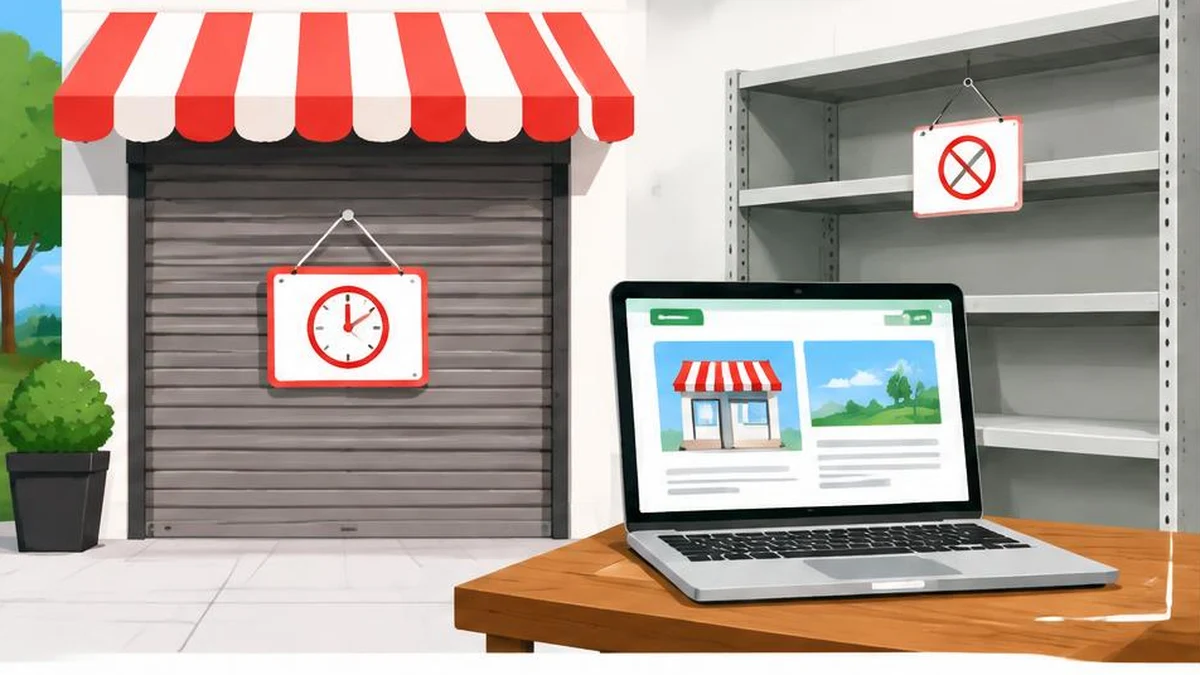
A temporary shop closure needs coordinated customer messages, ordering controls and accurate product data. Keep useful pages online and avoid treating a sales pause as a site deletion.
Pause selling, not useful information
A warehouse interruption, staffing shortage or planned break does not necessarily require taking your store offline. Customers may still need product specifications, order support, return information or a clear explanation of when buying will resume. Removing every page makes those tasks harder and can damage search visibility.
Google’s guidance on pausing an online business generally recommends keeping the website online while limiting functionality. Treat a pause as a coordinated operational change: decide what can still be fulfilled, prevent orders you cannot handle and preserve useful information. This is a risk-reduction workflow, not a guarantee that search performance will remain unchanged.
Define the scope before changing templates
Write down whether the interruption affects all checkout, selected products, one warehouse or only certain delivery destinations. Identify who owns existing orders and support requests. Do not let a generic closure banner imply that paid orders are cancelled if that is not the actual policy.
Create a short change register covering the storefront, checkout, product availability, structured data and any Merchant Center product feed. Assign someone to each surface. This avoids a common mismatch: the homepage says ordering is paused while a direct product link still lets a customer buy.
For a complete temporary sales pause, disabling cart functionality is the straightforward approach described in Google’s guidance. For a narrower interruption, test the affected purchase paths individually. Keep unaffected offers accurately represented rather than changing every product merely for convenience.
Give customers a specific status message
Put a clear notice where visitors will encounter it, including relevant landing pages. Explain what is paused, what still works and how to contact support. Mention known shipping delays or alternative pickup arrangements where applicable. If the reopening date is uncertain, provide a date for the next update instead of inventing a firm promise.
A useful message distinguishes new orders from existing orders. It also explains whether browsing, support and returns remain available. Avoid an intrusive overlay that makes all product information unusable; Google’s pause guidance links to its banner and popup recommendations.
Use the date difference calculator to check the interval between planned review dates. It does not calculate carrier delivery commitments, business-day service obligations or legal deadlines. Assign an actual owner to review the notice so an estimated date does not silently become stale.
Align availability across every surface
Update visible product information and relevant structured data to reflect the real situation. If you use Merchant Center, review the submitted product data too. The Merchant product data specification is the reference for supported attributes and requirements; select values that describe the actual offer rather than assuming a closed cart always means the same thing as absent stock.
For each affected example, compare the product page, available ordering path, structured data and feed entry. Investigate disagreements before leaving the pause unattended. Do not show a customer an immediately purchasable offer in one place while another surface says it is unavailable.
The meta tag analyzer can help review page metadata during the change. It does not establish that checkout is disabled, that structured data is correct or that a feed has processed successfully. Those need their own checks.
Avoid destructive closure shortcuts
Do not apply sitewide noindex, delete product URLs or block all crawling merely to announce a temporary break. Google warns against disabling the whole website and notes the potential search consequences. Keeping normal informational pages accessible is different from returning a successful response containing only a generic closure screen everywhere.
If a genuine emergency requires a very brief whole-site outage, Google describes using an informational response with a 503 status, with additional operational precautions. That is not the default solution for a sales pause lasting weeks. In particular, do not return 503 for robots.txt. Have the technical owner follow the complete official outage guidance rather than copying a status code without a recovery plan.
Reopen through a tested checklist
Before restoring sales, confirm stock, fulfilment capacity, shipping promises and support coverage. Re-enable the appropriate purchase paths and test representative products through checkout. Update availability data, structured data and feed submissions to match the reopened operation.
Use text compare to review the old closure copy against the new customer messages and catch forgotten references to the break. Check deep product pages as well as the homepage. Finally, inspect important URLs and monitor feed processing and customer reports. Search updates may take time; the operational acceptance test is that customers can obtain accurate information and place only orders the store can actually fulfil.
Frequently asked questions
Should I take the whole shop offline for a short break?
Google generally recommends keeping pages online and limiting functionality instead of disabling the entire website.
Can I disable checkout and keep product pages?
Yes. Disabling cart functionality is a recommended way to pause selling while retaining useful information.
Should all products be marked out of stock?
Not automatically. Use availability values that accurately describe each offer and align them with the landing page and purchase path.
What should the closure notice include?
Explain the affected services, known delays, support contact and reopening date or next update date.
Should I add noindex during a temporary closure?
Not as a routine pause measure. It can remove pages you want customers to keep finding.
What needs checking before reopening?
Test checkout, stock, delivery promises, customer messages, structured data and feed availability for representative offers.
Useful on MayreDukaan
Sources
Facts last checked against these sources on 17 Nov 2026, 06:44 Pakistan time.
Images: Original AI-generated illustration by MayreDukaan; conceptual, not a product screenshot.
More trending articles
 Shopping and DealsUK Fake Online Shops: Check the Seller Before Paying17 Nov 2026 · 5 min read
 AI and SoftwareVerify an AI Summary Against the Original Document17 Nov 2026 · 5 min read
 Artificial IntelligenceGemini Activity Privacy: History, Training and Deletion17 Nov 2026 · 5 min read
 AI and SoftwarePrepare a Spreadsheet for Safer Gemini Analysis17 Nov 2026 · 4 min read