
URL Encoding: Fix Spaces, Ampersands and Double Escapes
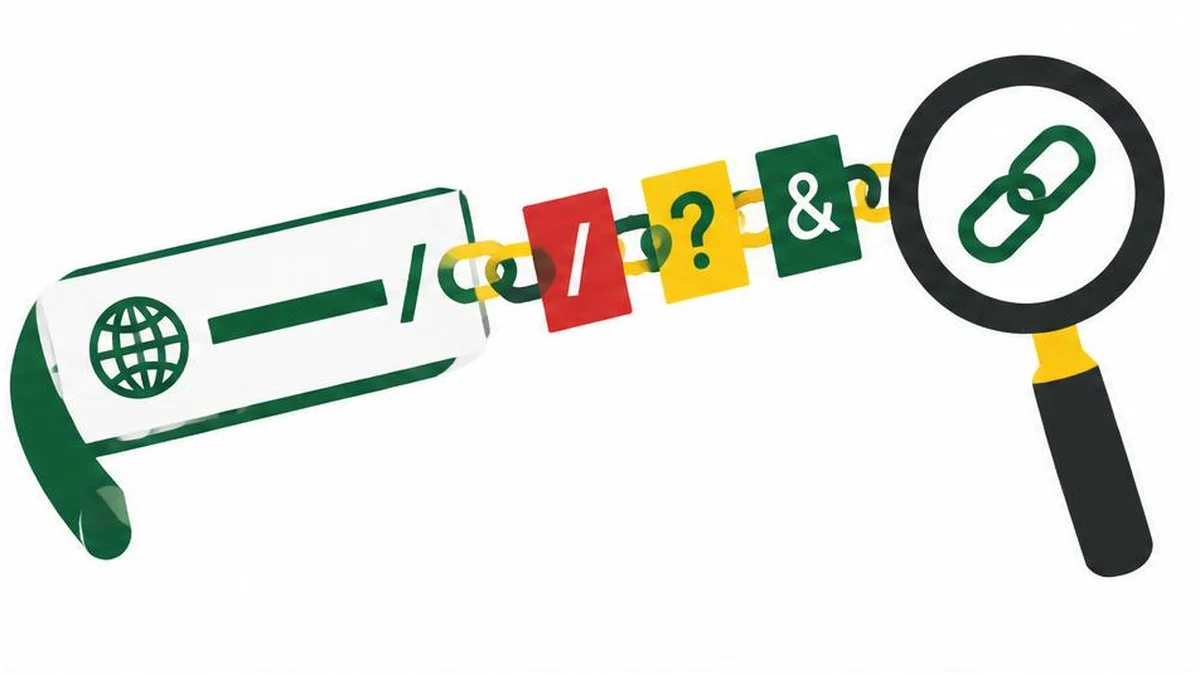
Learn when to encode a URL component rather than an entire address, how percent escapes differ from form-style plus signs, and how to diagnose double encoding without damaging legitimate data.
Separate the address from the value
Most URL-encoding mistakes begin by treating a complete address and one piece of data as the same thing. A URL has structural separators. A query value can contain characters that look like those separators but are intended as ordinary content. Encode the value at the boundary where it enters the URL, not repeatedly at every processing step.
For example, the search phrase tea & coffee contains an ampersand as data. In a query string, an unescaped ampersand can separate parameters. An encoded value such as tea%20%26%20coffee keeps the phrase together. Encoding is about preserving that distinction; it is not encryption, validation or a way to make an unsafe destination trustworthy.
Component encoding versus whole-URI encoding
MDN describes encodeURIComponent as escaping characters using their UTF-8 representation. Unlike encodeURI, it also escapes characters used as URI syntax, including ampersands and equals signs. Neither function should be described as escaping every punctuation character.
| Task | Appropriate approach | Common mistake |
|---|---|---|
| Add one query value | Use a URL/query builder or component encoding | Leave a data ampersand unescaped |
| Work with an already structured URL | Parse its parts before changing them | Encode the entire string as one value |
| Nest a URL inside a query value | Encode that nested value once at that layer | Confuse the inner and outer separators |
| Diagnose a malformed link | Inspect raw and parsed representations | Decode repeatedly until it looks readable |
The URL encoder and decoder has component and full-URI encoding modes. The inspected implementation uses encodeURIComponent and encodeURI respectively. Choose component mode for a single value, not for a complete final address that must retain its separators.
Spaces and plus signs depend on context
Percent encoding commonly represents a space as %20. Form-style query serialization can represent a space as a plus sign. A literal plus must then be distinguished from that space convention, typically through %2B in the encoded value.
Do not replace every plus sign throughout every kind of URL. In particular, a plus in a path is not automatically a form-encoded space. The correct interpretation depends on the component and the serialization convention used by the producer and consumer.
The linked tool's decode action first replaces plus signs with spaces and then calls decodeURIComponent. That is a concrete implementation detail worth knowing: it is convenient for form-like values but is not a lossless general-purpose decoder for arbitrary URL text containing literal plus signs. Preserve the original before experimenting.
Recognize double encoding without guessing
The percent character is encoded as %25. If a value already containing %26 is encoded again, the percent can become %25, producing %2526. That often signals a value passing through the same encoding step twice.
However, %2526 is not automatically a bug. It can be correct when one application deliberately transports the literal text %26, or when an encoded URL is nested inside another encoded value. Trace the layers rather than deleting %25 wherever it appears.
Use text comparison to compare the value before serialization, the resulting URL and the value the server receives. Label each stage. Redact tokens and personal query data before making a debugging sample. Browser address bars and developer tools may display decoded representations, so distinguish display formatting from the actual request.
A repeatable debugging sequence
- Identify which substring is the path, query name, query value or nested address.
- Recover the original unencoded application value if possible.
- Record which component performs encoding and which performs decoding.
- Test an ampersand, a literal plus, a space, a percent sign and a non-ASCII character.
- Confirm that the receiver reconstructs the intended value after the expected number of decoding steps.
Malformed percent sequences can make decodeURIComponent throw an error. Do not silently discard those characters; an error can reveal damaged input or a disagreement about serialization.
Keep slugs and encoding separate
A URL slug generator is relevant when choosing a human-readable page name, not when preserving an arbitrary query value. Replacing punctuation in a search phrase with hyphens changes the data. Google recommends understandable URL structures, but readable paths do not eliminate the need to serialize user-provided values correctly. Establish a clear data contract first, then choose readable naming conventions for the parts you control.
References
Frequently asked questions
Should I encode an entire URL with encodeURIComponent?
Only when that entire URL is itself a value inside another structure. Otherwise parse and encode the intended components.
Why does an ampersand break a query value?
An unescaped ampersand can be interpreted as a query-parameter separator rather than part of the value.
Is plus always a space?
No. That interpretation belongs to form-style decoding, not every URL component.
What does %2526 mean?
One decoding step produces %26. Whether another step is appropriate depends on the application layers.
Does encoding make a link safe?
No. It preserves representation; it does not validate the destination or prevent every injection problem.
What is special about this decoder?
Its implementation converts plus signs to spaces before applying decodeURIComponent, so retain originals containing literal plus signs.
Useful on MayreDukaan
Sources
Facts last checked against these sources on 17 Nov 2026, 06:40 Pakistan time.
Images: Original AI-generated illustration by MayreDukaan; conceptual, not a product screenshot.
More trending articles
 Shopping and DealsUK Fake Online Shops: Check the Seller Before Paying17 Nov 2026 · 5 min read
 AI and SoftwareVerify an AI Summary Against the Original Document17 Nov 2026 · 5 min read
 Artificial IntelligenceGemini Activity Privacy: History, Training and Deletion17 Nov 2026 · 5 min read
 AI and SoftwarePrepare a Spreadsheet for Safer Gemini Analysis17 Nov 2026 · 4 min read