
Cloud vs desktop software
By MayreDukaan Research · Researched 2026-11-17
Cloud software and desktop software describe useful patterns, but the labels are not opposites in every respect. NIST defines software as a service as using a provider's applications running on cloud infrastructure, accessed through a browser or program interface. A desktop application is installed on a computer, yet it can still connect to online services or work with cloud-synchronized files.
This comparison separates execution, access, infrastructure responsibility, offline work, file location, and payment. Keeping those questions apart avoids common mistakes, such as assuming that every subscription is browser-only or that every cloud-connected app stops working offline. Microsoft offers subscription plans with installed desktop applications, while Google documents offline workflows for some cloud documents. Actual capabilities depend on the specific application, plan, configuration, and type of task, not just the cloud or desktop label.
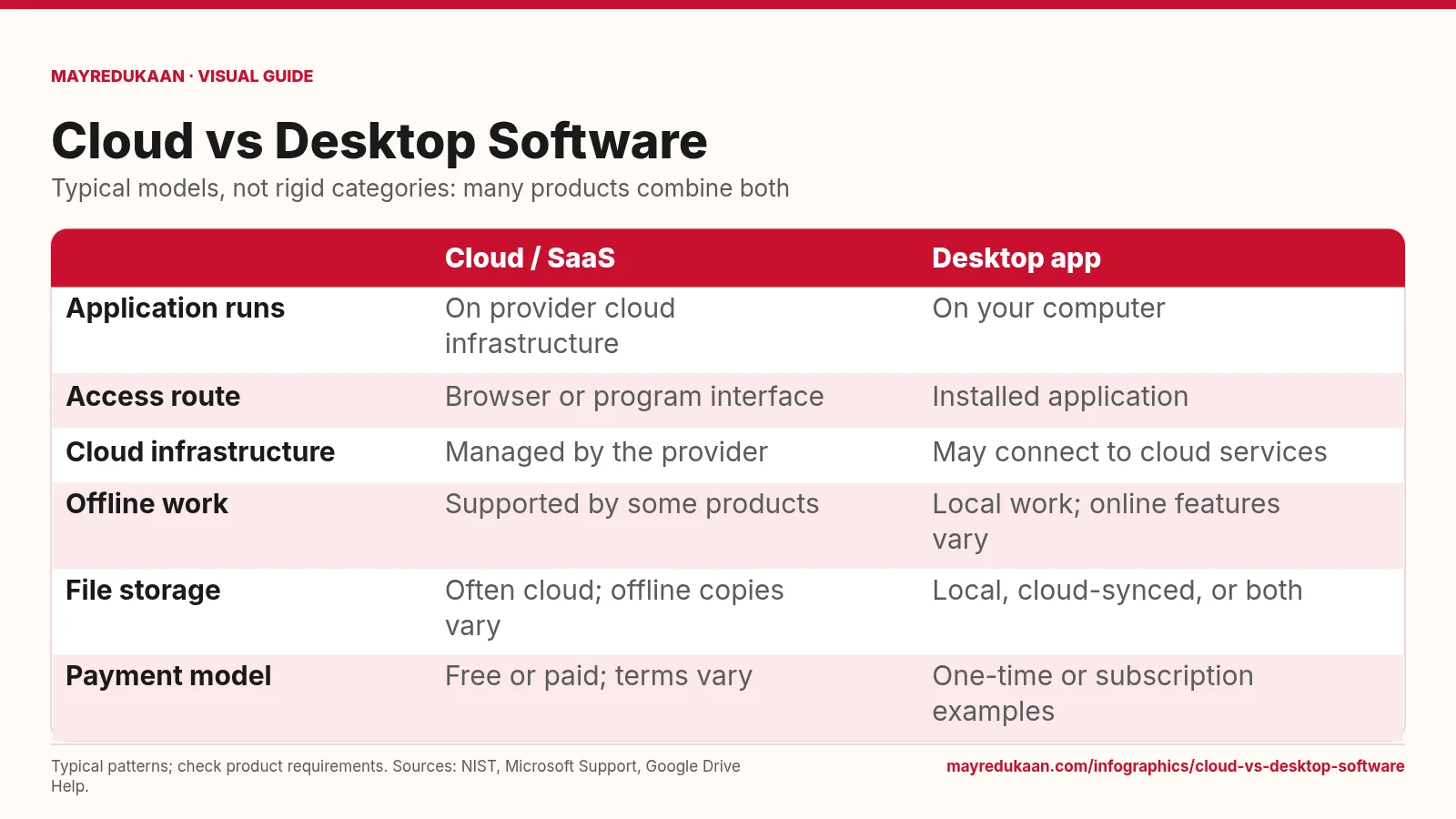
What the diagram shows
| Cloud / SaaS | Desktop app | |
|---|---|---|
| Application runs | On provider cloud infrastructure | On your computer |
| Access route | Browser or program interface | Installed application |
| Cloud infrastructure | Managed by the provider | May connect to cloud services |
| Offline work | Supported by some products | Local work; online features vary |
| File storage | Often cloud; offline copies vary | Local, cloud-synced, or both |
| Payment model | Free or paid; terms vary | One-time or subscription examples |
Typical patterns; check product requirements. Sources: NIST, Microsoft Support, Google Drive Help.
Compare execution, access, and responsibility
The first three rows distinguish where an application runs, how you reach it, and who manages the cloud infrastructure. Under NIST's SaaS definition, the provider's application runs on cloud infrastructure and is accessed through a thin client such as a browser or through a program interface. The customer does not manage the underlying network, servers, operating systems, or storage infrastructure. A desktop application instead runs as installed software on the user's computer, but it can still call online services. The columns therefore describe typical application models rather than claiming that desktop products never rely on remote infrastructure or that cloud products contain no local interface code.
Check offline tasks and file locations separately
The fourth and fifth rows address offline work and file storage. They should be read separately from where the application runs. Google documents offline access for supported Docs, Sheets, and Slides workflows when the necessary setup is completed. Google Drive for desktop also illustrates how files can be streamed from the cloud or mirrored locally. Conversely, an installed application can use local files, synchronized cloud files, or online-only features. Before relying on an application away from a connection, check the exact task and whether the required content has been made available locally. Neither column guarantees unrestricted offline operation for every feature.
Do not confuse licensing with deployment
The last row separates payment from technical architecture. Microsoft's documentation includes a free browser-based offering, a one-time-purchase Office offering, and Microsoft 365 subscription plans that include installed desktop apps. These examples show why cloud cannot simply mean subscription and desktop cannot simply mean buy once. A hybrid workflow can combine local execution, cloud storage, and online collaboration under one product family. When choosing software, compare the actual edition's features and requirements rather than inferring them from its billing model. The table intentionally avoids universal prices or claims that one category is always cheaper, faster, more private, or more secure than the other.
Key facts
- NIST defines SaaS around provider applications running on cloud infrastructure.
- SaaS applications can be accessed through a browser or program interface.
- SaaS customers do not manage the underlying cloud infrastructure under NIST's definition.
- Some Microsoft 365 subscription plans include installed desktop applications.
- Google documents offline access for supported cloud-document workflows.
- Cloud-synchronized files can have local copies depending on storage settings.
Frequently asked questions
Does a subscription mean the software runs only in a browser?
No; Microsoft 365 provides examples of subscription plans that include installed desktop applications.
Can cloud documents work offline?
Some can; Google documents offline workflows for Docs, Sheets, and Slides with supported browsers and prior setup.
Does using a desktop app mean all files stay only on my computer?
No; desktop workflows can use cloud-synchronized storage, including streamed or mirrored files.
Who manages the infrastructure in SaaS?
Under NIST's definition, the provider manages the underlying cloud infrastructure rather than the consumer.
Sources
- NIST CSRC: Software as a Service — accessed 2026-11-17
- Microsoft Support: What's the difference between Microsoft 365 and Office 2024? — accessed 2026-11-17
- Google Drive Help: Use Google Drive files offline — accessed 2026-11-17
- Google Drive Help: Stream and mirror files with Drive for desktop — accessed 2026-11-17
More visual guides
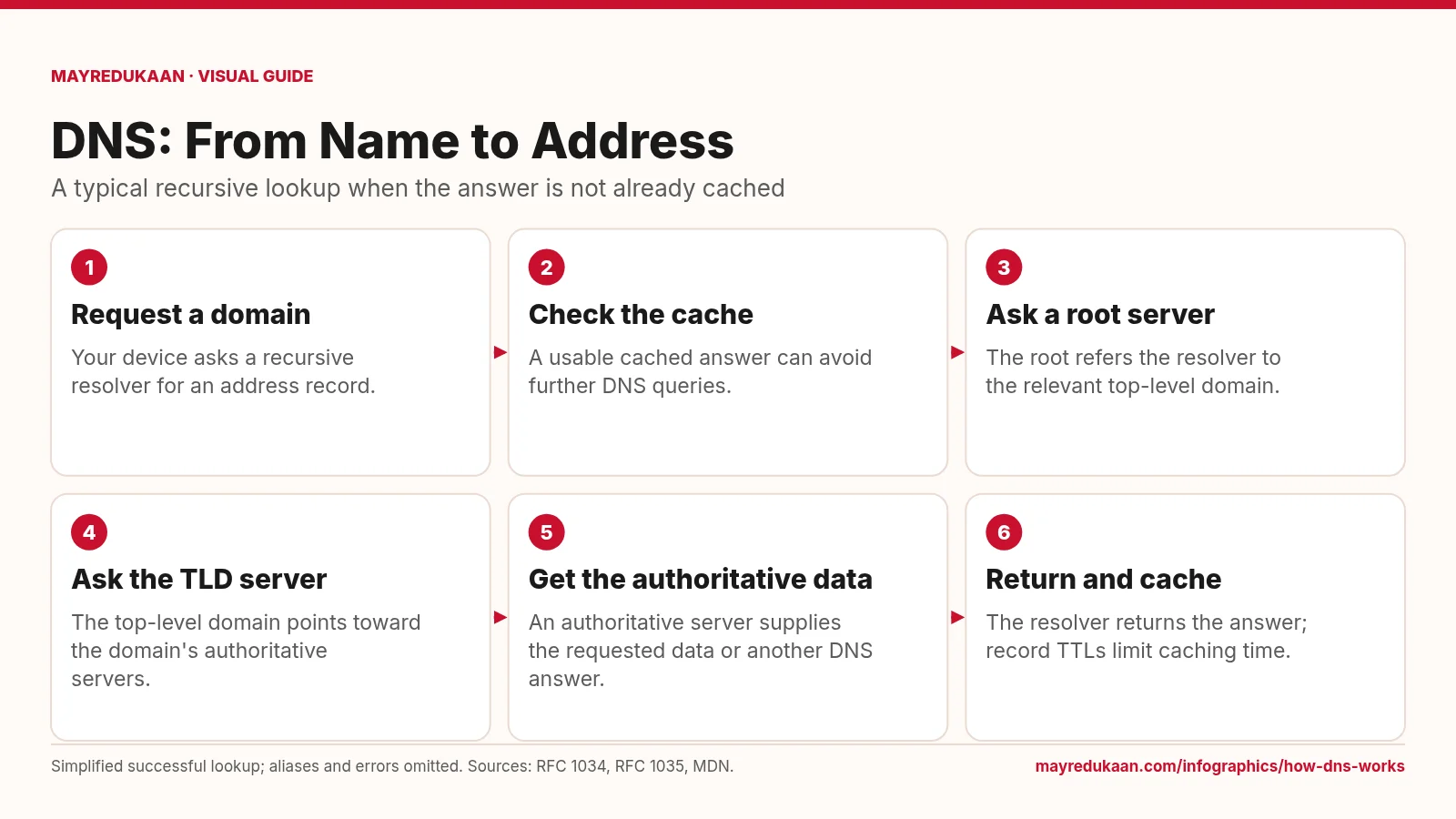
How DNS works
DNS resolves names through a distributed hierarchy, while caching can shorten the lookup.
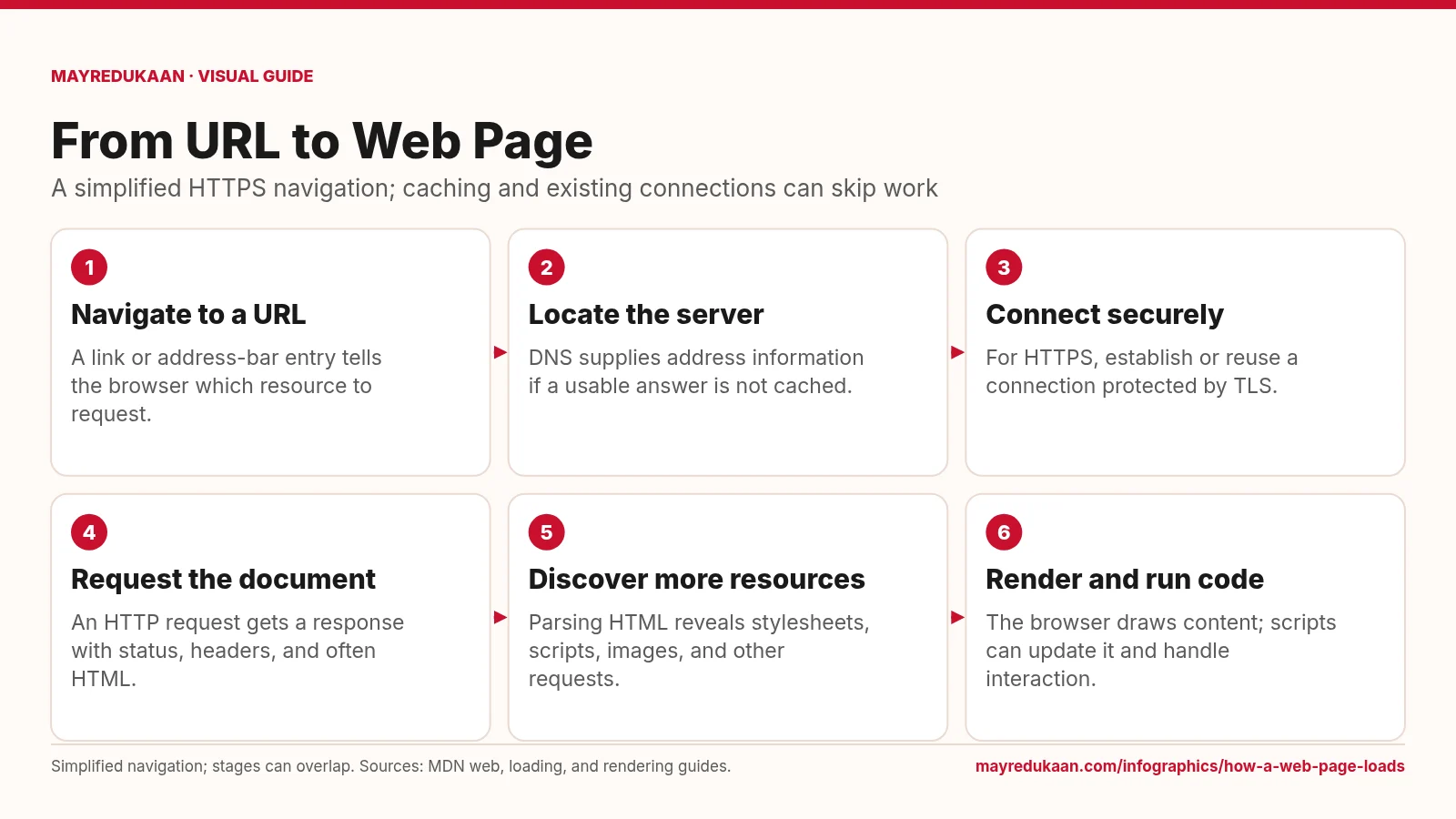
How a web page loads
Loading a page combines network requests with browser work, and those activities can overlap.
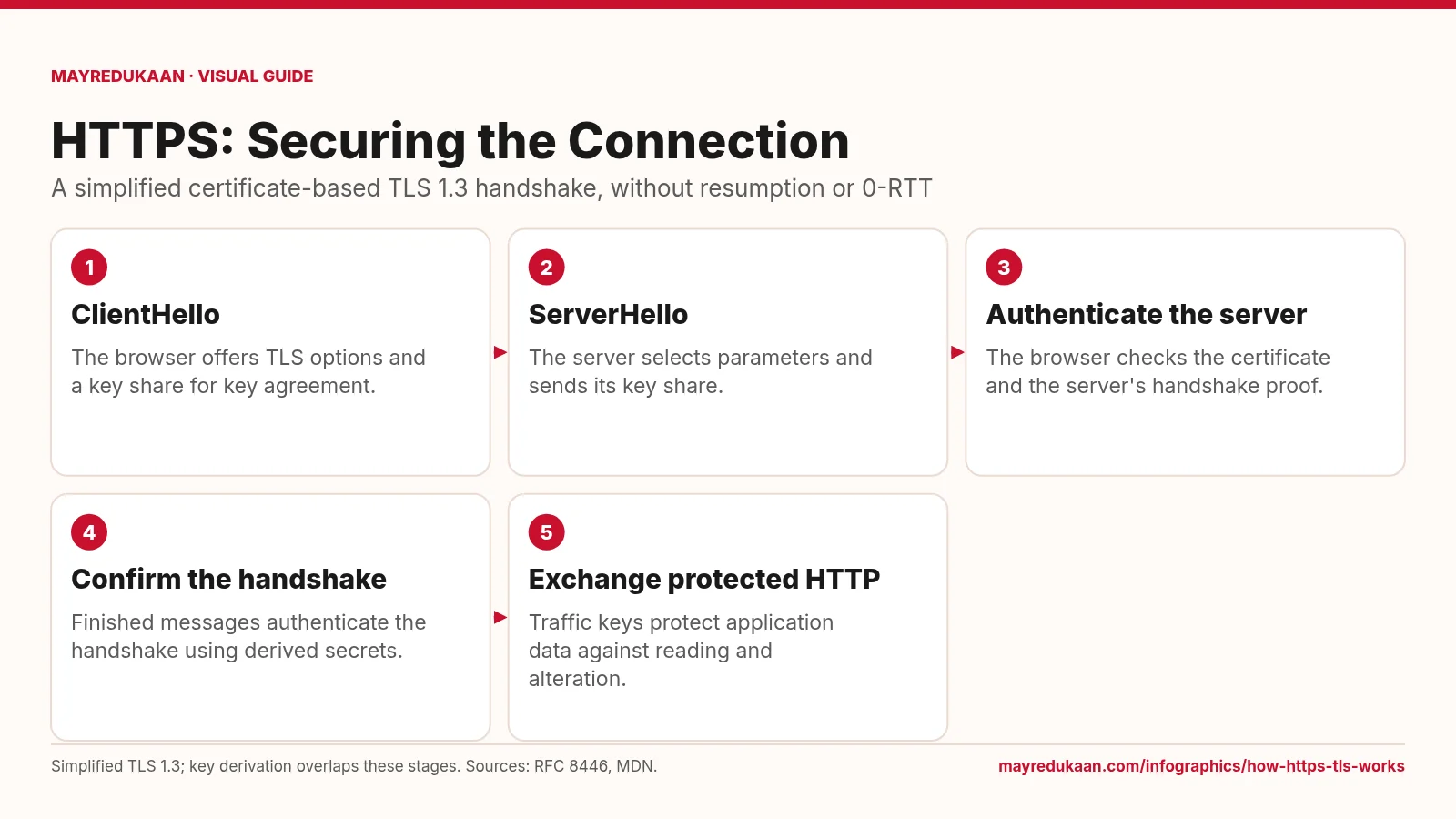
How HTTPS and TLS work
HTTPS uses TLS to authenticate the connection and protect HTTP data in transit.