
How DNS works
By MayreDukaan Research · Researched 2026-11-17
The Domain Name System, or DNS, lets applications ask questions about names instead of requiring people to remember numerical network addresses. A common question asks for the address associated with a website's hostname. DNS is a distributed database, not one central directory, and its servers divide responsibility across a hierarchy of domains. The answer helps a browser locate a server, but DNS does not itself download the web page.
This diagram follows a typical successful lookup through a recursive resolver when the needed information is missing from its cache. Root servers and top-level domain servers provide referrals that help the resolver find authoritative information. Real lookups can be shorter because of caching, or involve additional work such as following an alias. Record lifetimes determine how long cached information may be reused.
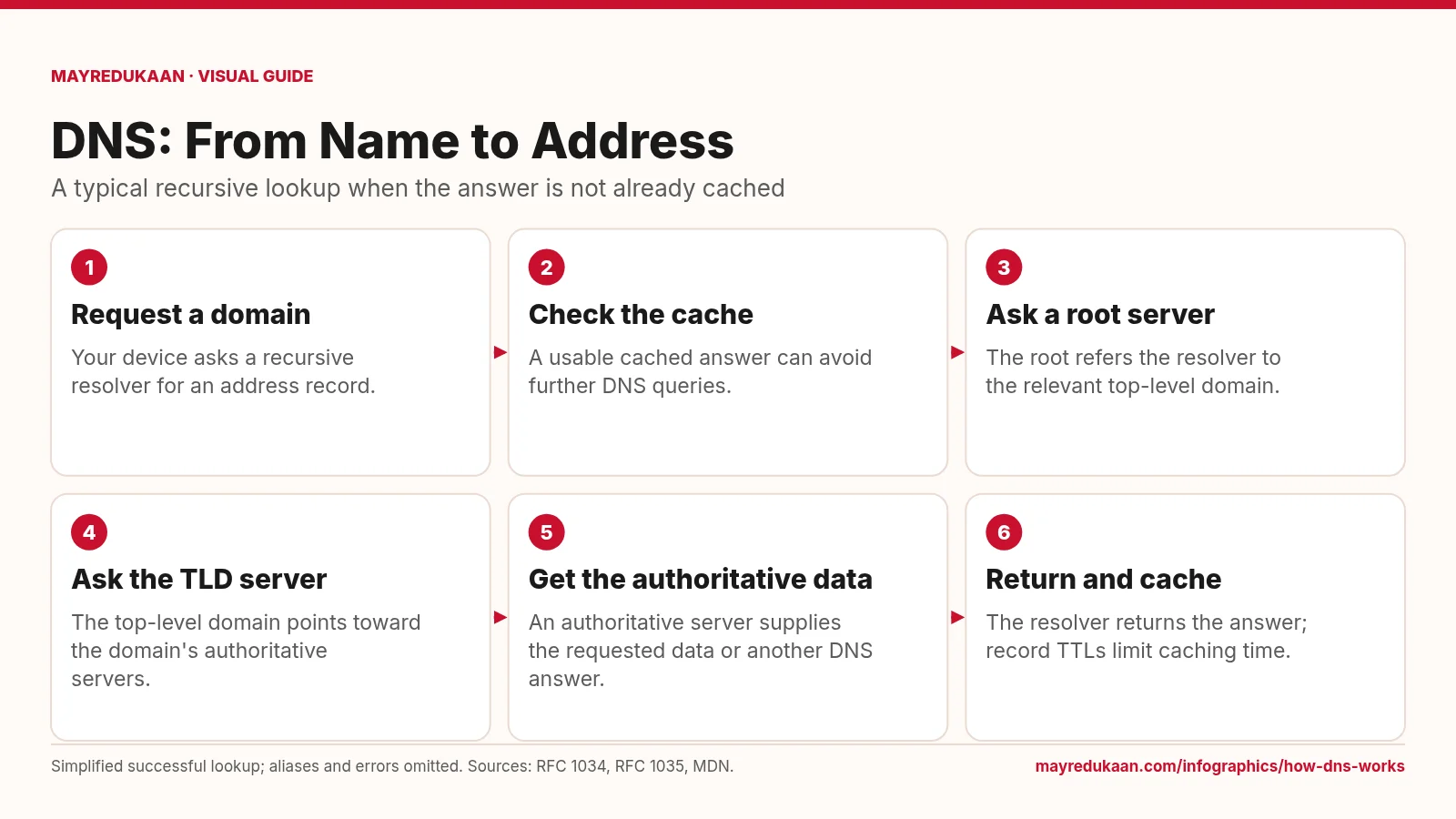
What the diagram shows
- Request a domain: Your device asks a recursive resolver for an address record.
- Check the cache: A usable cached answer can avoid further DNS queries.
- Ask a root server: The root refers the resolver to the relevant top-level domain.
- Ask the TLD server: The top-level domain points toward the domain's authoritative servers.
- Get the authoritative data: An authoritative server supplies the requested data or another DNS answer.
- Return and cache: The resolver returns the answer; record TTLs limit caching time.
Simplified successful lookup; aliases and errors omitted. Sources: RFC 1034, RFC 1035, MDN.
Start with a question and a cache check
The first diagram step represents your device asking a resolver for DNS information about a hostname. Applications commonly rely on operating-system resolver facilities rather than implementing the entire lookup themselves. The second step checks whether the resolver already holds a usable answer. A cache stores information learned earlier so that the same question does not always require a new trip through the DNS hierarchy. In RFC 1034, each resource record has a time to live, or TTL, that limits its cache lifetime. A cached answer can therefore shorten the sequence without changing the meaning of the requested record.
Follow referrals through the hierarchy
If the resolver needs more information, the third step shows it asking a root server. The root does not contain every website's address; it can refer the resolver toward servers for the relevant top-level domain. The fourth step follows that referral, and the top-level domain can direct the resolver toward the domain's authoritative servers. These are conceptual stages rather than a guarantee that every lookup contacts every level. A resolver may already have cached a referral and start closer to the answer. The arrows show how responsibility is delegated, not how web-page content travels.
Return records, not the website itself
The fifth step reaches authoritative DNS information, and the final step brings the result back to the requester. For a simple address lookup, the answer supplies address data that the browser can use for a connection. DNS can also return aliases, other record types, or negative answers, so not every response is a direct address. The resolver can cache eligible records subject to their TTLs. Connecting to the destination and requesting a page happen separately afterward. This distinction explains why a DNS lookup may succeed even when the destination web server cannot deliver a working page.
Key facts
- DNS is a distributed database organized around a hierarchical namespace.
- A recursive resolver can reuse cached DNS information while its lifetime permits.
- Root servers can refer a resolver toward top-level domain servers.
- Authoritative servers provide information for the zones they serve.
- A DNS lookup does not transfer the website's HTML content.
Frequently asked questions
Does every lookup contact a root server?
No; cached answers or referrals can let a resolver skip parts of the hierarchy.
What does TTL mean?
Time to live limits how long a DNS resource record may remain cached before it must be discarded or refreshed.
Does DNS store only website addresses?
No; DNS resource records can describe aliases, mail-routing information, name servers, and other data.
Sources
- RFC 1034: Domain names — concepts and facilities — accessed 2026-11-17
- RFC 1035: Domain names — implementation and specification — accessed 2026-11-17
- MDN: How the web works — accessed 2026-11-17
More visual guides
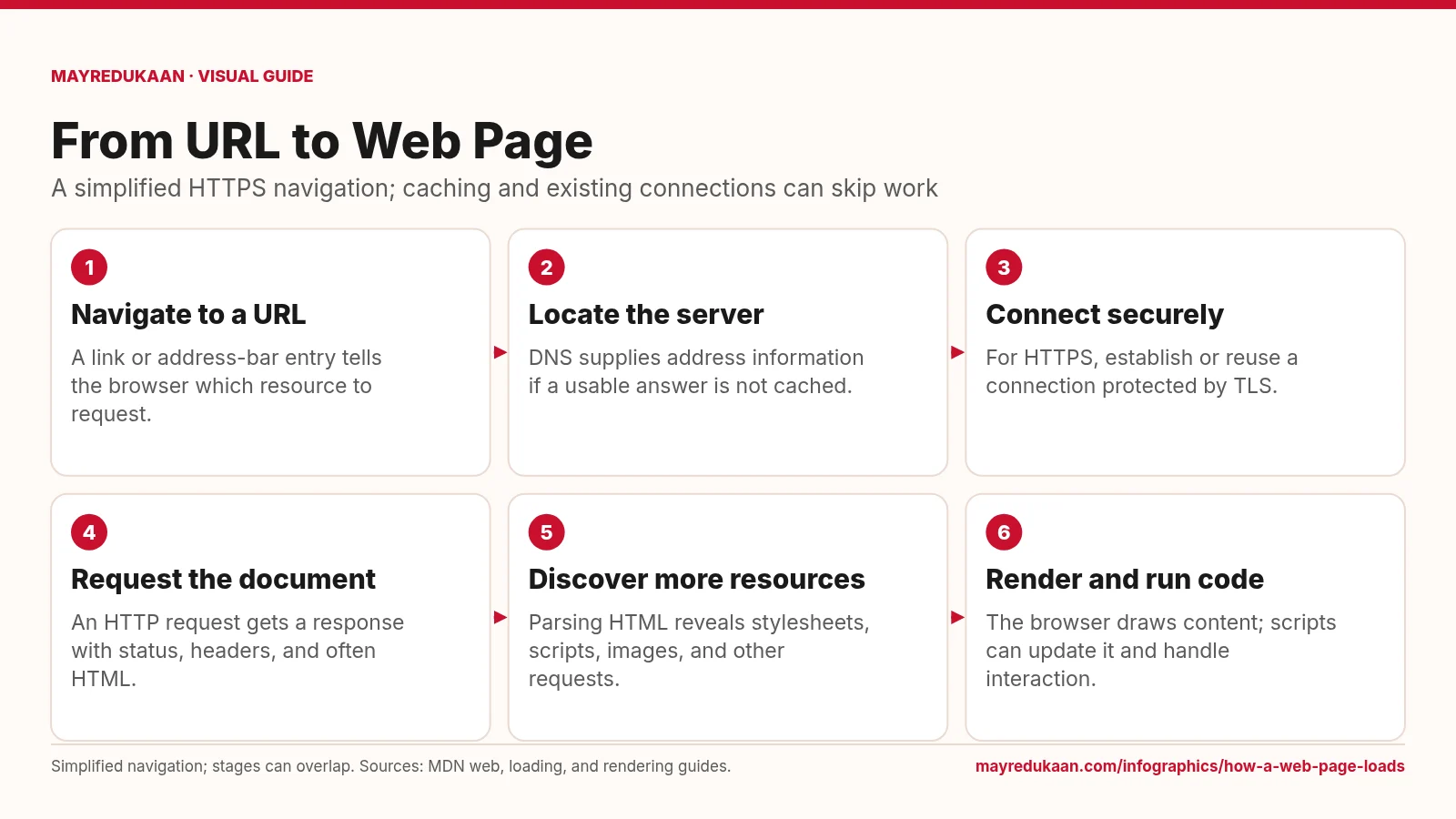
How a web page loads
Loading a page combines network requests with browser work, and those activities can overlap.
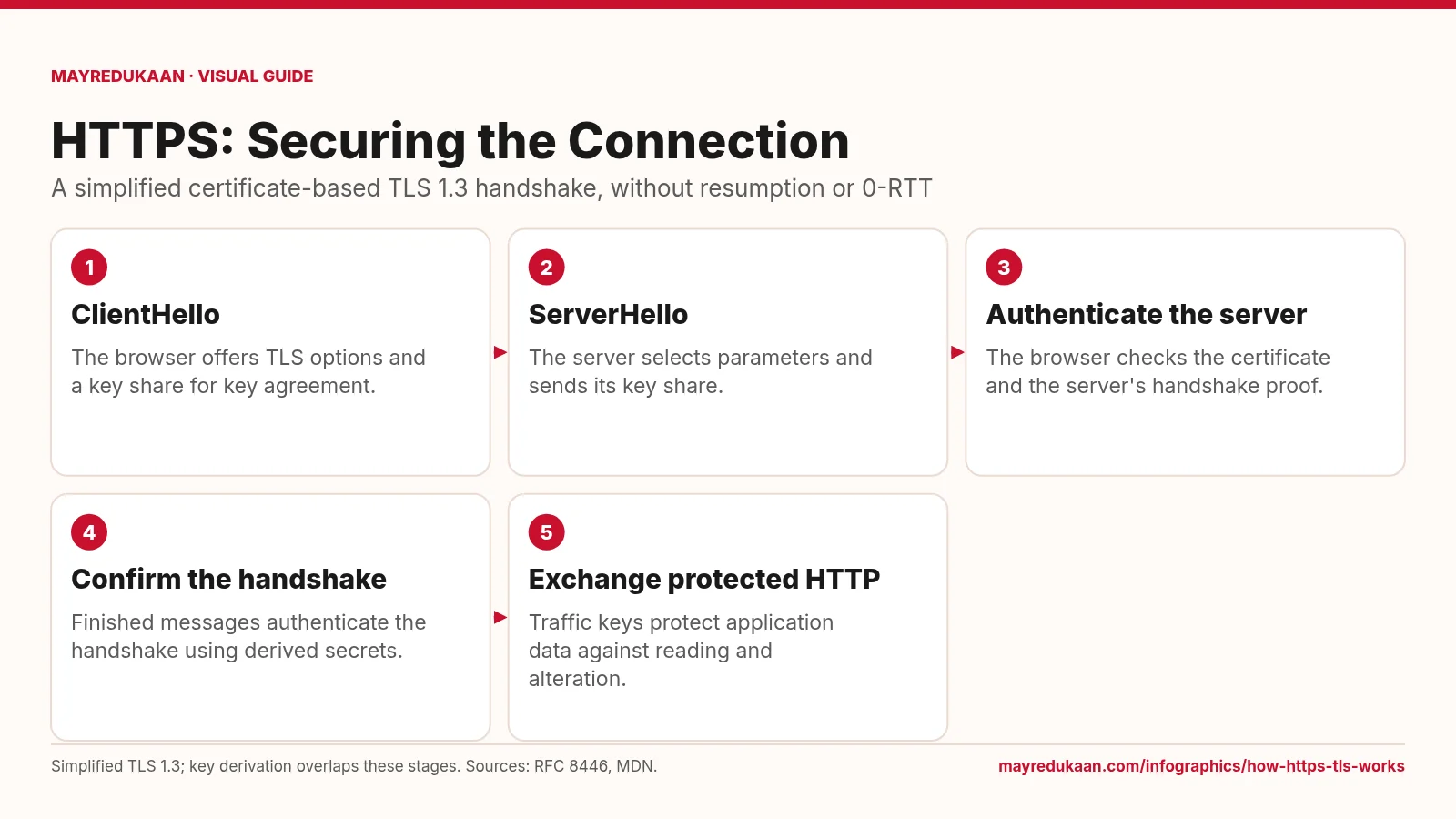
How HTTPS and TLS work
HTTPS uses TLS to authenticate the connection and protect HTTP data in transit.
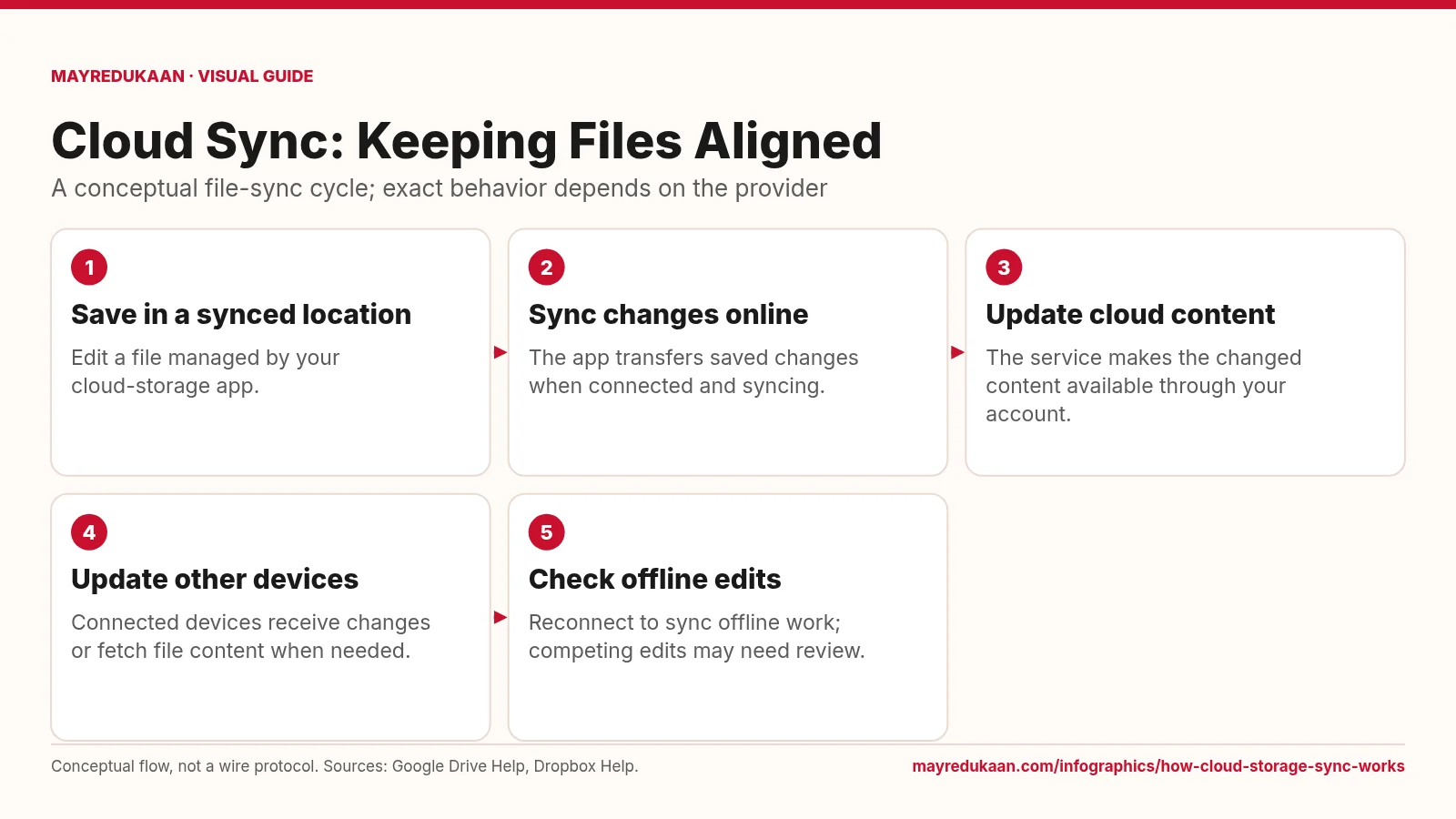
How cloud storage sync works
Synchronization carries file changes across locations, but offline availability and conflict handling vary.