
How cloud storage sync works
By MayreDukaan Research · Researched 2026-11-17
Cloud storage synchronization connects files on your devices with content held by an online service. In a synced location, saved changes can become available elsewhere through the same service when the app has a connection and synchronization is running. The diagram describes that user-visible cycle rather than claiming that all providers use the same internal transfer protocol or the same way of resolving competing changes.
Having a file listed on a computer does not always mean its full content is stored there for offline use. Google Drive for desktop, for example, distinguishes streaming from mirroring. Streaming retrieves content as needed, while mirroring keeps a local copy as well as a cloud copy. Offline work adds another consideration: edits made independently can compete when devices reconnect, and some services preserve a separate conflicted copy for review.
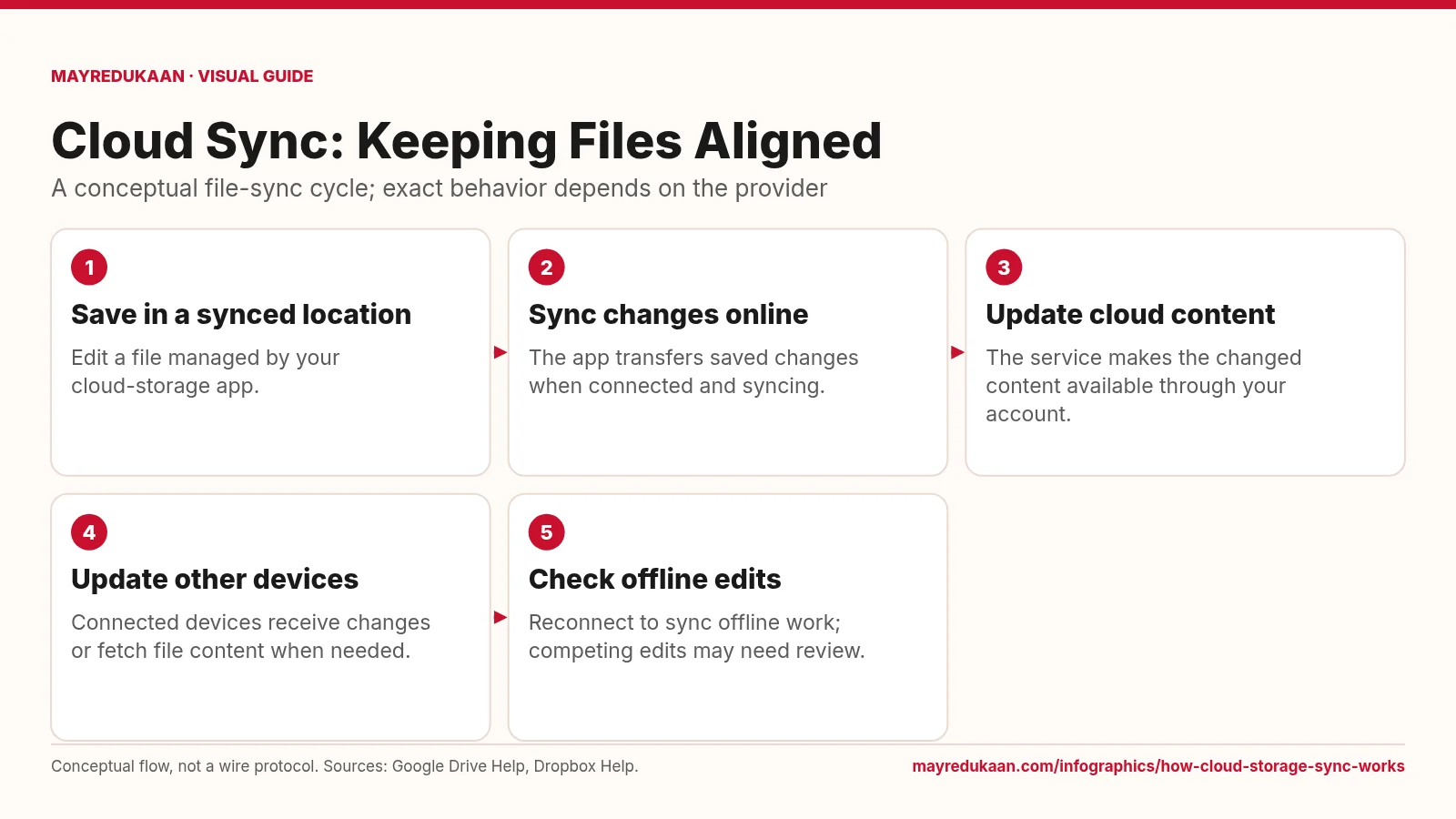
What the diagram shows
- Save in a synced location: Edit a file managed by your cloud-storage app.
- Sync changes online: The app transfers saved changes when connected and syncing.
- Update cloud content: The service makes the changed content available through your account.
- Update other devices: Connected devices receive changes or fetch file content when needed.
- Check offline edits: Reconnect to sync offline work; competing edits may need review.
Conceptual flow, not a wire protocol. Sources: Google Drive Help, Dropbox Help.
Save within the scope of synchronization
The first box begins with a file in a location managed by the synchronization app. Saving an unrelated file somewhere else on the computer is not the same as placing it in the configured sync scope. The second box represents sending saved changes when connectivity and the app's state allow it. Google Drive describes changes to streamed or mirrored files as reflecting across devices, but this does not imply that every save instantly reaches every computer. The flow is conceptual and deliberately avoids claims about chunk sizes, transfer algorithms, or network timing, because these implementation details are not universal across cloud storage services.
Distinguish cloud availability from local storage
The third box shows changed content becoming available in the cloud account, and the fourth shows access from other devices. How much file data those devices hold locally depends on the selected storage mode. In Google Drive's streaming mode, files primarily live in the cloud, with local space used for accessed content and offline selections. Mirroring keeps My Drive files both locally and in the cloud. A visible file entry is therefore not sufficient evidence that its content will open without a connection. The diagram's receive-or-fetch wording covers these different user-visible ways of accessing synchronized files without treating them as identical.
Reconnect carefully and review competing edits
The last box highlights what happens around offline work. Google Drive supports offline access in documented configurations, and changes made offline can synchronize after reconnection. However, editing the same file independently is not always equivalent to real-time collaborative editing. Dropbox documents conflicted copies when different people change a file simultaneously or when offline and online edits compete. Its recommended resolution is to compare the versions and merge them manually. That example illustrates why the diagram ends with a review rather than a promise of automatic, lossless merging. Check the provider's actual conflict behavior before assuming every device's independent changes will combine cleanly.
Key facts
- Google Drive for desktop supports streaming and mirroring as file-access modes.
- Mirrored My Drive files are stored both on the computer and in the cloud.
- Streamed files can require an internet connection unless made available offline.
- Google Drive can synchronize supported offline edits after reconnection.
- Dropbox can create a conflicted copy when multiple people edit the same file at the same time.
Frequently asked questions
Is every file shown in my cloud folder available offline?
No; streamed files may need to be made available offline, while mirrored files have local copies under Google Drive's documented modes.
Will offline changes sync immediately?
No; they require reconnection and functioning synchronization before they can reach the cloud service.
Does sync always merge competing edits automatically?
No; Dropbox, for example, can preserve a conflicted copy that you must compare and merge manually.
Related free tools
Related comparisons
Sources
- Google Drive Help: Stream and mirror files with Drive for desktop — accessed 2026-11-17
- Google Drive Help: Use Google Drive files offline — accessed 2026-11-17
- Dropbox Help: What's a conflicted copy? — accessed 2026-11-17
More visual guides
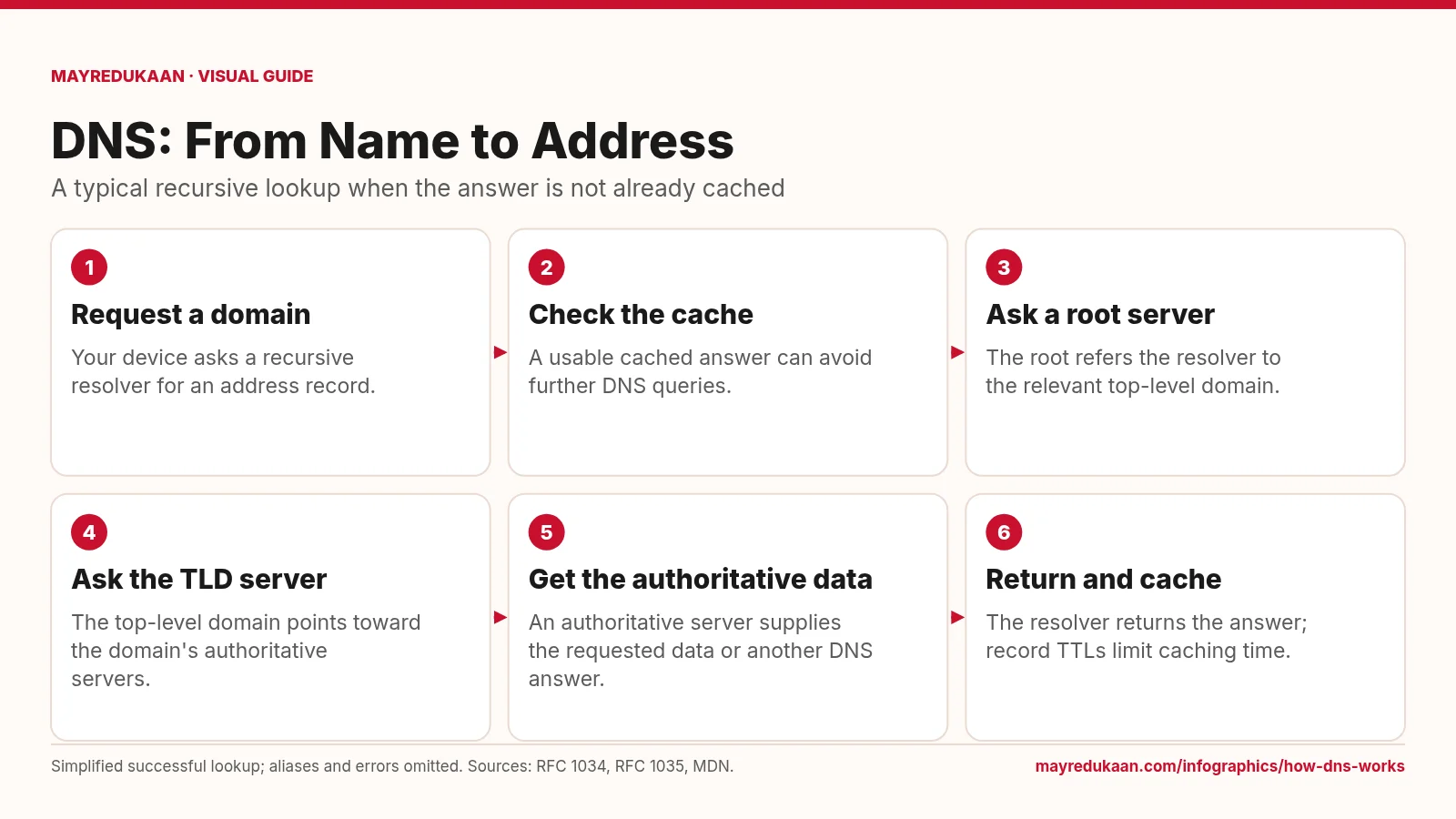
How DNS works
DNS resolves names through a distributed hierarchy, while caching can shorten the lookup.
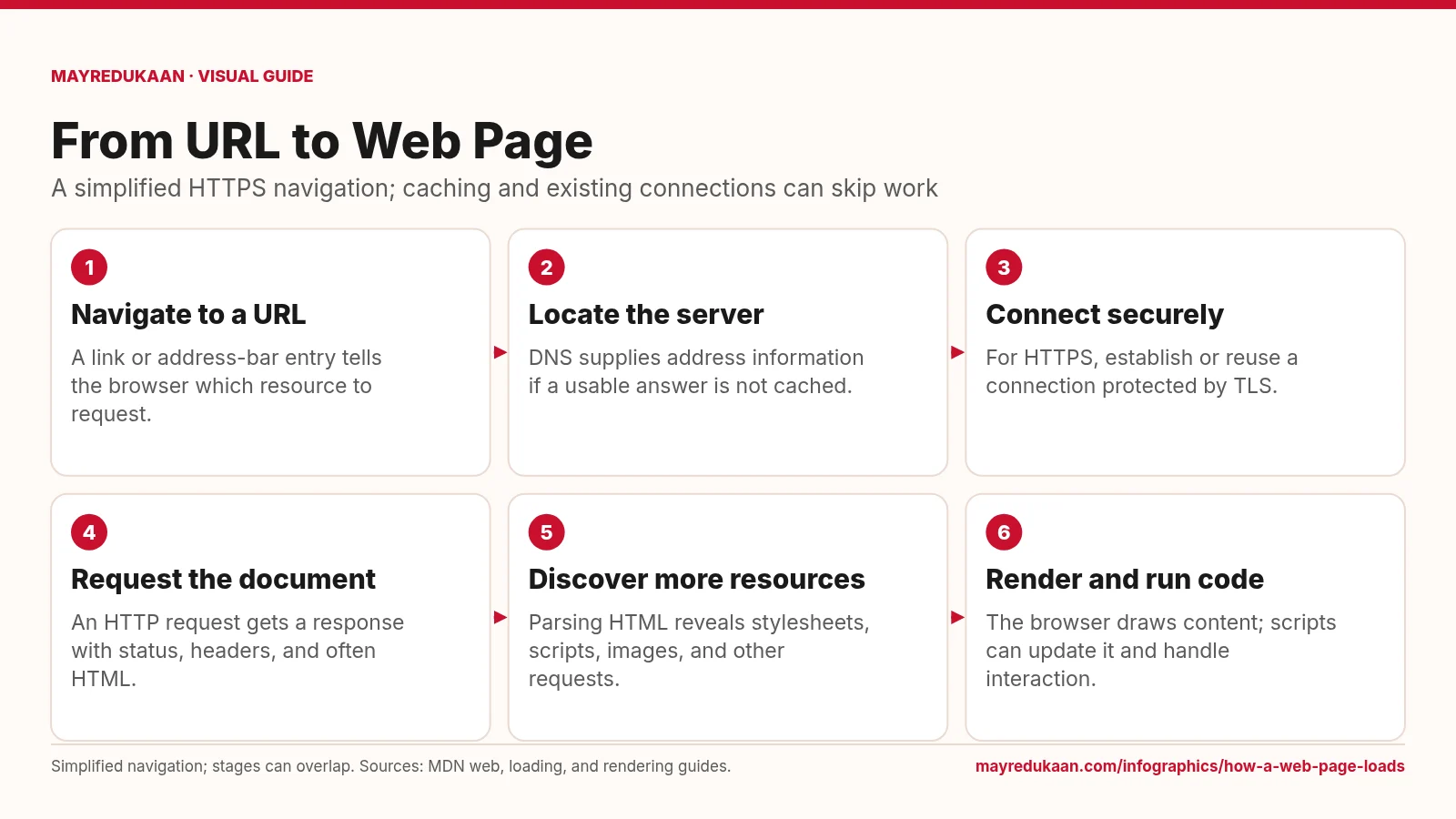
How a web page loads
Loading a page combines network requests with browser work, and those activities can overlap.
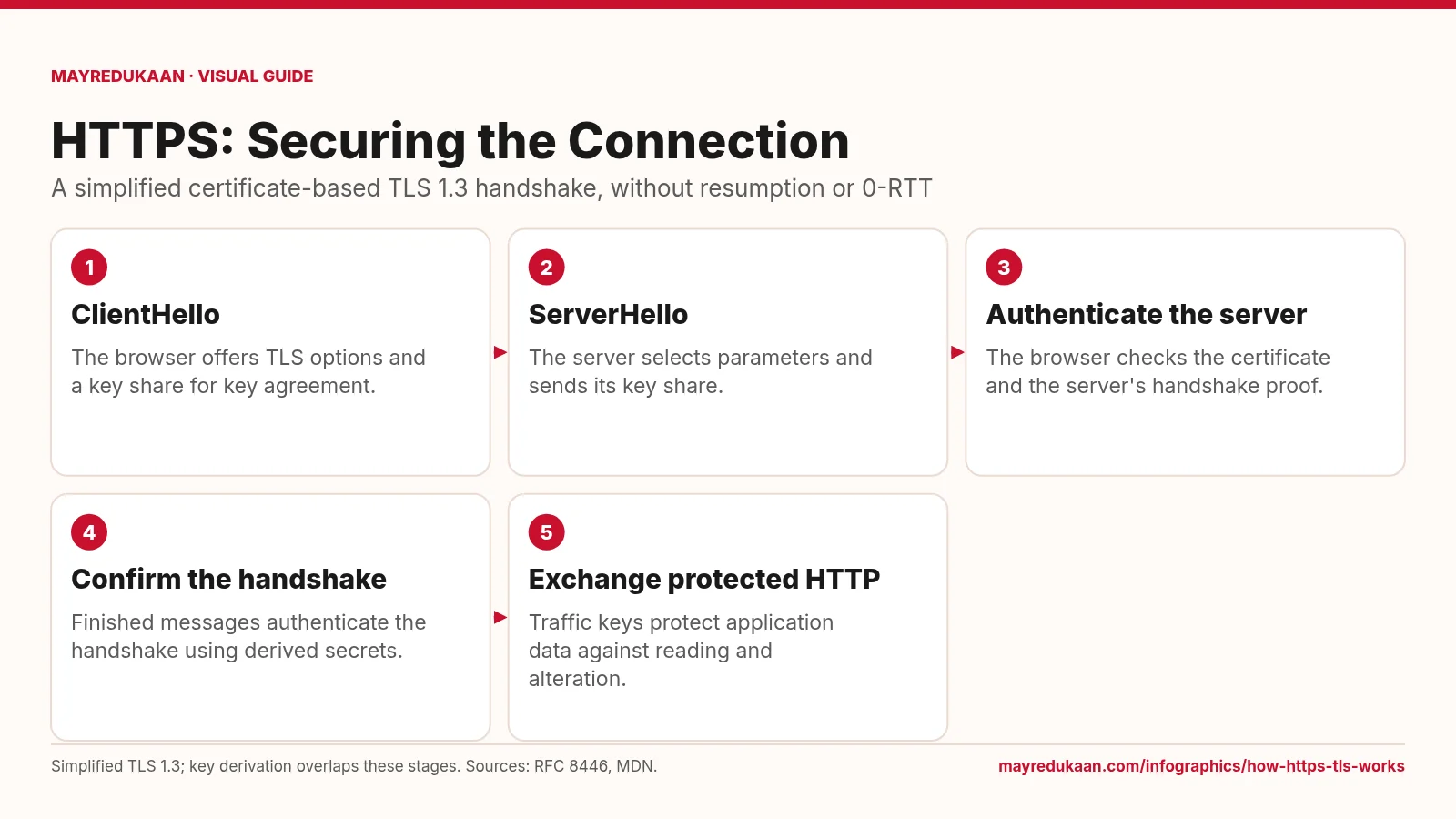
How HTTPS and TLS work
HTTPS uses TLS to authenticate the connection and protect HTTP data in transit.