
How a web page loads
By MayreDukaan Research · Researched 2026-11-17
Opening a web page starts a conversation between your browser and other computers, followed by work inside the browser itself. The browser needs to find the destination, establish or reuse an appropriate connection, request a document, and interpret the response. For an HTTPS website, TLS protects the connection carrying the HTTP exchange. Receiving a response is only part of the job, because the document can refer to many additional resources.
The diagram separates this journey into six understandable stages, but it is not a strict waiting line. Browsers can parse incoming HTML and discover more resources before the document has completely arrived. Cached data and existing connections may remove some network work. Rendering produces visible content, while JavaScript can change the document and respond to input as the experience develops.
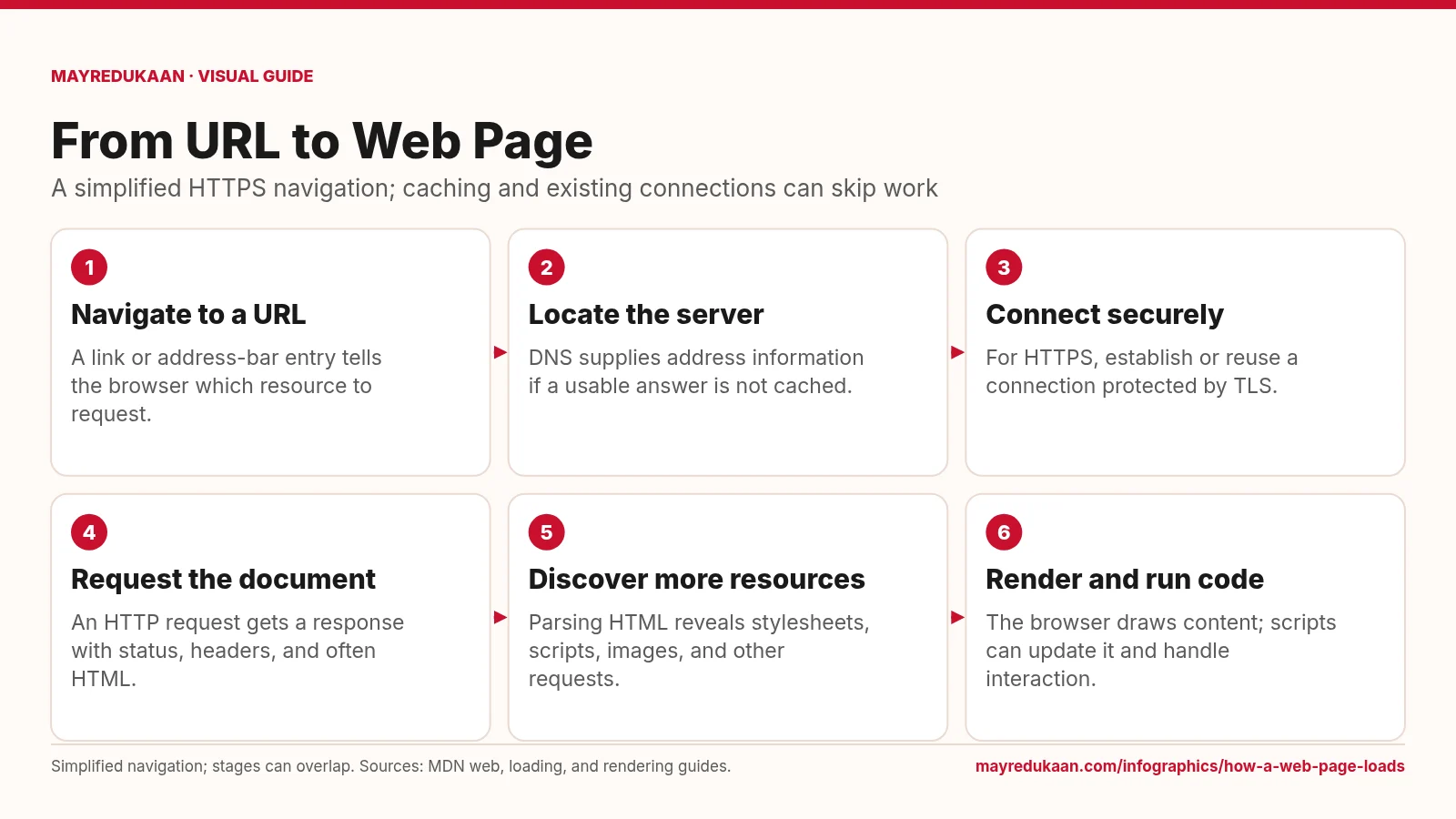
What the diagram shows
- Navigate to a URL: A link or address-bar entry tells the browser which resource to request.
- Locate the server: DNS supplies address information if a usable answer is not cached.
- Connect securely: For HTTPS, establish or reuse a connection protected by TLS.
- Request the document: An HTTP request gets a response with status, headers, and often HTML.
- Discover more resources: Parsing HTML reveals stylesheets, scripts, images, and other requests.
- Render and run code: The browser draws content; scripts can update it and handle interaction.
Simplified navigation; stages can overlap. Sources: MDN web, loading, and rendering guides.
Choose a destination and establish communication
The first three steps cover navigation, locating the destination, and securing the connection. A URL identifies the requested resource, while DNS can provide address information for its hostname. A browser may already have usable DNS information, so a fresh lookup is not required for every visit. For HTTPS, communication uses TLS protection, although an existing suitable connection may be reused. The diagram deliberately avoids a fixed handshake count: connection setup depends on the protocol and whether prior state is available. These steps prepare communication; they do not yet describe the browser constructing the visual page from HTML.
Request a document and discover its dependencies
The fourth step shows an HTTP request and response. A response carries a status and headers and can include a body such as an HTML document. The fifth step explains why one page is not necessarily one download. As the browser parses HTML, references can cause requests for stylesheets, JavaScript, images, and other resources. Some resources affect when parsing or rendering can continue. The browser can discover these dependencies while document data is still arriving, rather than waiting for a complete download before starting every other task. This overlap is important when interpreting the diagram's simple sequence of boxes.
Build the visible page and support interaction
The final step combines rendering with script execution at an overview level. HTML becomes a document structure, CSS contributes styling, and layout determines the size and position of content before painting produces visible output. JavaScript can change document content or styles and attach behavior to user actions. These changes may cause further rendering work after the initial display. A page being visible therefore does not mean that all downloads or scripts have finished, and completing a network response is not the same as completing the user experience. The infographic summarizes the journey rather than promising a single universal finishing point.
Key facts
- A URL identifies a resource that the browser can request.
- An HTTP response includes a status code and response headers.
- HTML can reference additional resources such as CSS, scripts, and images.
- A browser can begin parsing HTML before the complete document has arrived.
- JavaScript can alter a document after its initial display.
Frequently asked questions
Is loading a page just downloading HTML?
No; browsers also process the HTML, fetch referenced resources, compute layout, paint content, and run applicable scripts.
Why can a page show text before images?
Document parsing, resource fetching, and rendering can overlap, so available content may appear while other resources are still loading.
Does every visit require a new connection?
No; browsers can reuse suitable existing connections, and cached resources can reduce network requests.
Related free tools
Sources
- MDN: How the web works — accessed 2026-11-17
- MDN: Populating the page: how browsers work — accessed 2026-11-17
- MDN: How browsers load websites — accessed 2026-11-17
More visual guides
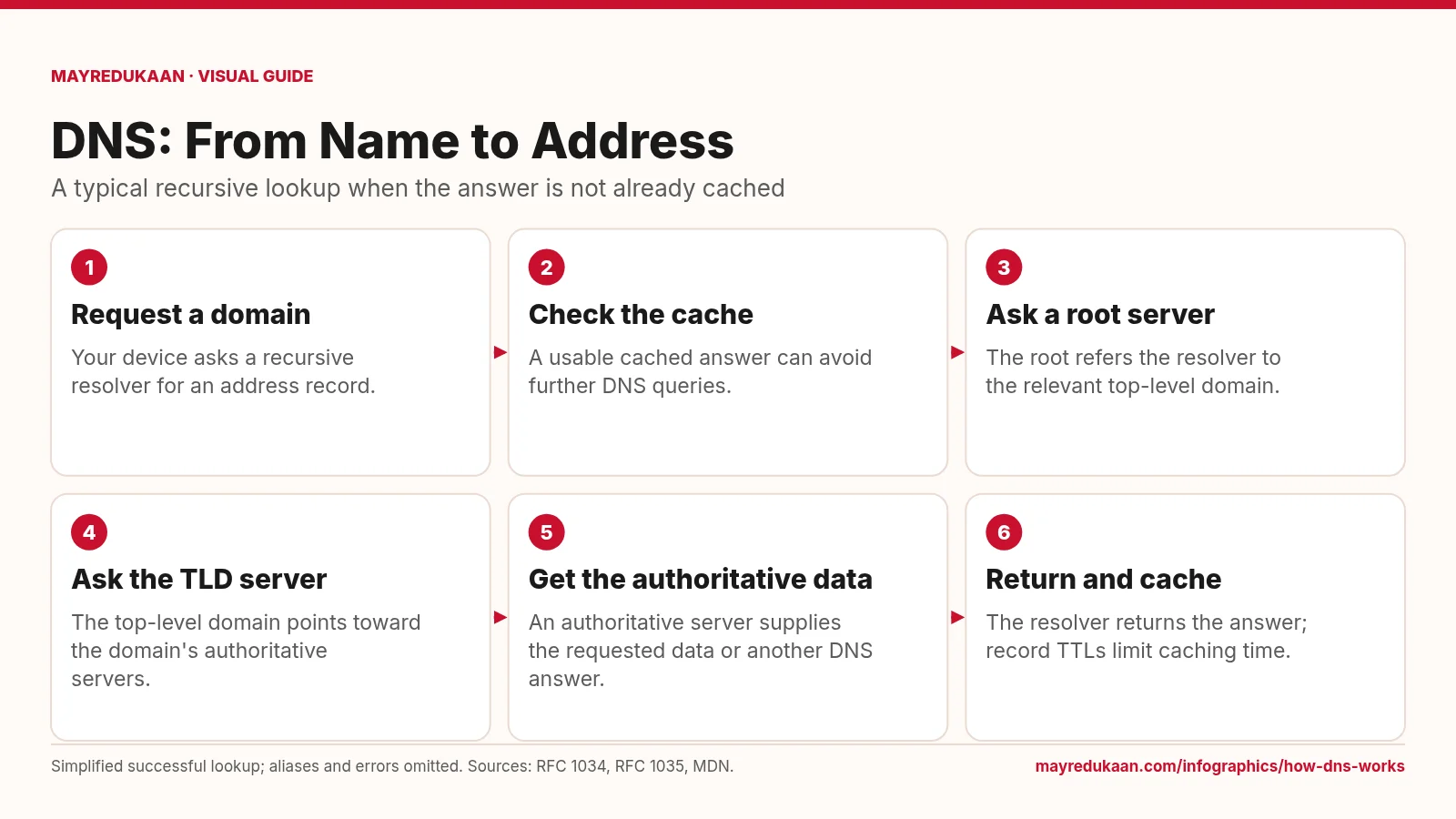
How DNS works
DNS resolves names through a distributed hierarchy, while caching can shorten the lookup.
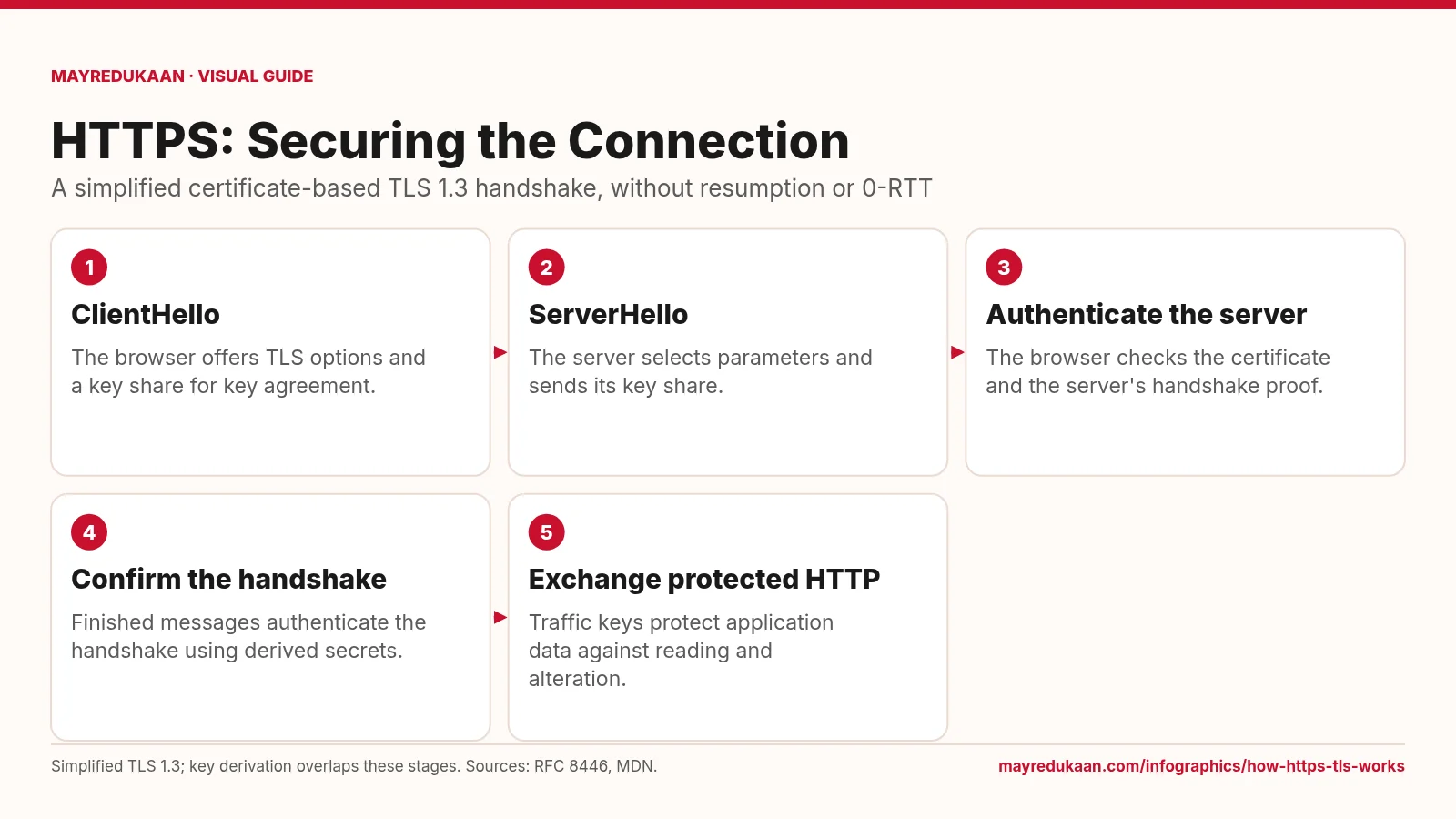
How HTTPS and TLS work
HTTPS uses TLS to authenticate the connection and protect HTTP data in transit.
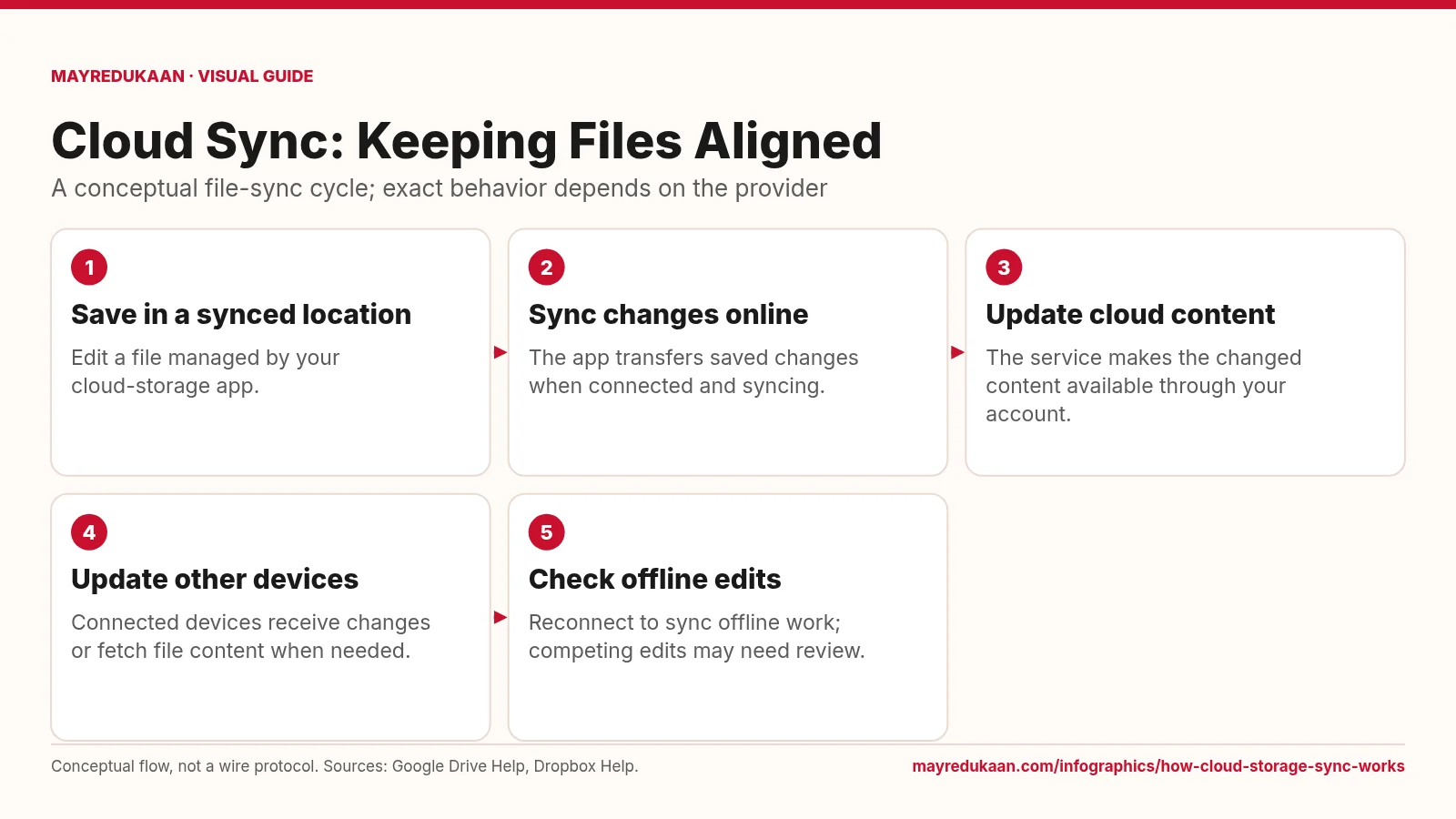
How cloud storage sync works
Synchronization carries file changes across locations, but offline availability and conflict handling vary.