
How browsers render pages
By MayreDukaan Research · Researched 2026-11-17
A browser does not display HTML source code as the page itself. It interprets document structure and style information, works out the geometry of rendered content, and produces the visual result. The rendering pipeline is a useful model for understanding that transformation. It also helps distinguish downloading page resources from the work required to put those resources on the screen.
This diagram starts with HTML and CSS and ends with compositing, grouping a complex browser implementation into six stages. The boxes describe dependencies rather than a promise that each stage runs once in an isolated block. Scripts can change the document or styles, and later updates can require new style calculations, layout, or painting. Some visual changes can avoid earlier stages, so not every update repeats the entire path.
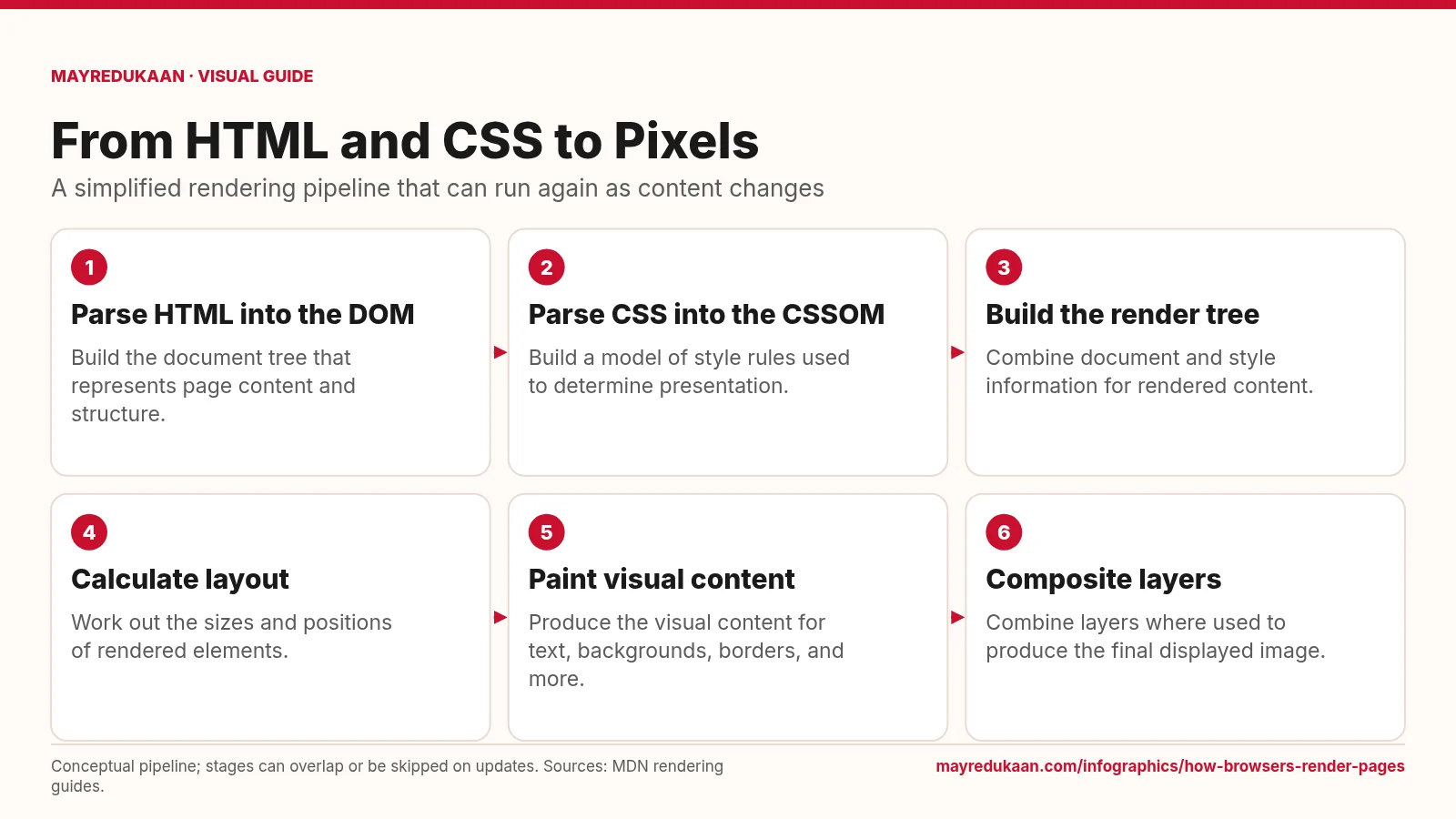
What the diagram shows
- Parse HTML into the DOM: Build the document tree that represents page content and structure.
- Parse CSS into the CSSOM: Build a model of style rules used to determine presentation.
- Build the render tree: Combine document and style information for rendered content.
- Calculate layout: Work out the sizes and positions of rendered elements.
- Paint visual content: Produce the visual content for text, backgrounds, borders, and more.
- Composite layers: Combine layers where used to produce the final displayed image.
Conceptual pipeline; stages can overlap or be skipped on updates. Sources: MDN rendering guides.
Build document and style representations
The first stage parses HTML into the Document Object Model, or DOM, a tree representing the document's structure and content. The second stage parses CSS into the CSS Object Model, or CSSOM, which represents style rules. These are distinct inputs to rendering, not two names for the same tree. HTML parsing can discover external stylesheets and scripts, so resource availability affects progress. JavaScript can also modify the DOM or styles after parsing. Although the graphic places the inputs in consecutive boxes to keep the flow readable, their construction and resource fetching can overlap rather than occurring in perfectly separate periods.
Determine rendered content and geometry
The third stage combines document and style information into the conceptual render tree. This tree represents content that participates in rendering, not a simple copy of every DOM node. For example, content styled with display: none does not take part in layout through a rendered box. The fourth stage, layout, determines geometry such as sizes and positions. This explains why knowing the HTML alone is insufficient to know where every element will appear. Style rules and the available space affect the result. A later content or geometry change can invalidate earlier calculations and require layout work to run again.
Paint and composite the final image
The fifth stage paints visual features such as text, backgrounds, and borders. The final stage combines layers where the browser uses them to assemble the displayed result. Painting and compositing are related but different responsibilities: producing visual content is not the same as arranging already prepared layers into the final frame. The pipeline also explains why updates have different costs. A change affecting geometry can need layout and later work, while some changes can be handled without repeating all earlier stages. The diagram is a conceptual guide to these dependencies, not a guarantee about a particular browser's internal thread or layer allocation.
Key facts
- HTML parsing builds the Document Object Model.
- CSS parsing builds the CSS Object Model.
- The render tree combines document and style information for rendering.
- Layout determines the size and position of rendered content.
- JavaScript changes can trigger additional rendering work.
- Compositing combines layers when layers are used to construct the displayed page.
Frequently asked questions
Is the DOM the same as the render tree?
No; the DOM represents document structure, while the render tree combines relevant document and style information for rendering.
What is the difference between layout and paint?
Layout determines geometry, while paint produces visual details such as text, colors, and borders.
Does every visual change run the whole pipeline?
No; the required work depends on what changed, and some updates can avoid layout or painting.
Related free tools
Sources
- MDN: Critical rendering path — accessed 2026-11-17
- MDN: Populating the page: how browsers work — accessed 2026-11-17
- MDN: How browsers load websites — accessed 2026-11-17
More visual guides
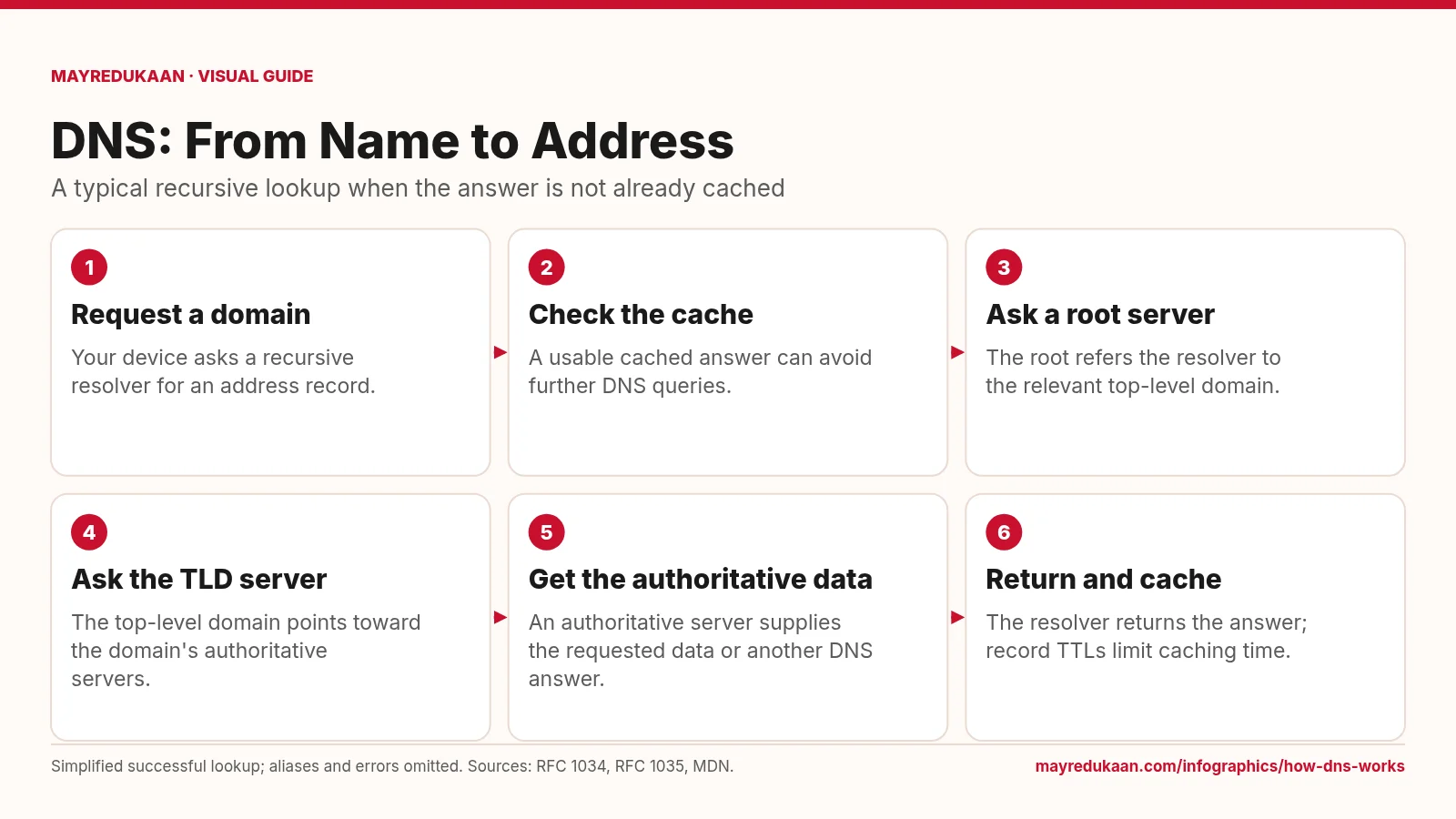
How DNS works
DNS resolves names through a distributed hierarchy, while caching can shorten the lookup.
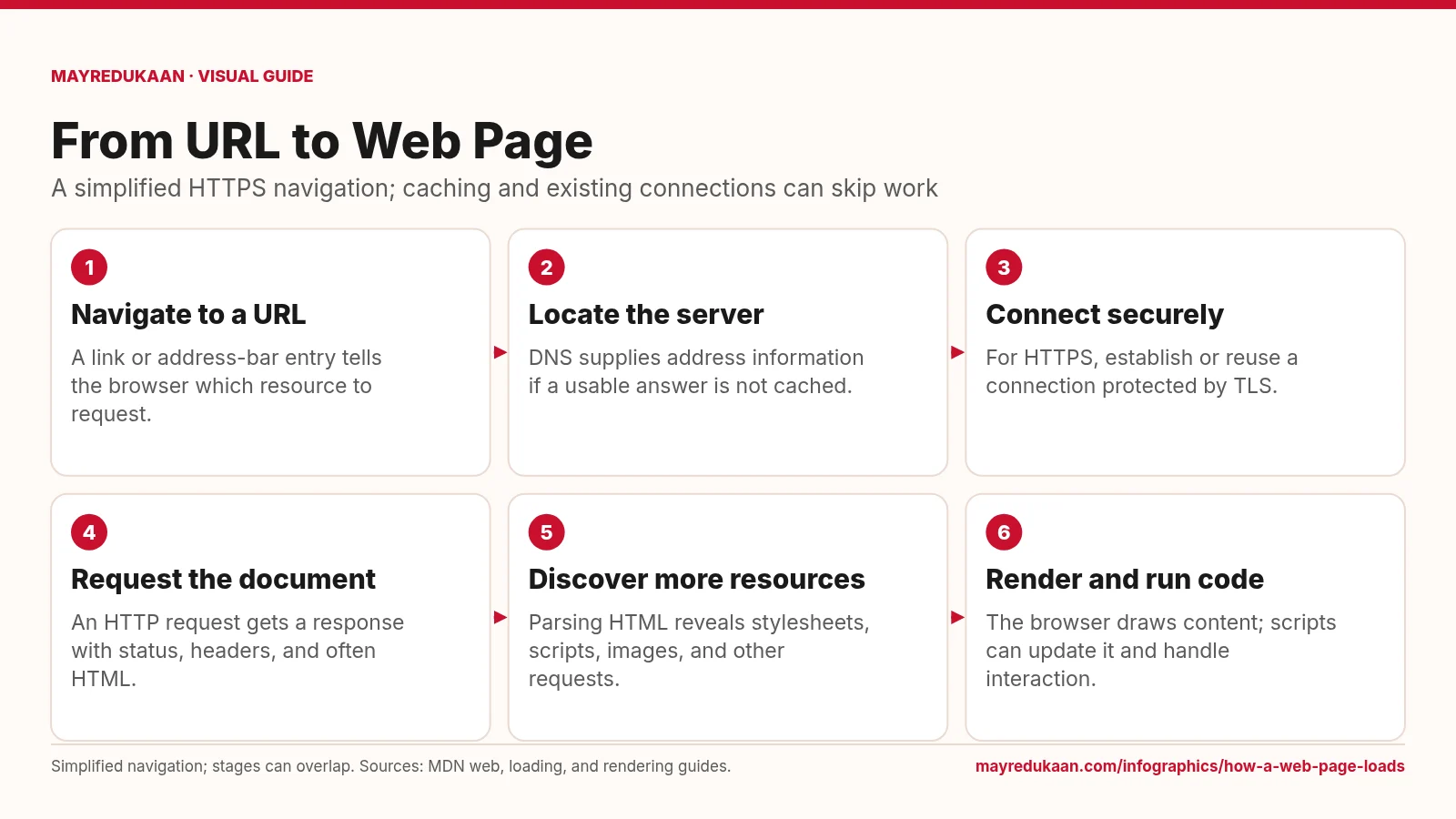
How a web page loads
Loading a page combines network requests with browser work, and those activities can overlap.

How HTTPS and TLS work
HTTPS uses TLS to authenticate the connection and protect HTTP data in transit.