
How video compression works
By MayreDukaan Research · Researched 2026-11-17
Video contains a sequence of images, so uncompressed video can require substantial storage and network bandwidth. A video codec encodes that image sequence into a stream that a decoder can reconstruct for playback. Most codecs used for distribution apply lossy compression, meaning the decoded pictures need not match the source exactly. The amount of retained detail depends on the codec and its settings. [Source: MDN, video codec guide.]
The diagram follows a simplified inter-frame compression path, then separates encoding from packaging. H.264, H.265, AV1 and VP9 are codec families. MP4 and WebM are containers: formats that hold compatible media streams and associated information. Understanding this distinction helps explain why two files with the same extension can have different compatibility, and why changing the package alone is not the same as re-encoding the video. [Sources: MDN, video codecs and containers.]
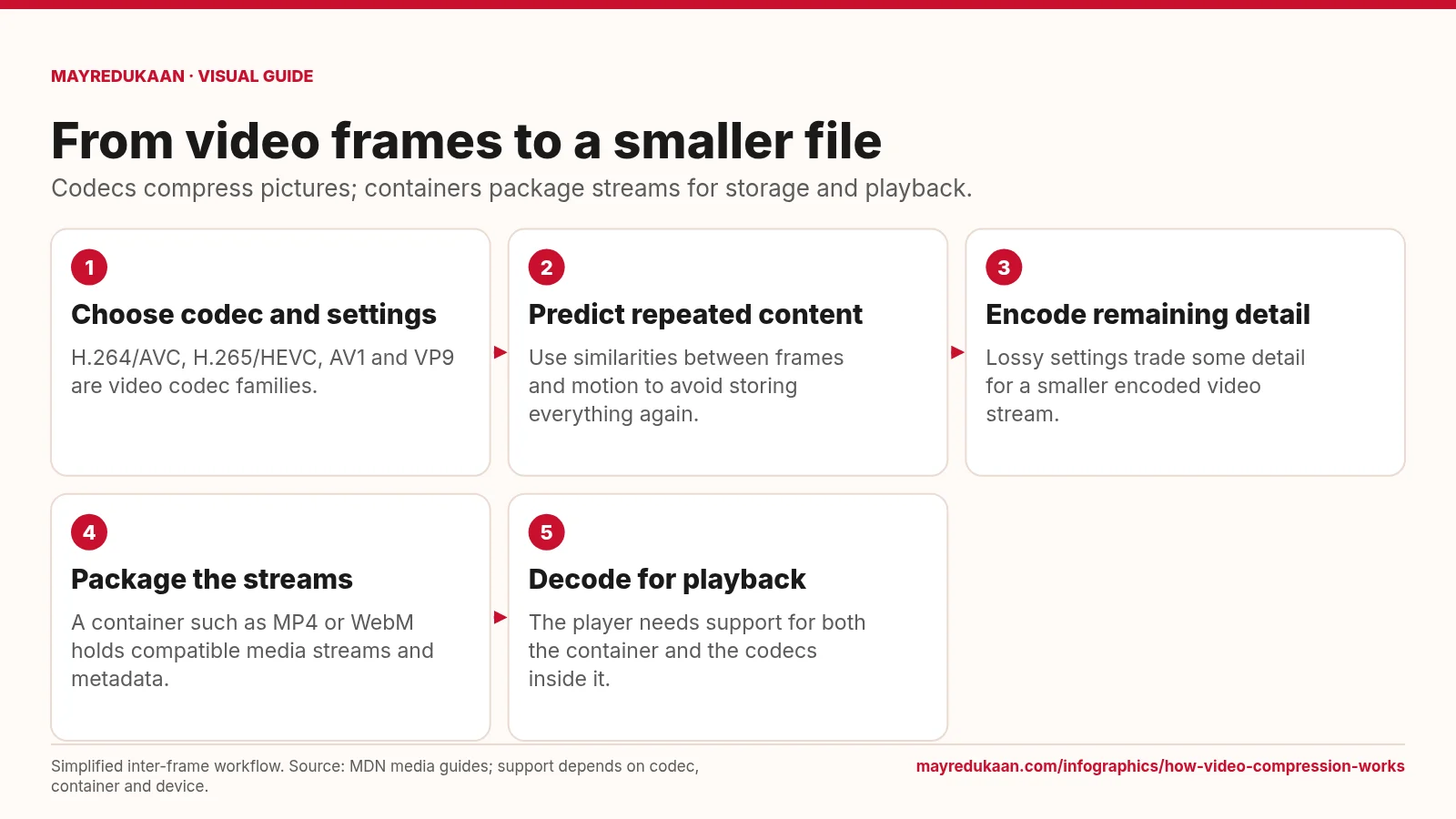
What the diagram shows
- Choose codec and settings: H.264/AVC, H.265/HEVC, AV1 and VP9 are video codec families.
- Predict repeated content: Use similarities between frames and motion to avoid storing everything again.
- Encode remaining detail: Lossy settings trade some detail for a smaller encoded video stream.
- Package the streams: A container such as MP4 or WebM holds compatible media streams and metadata.
- Decode for playback: The player needs support for both the container and the codecs inside it.
Simplified inter-frame workflow. Source: MDN media guides; support depends on codec, container and device.
Choose a codec, then exploit repetition
The first two steps connect format choice with a central compression idea. H.264 is also called AVC, H.265 is also called HEVC, and AV1 and VP9 are separate video codec families. Their capabilities and playback support differ, so the appropriate choice depends on the intended audience and devices. Inter-frame compression can reduce repeated information by comparing pictures and representing changes. Motion compensation improves that approach by describing movement and then encoding remaining differences. This is a simplified explanation, not a claim that every frame is stored only as a difference from the immediately preceding frame. [Sources: MDN, video codec guide and codec selection.]
Trade data volume against retained detail
The third step represents the encoding decisions that control the output stream. MDN explains that lossy compression can discard detail, and that stronger compression generally increases the risk of visible loss. Quantization settings can contribute to artifacts such as banding, while motion and scene complexity affect how much data is needed for a given appearance. Resolution and frame rate also influence the amount of video information being encoded. A smaller output therefore does not establish that a codec is universally better: compare equivalent sources, quality requirements and encoding settings rather than assuming any fixed file-size reduction applies to all videos. [Source: MDN, video codec guide.]
Package and decode compatible streams
The final two steps distinguish the compressed picture stream from the file that holds it. A container can carry video, audio and other information, but each container supports particular stream formats rather than every possible codec combination. Playback requires support for both the container and the codecs used inside it. MDN notes that H.264 is widely supported, but exact compatibility still depends on the platform and configuration. Repackaging an existing stream into another compatible container does not by itself re-encode the pictures or create the quality changes associated with a new lossy encode. Inspect the stream information, not just the extension, when diagnosing a playback problem. [Sources: MDN, containers and codec selection.]
Key facts
- H.264 and AVC name the same video codec family.
- H.265 is also known as HEVC.
- AV1 and VP9 are video codecs, not container formats.
- MP4 and WebM are media containers.
- Lossy compression can make the decoded video differ from its source.
- Playback compatibility depends on the container and the codecs it carries.
Frequently asked questions
Does MP4 always mean H.264?
No; MP4 is a container and can carry different supported video codecs.
Does more compression always preserve every detail?
No; lossy compression trades some fidelity for reduced data, depending on the codec and settings.
Is changing containers the same as transcoding?
No; repackaging compatible streams changes the container without necessarily decoding and re-encoding the video.
Sources
- MDN: Web video codec guide — accessed 2026-11-17
- MDN: Media container formats — accessed 2026-11-17
- MDN: Codec selection — accessed 2026-11-17
More visual guides
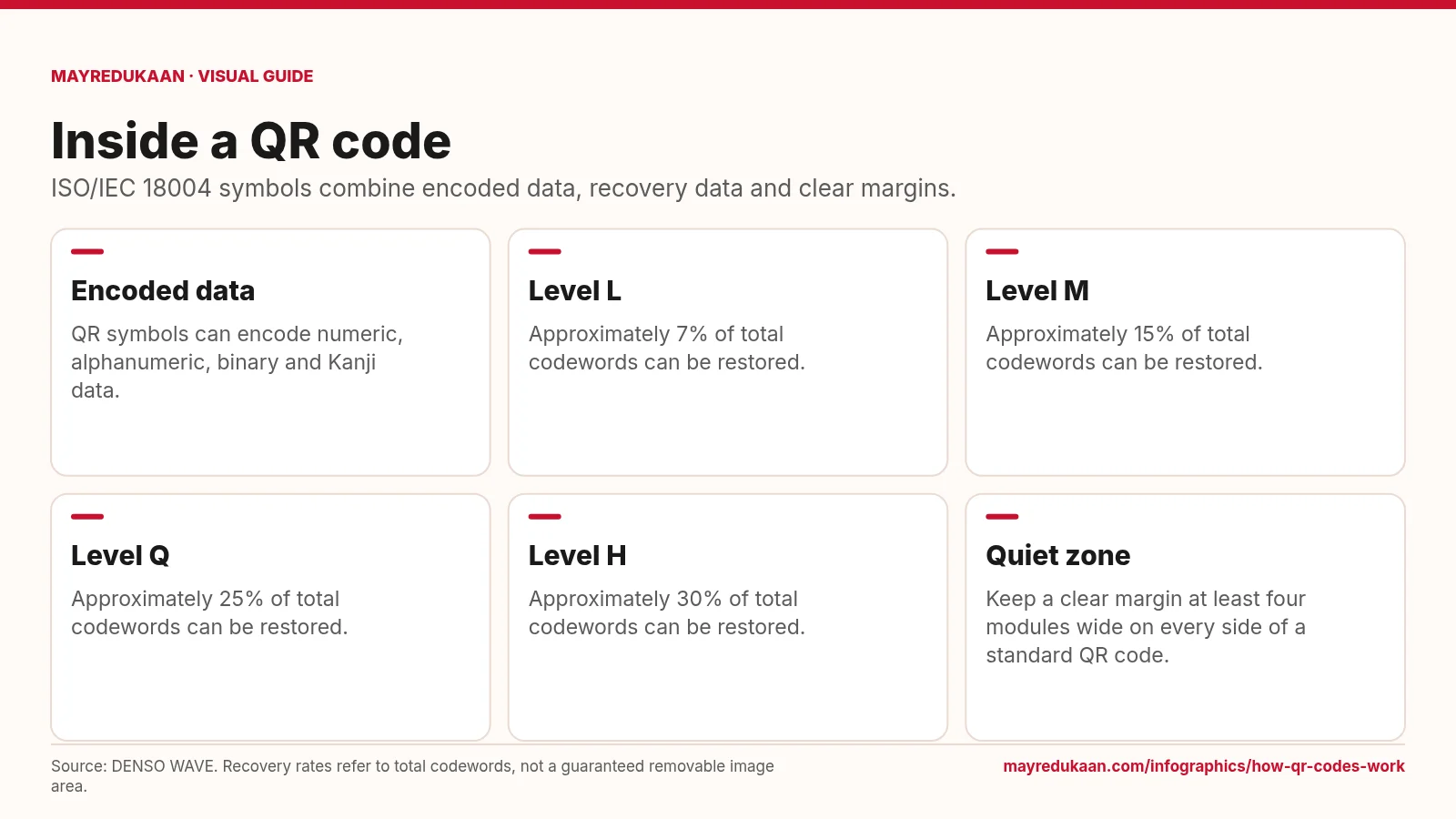
How QR codes work
QR error correction adds recoverability, but it does not make every pattern of damage harmless.
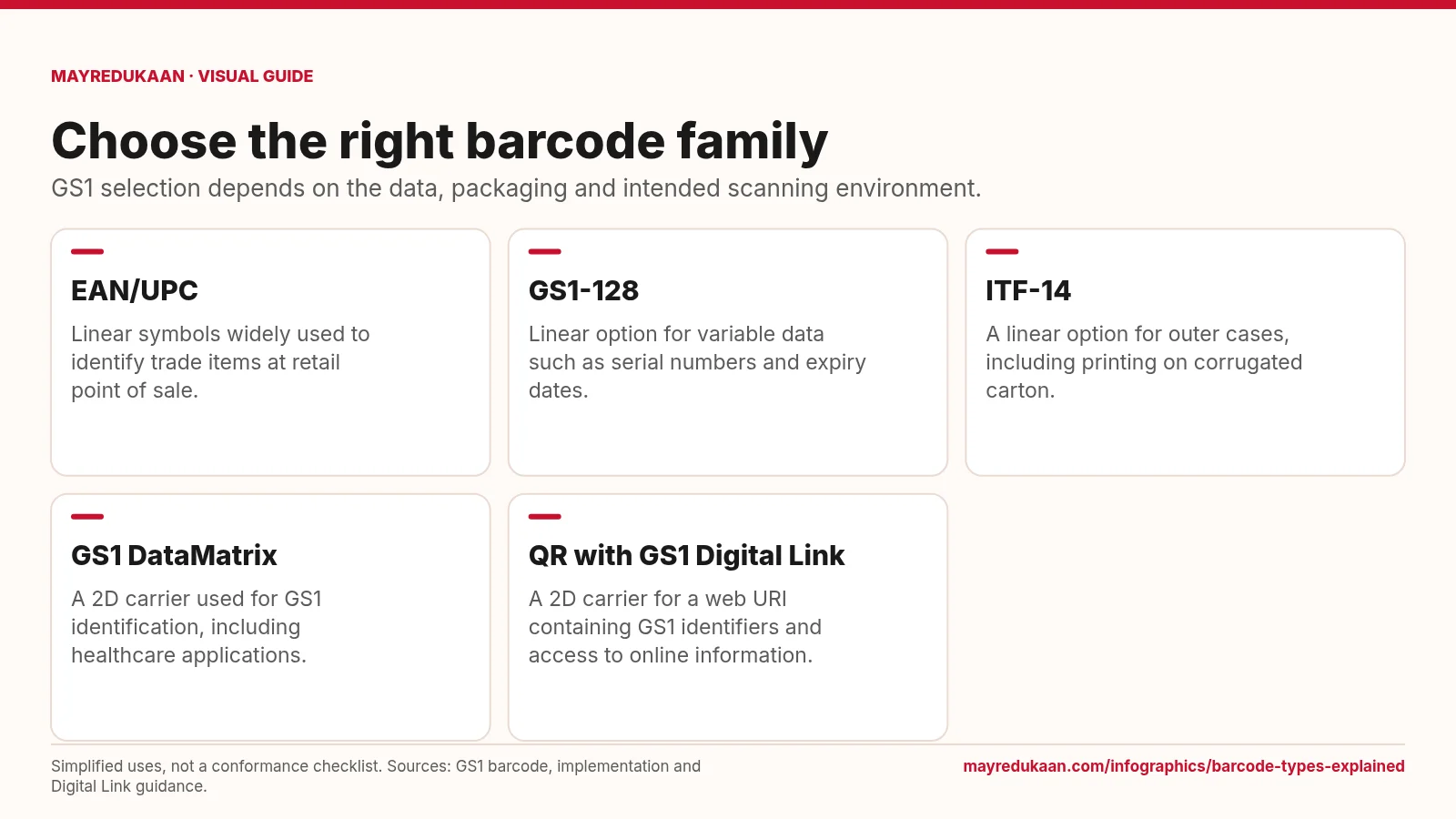
Barcode types explained
The barcode carrier, encoded data and scanning environment must work together.
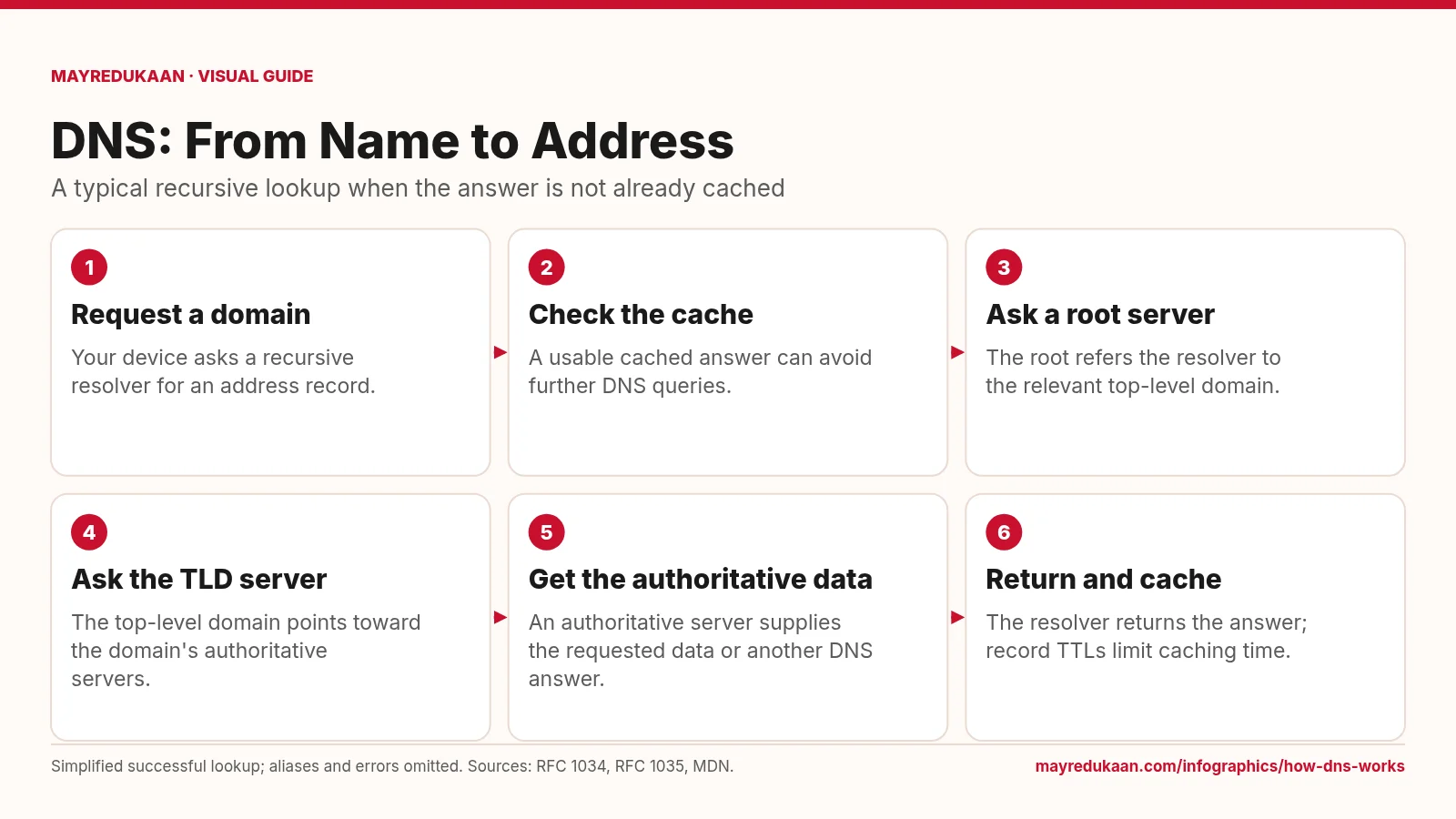
How DNS works
DNS resolves names through a distributed hierarchy, while caching can shorten the lookup.