
How password managers work
By MayreDukaan Research · Researched 2026-11-17
A password manager helps solve a practical problem: every account needs a strong, different password, but remembering many unrelated secrets is difficult. CISA recommends using a manager to generate, store, and fill strong passwords. That makes unique credentials manageable instead of encouraging people to reuse a memorable password across unrelated services.
The storage design matters as much as the generator. This graphic uses Bitwarden's published encryption model as a concrete example, not a claim that every product works identically. Bitwarden says it encrypts vault data on the local device before sending it to cloud storage, and that its servers store encrypted data. Its documentation describes a zero-knowledge design in which the provider does not have the keys needed to decrypt vault contents. Product-specific unlocking and recovery features still require careful review.
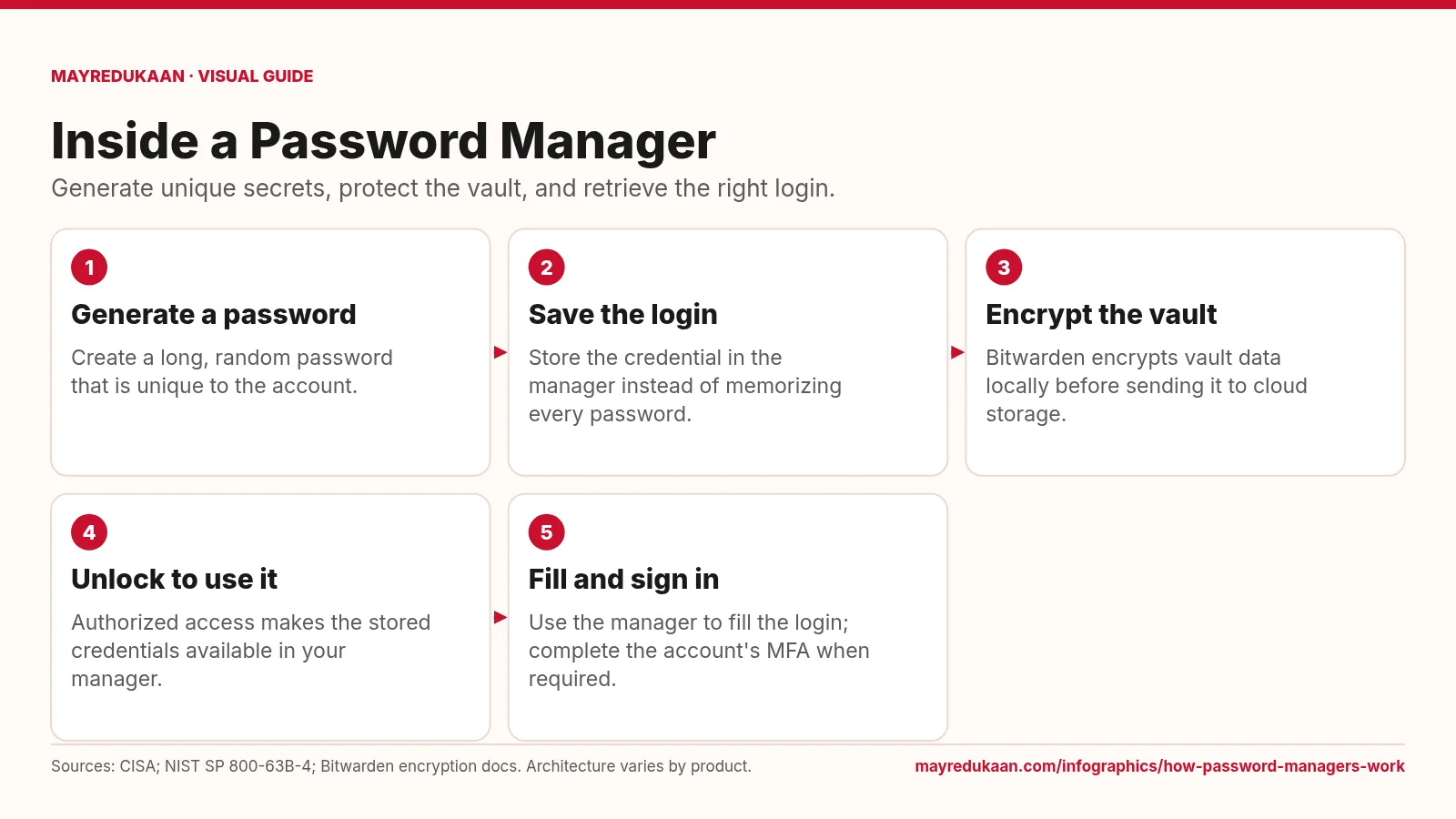
What the diagram shows
- Generate a password: Create a long, random password that is unique to the account.
- Save the login: Store the credential in the manager instead of memorizing every password.
- Encrypt the vault: Bitwarden encrypts vault data locally before sending it to cloud storage.
- Unlock to use it: Authorized access makes the stored credentials available in your manager.
- Fill and sign in: Use the manager to fill the login; complete the account's MFA when required.
Sources: CISA; NIST SP 800-63B-4; Bitwarden encryption docs. Architecture varies by product.
Generate and save a different credential for each account
The first two steps put CISA's password advice into practice. Generate a long, random password, use it only for the intended account, and save the credential in the manager. CISA recommends at least 16 characters and emphasizes uniqueness, so the goal is not to produce one impressive-looking password and reuse it everywhere. The manager provides a place to keep distinct credentials without memorizing all of them. NIST supports this workflow by requiring verifiers to allow password managers and autofill functionality, and by recommending that services permit pasting so users can enter stored passwords when autofill is unavailable.
Understand the encrypted-vault example
The third step names Bitwarden because encryption architecture is a product-specific matter. Its documentation says vault data is encrypted locally before being stored anywhere and before it is sent to cloud servers. The provider describes itself as a zero-knowledge encryption solution, meaning it does not hold the keys needed to decrypt the vault data. This explains what encrypted cloud storage is intended to protect: the server stores ciphertext rather than a readable list of your passwords. It does not mean that every password manager has the same design, nor that an unlocked device or exposed credential becomes harmless.
Unlock, fill, and keep account protections enabled
The final two steps distinguish access to the vault from access to the destination account. Unlocking makes stored credentials available in the manager; filling a password then supplies the destination site's password step. That does not automatically complete a separate MFA requirement on the account. CISA recommends enabling MFA, and NIST notes that passwords themselves are not phishing-resistant. Use the manager as part of a layered approach rather than as a promise that no fraudulent website or compromised device can cause harm. The exact unlock methods, recovery options, and passkey features should be checked in the chosen product's official documentation.
Key facts
- CISA recommends password managers to generate, store, and fill strong passwords.
- Using a different password for each account avoids sharing one credential across services.
- Bitwarden documents local encryption of vault data before cloud storage.
- Bitwarden describes its vault encryption as zero knowledge.
- NIST requires verifiers to allow password managers and autofill functionality.
Frequently asked questions
Does a manager mean I can reuse one password?
No; its purpose includes making a different strong password for every account practical.
Can Bitwarden read my encrypted vault contents?
Bitwarden's documentation says its zero-knowledge design leaves it without the keys required to decrypt vault data.
Does autofill replace MFA?
No; filling a stored password does not satisfy an account's separate MFA requirement.
Related free tools
Related comparisons
Sources
- CISA: Use Strong Passwords — accessed 2026-11-17
- Bitwarden: Encryption Protocols — accessed 2026-11-17
- NIST SP 800-63B-4: Authenticator and Verifier Requirements — accessed 2026-11-17
- CISA: Turn On MFA — accessed 2026-11-17
More visual guides
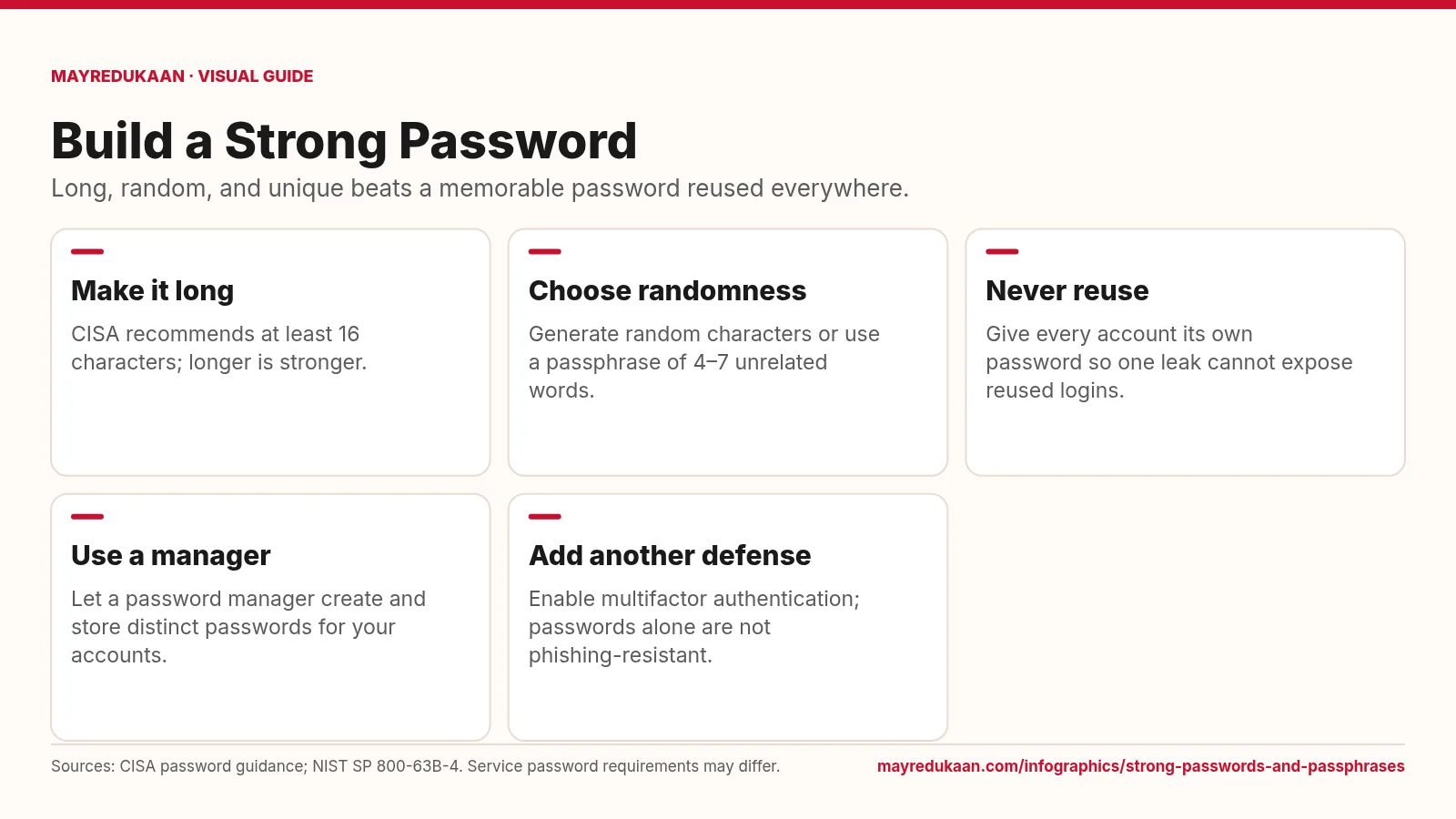
Strong passwords and passphrases
A strong password combines length, unpredictable selection, and exclusive use on one account.
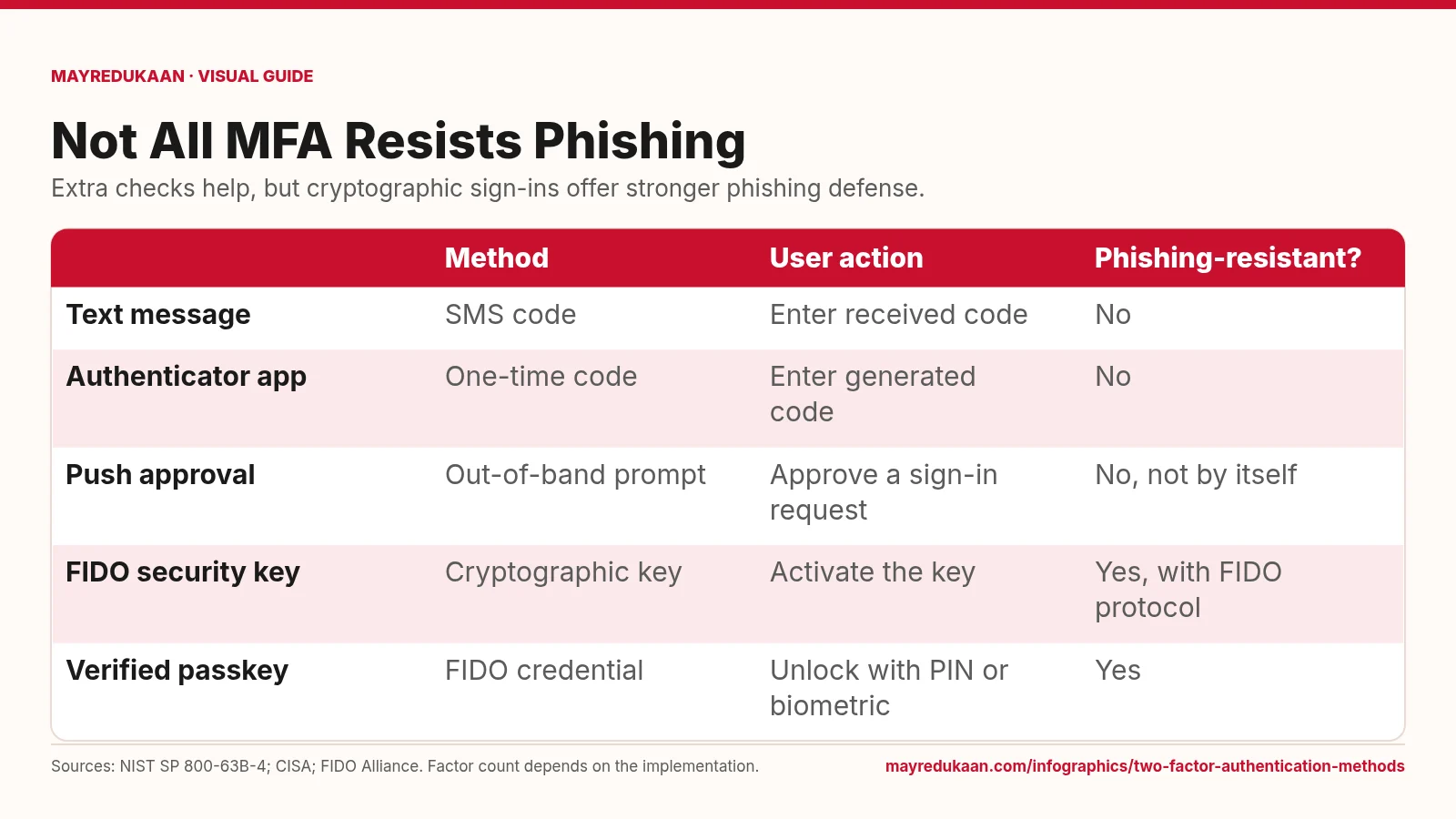
Two-factor authentication methods
Codes add a hurdle, while FIDO authentication binds the sign-in to the legitimate service.
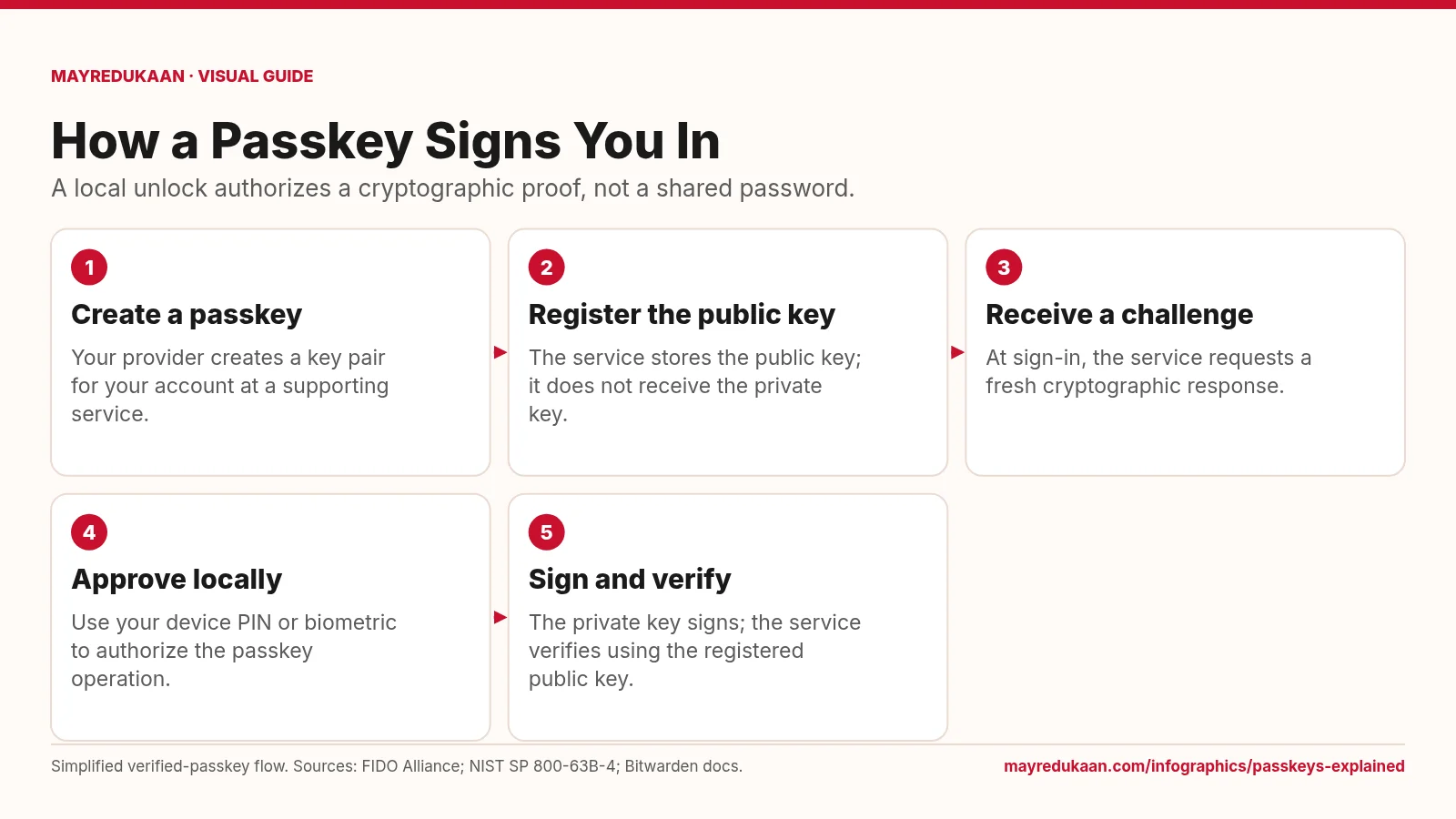
Passkeys explained
The service checks a cryptographic response while the private key remains with the user's passkey system.