
Passkeys explained
By MayreDukaan Research · Researched 2026-11-17
A passkey is a FIDO credential that lets a supporting website or app authenticate you without asking you to type a password. Instead of sharing a secret with the service, the system uses a cryptographic key pair. The service keeps the public key, and your passkey system controls use of the private key. During sign-in, that private key produces a response the service can verify.
The familiar fingerprint, face check, or device PIN is a local approval step, not a replacement password sent to the website. FIDO explains that biometric information stays on the device. Passkeys can be synchronized through a provider or remain bound to a particular device, including a hardware security key. Understanding that distinction helps explain why changing phones is not identical for every passkey setup.
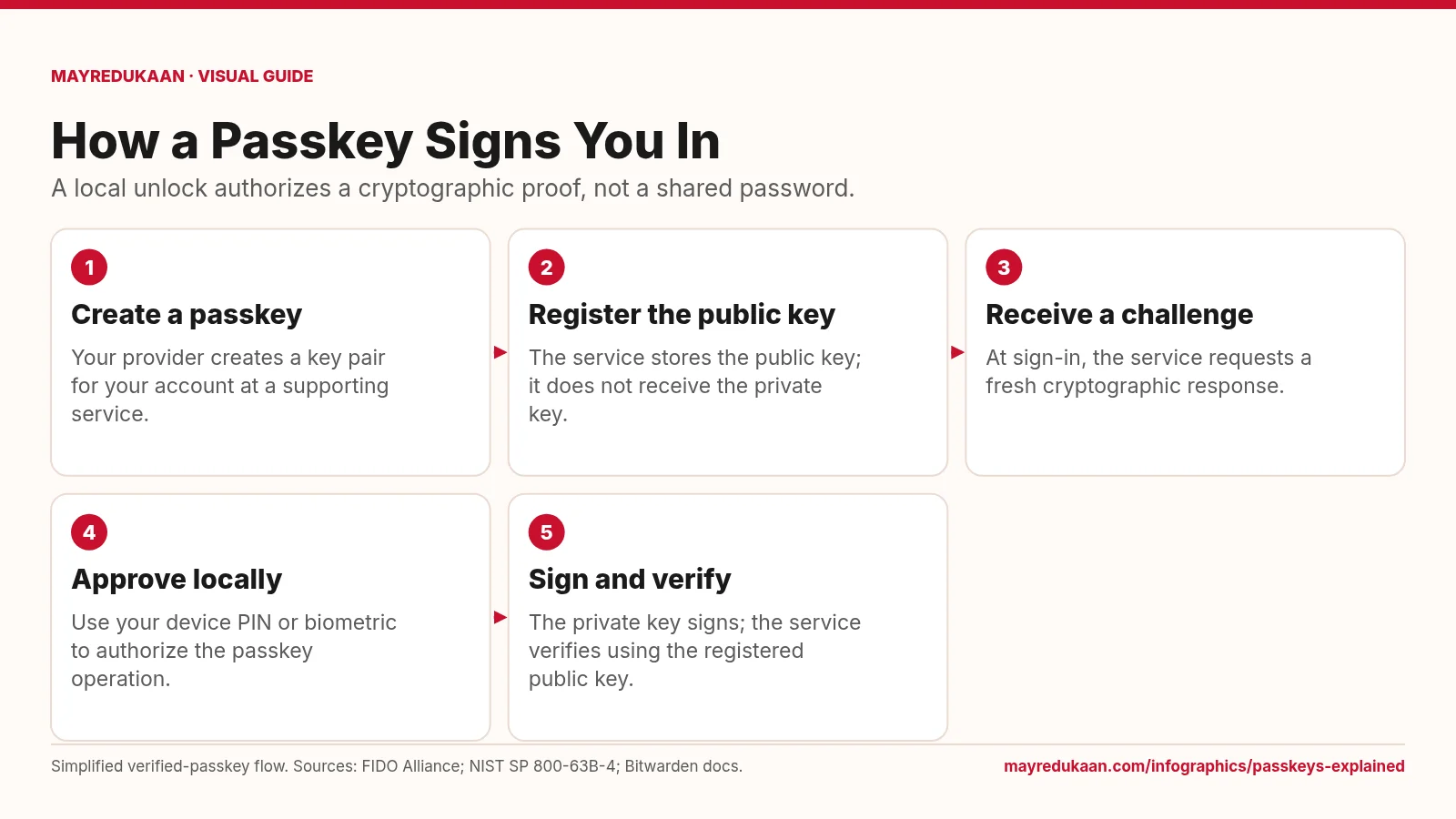
What the diagram shows
- Create a passkey: Your provider creates a key pair for your account at a supporting service.
- Register the public key: The service stores the public key; it does not receive the private key.
- Receive a challenge: At sign-in, the service requests a fresh cryptographic response.
- Approve locally: Use your device PIN or biometric to authorize the passkey operation.
- Sign and verify: The private key signs; the service verifies using the registered public key.
Simplified verified-passkey flow. Sources: FIDO Alliance; NIST SP 800-63B-4; Bitwarden docs.
Create a credential for the service
The first two steps describe registration rather than an ordinary login. At a supporting service, you create a passkey associated with your account. The cryptographic system creates a key pair, and the service registers the public key. It does not need the private key to check future signatures. FIDO credentials are scoped to the relying party, which is the service using the credential. That binding matters because the security benefit is not merely a longer secret: the authenticator and browser help ensure that the credential is used for the appropriate service rather than an unrelated imitation site.
Approve a challenge without sending your fingerprint
The next three steps describe a typical verified-passkey login. The service sends a challenge, the device asks for local approval, and the private key signs the authentication response. The service then verifies that response with the public key it registered earlier. Your fingerprint or face is not the signature and is not sent to the website. FIDO states that biometric processing remains on the device. A device PIN can serve as the local verification method instead. The diagram shows this verified flow specifically, rather than suggesting that every possible cryptographic credential always requires biometric verification.
Separate phishing resistance from device availability
Passkeys are phishing-resistant because FIDO authentication is bound to the legitimate service, not because users must visually recognize every fraudulent page. Availability is a separate question. FIDO distinguishes synced passkeys, which a provider makes available across the user's devices using end-to-end encrypted synchronization, from device-bound passkeys that stay on one device. A new device can receive synced passkeys through the provider's supported process, while a device-bound credential does not automatically move. Review the service's available recovery and additional sign-in options rather than assuming that all passkeys share one backup mechanism or that passwordless sign-in removes every account-management responsibility.
Key facts
- Passkeys are authentication credentials based on FIDO standards.
- Passkeys use asymmetric cryptographic key pairs rather than a shared password.
- FIDO states that biometric information stays on the user's device.
- Passkeys may be synchronized through a provider or bound to one device.
- FIDO describes passkey synchronization as end-to-end encrypted.
Frequently asked questions
Does the website receive my fingerprint?
No; biometric verification happens locally, and the website receives a cryptographic authentication response rather than your biometric data.
Are all passkeys stored only on one device?
No; some are device-bound, while synced passkeys can be made available across devices through the same provider.
Is my device PIN my new website password?
No; the PIN authorizes use of the credential locally rather than being sent as the website's shared login secret.
Related comparisons
Sources
- FIDO Alliance: Passkeys — accessed 2026-11-17
- NIST SP 800-63B-4: Authenticator and Verifier Requirements — accessed 2026-11-17
- Bitwarden: How Do Passkeys Work? — accessed 2026-11-17
More visual guides
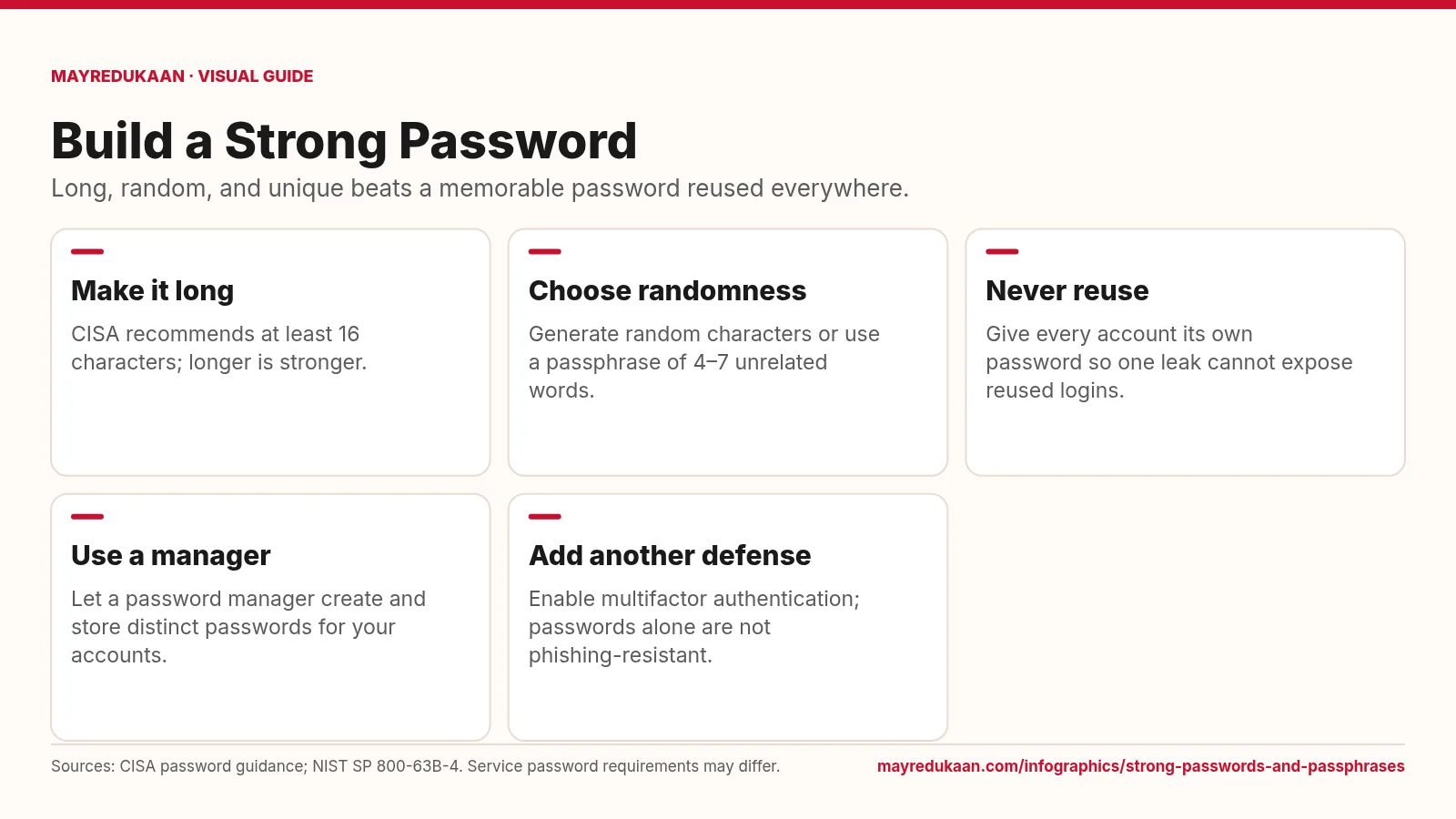
Strong passwords and passphrases
A strong password combines length, unpredictable selection, and exclusive use on one account.
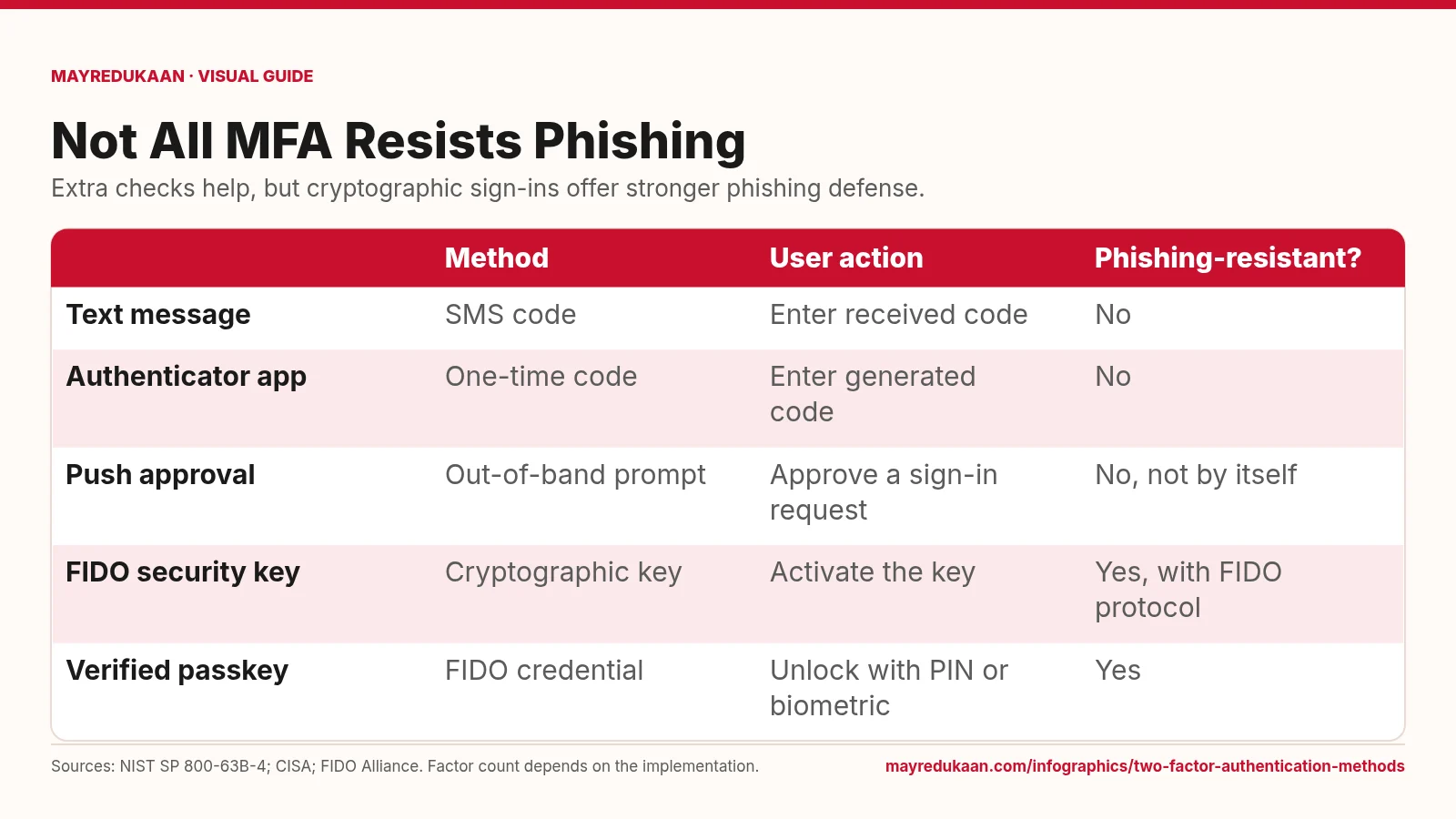
Two-factor authentication methods
Codes add a hurdle, while FIDO authentication binds the sign-in to the legitimate service.
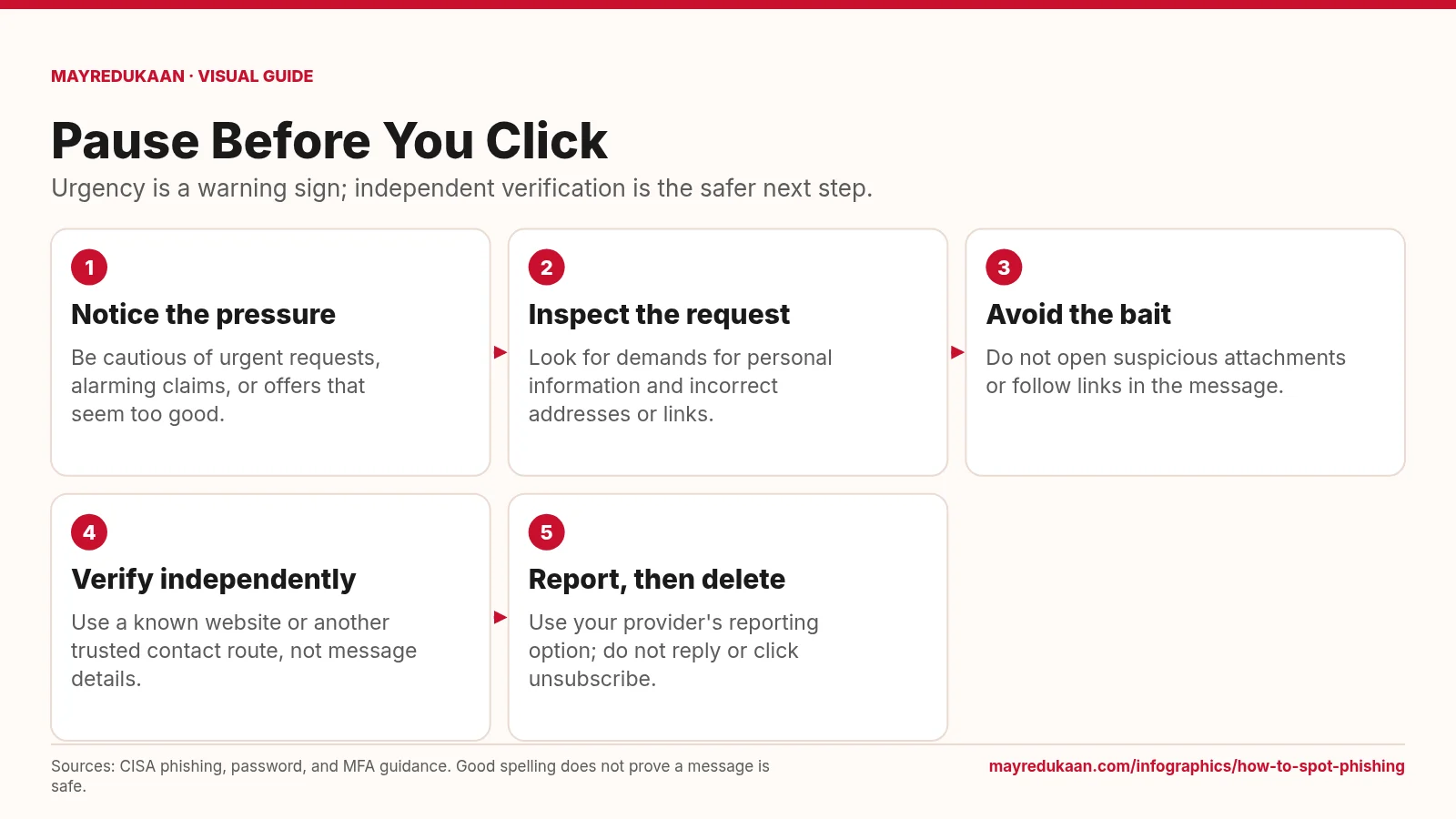
How to spot phishing
Treat suspicious messages as prompts to verify elsewhere, not instructions to act immediately.