
How to spot phishing
By MayreDukaan Research · Researched 2026-11-17
Phishing is an attempt to persuade someone to open a harmful link or attachment, reveal information, or otherwise help an attacker. CISA explains that the bait can arrive by email, text, social media message, or phone call, often appearing to come from a trusted organization or person. The goal is to make a dangerous action feel routine, urgent, or rewarding.
You do not need to prove that every suspicious message is fraudulent before choosing a safer route. Stop interacting with the message and contact the organization through information you already trust. This graphic emphasizes that decision process rather than a checklist that promises certainty. Incorrect addresses and pressure are useful warning signs, but polished writing is not reassurance: CISA specifically warns that AI-generated phishing can have correct spelling and grammar.
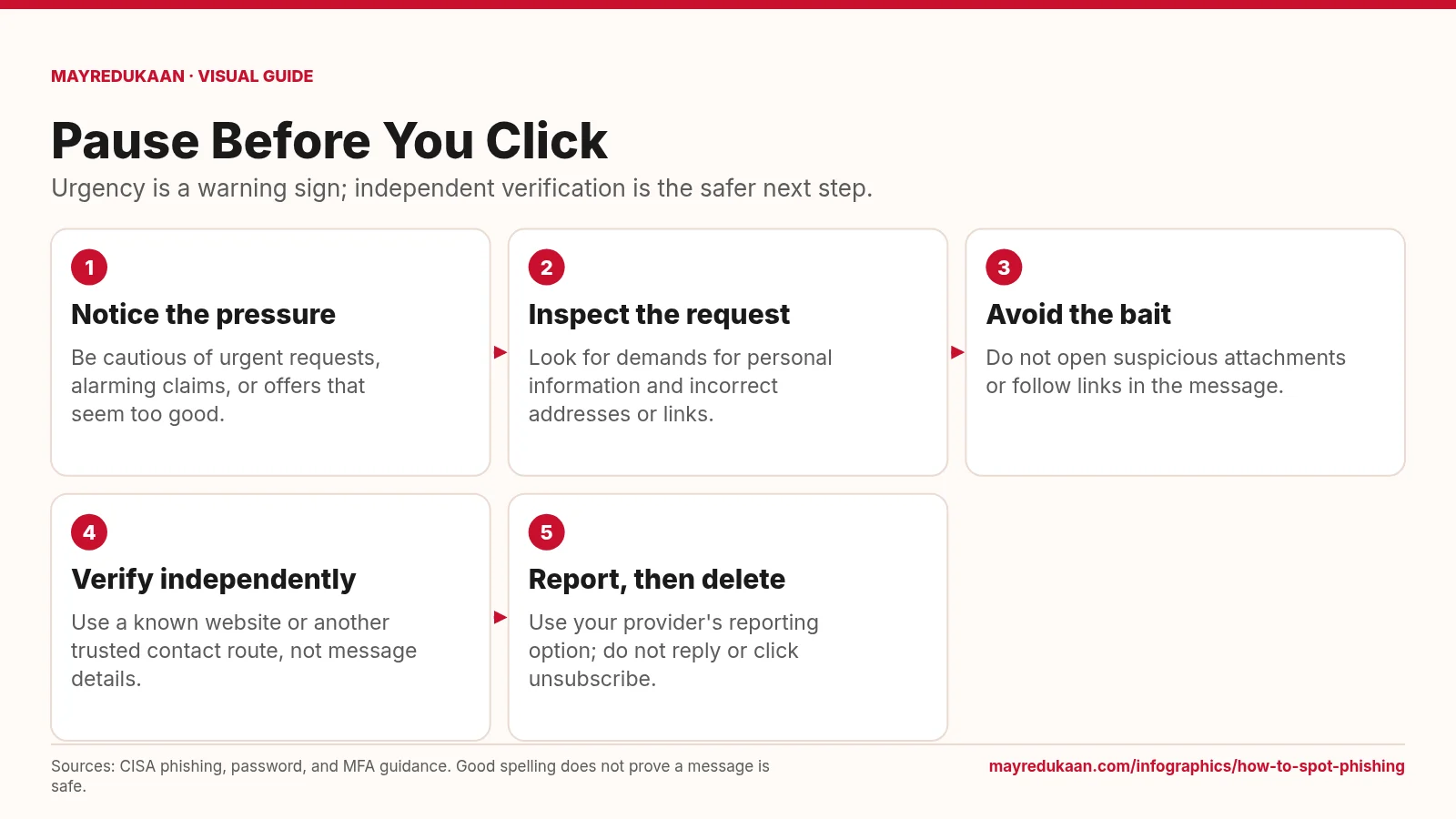
What the diagram shows
- Notice the pressure: Be cautious of urgent requests, alarming claims, or offers that seem too good.
- Inspect the request: Look for demands for personal information and incorrect addresses or links.
- Avoid the bait: Do not open suspicious attachments or follow links in the message.
- Verify independently: Use a known website or another trusted contact route, not message details.
- Report, then delete: Use your provider's reporting option; do not reply or click unsubscribe.
Sources: CISA phishing, password, and MFA guidance. Good spelling does not prove a message is safe.
Recognize pressure and inspect what is being requested
The first two steps ask you to notice both the tone and the requested action. CISA identifies urgent or emotionally appealing language, offers that seem too good to be true, requests for personal or financial information, and incorrect email addresses or links as warning signs. A familiar logo or plausible account story does not remove the need for caution. Look at the request rather than assuming that an official-looking presentation proves who sent it. Also avoid relying on poor grammar as the deciding test, since CISA notes that artificial intelligence can help attackers produce messages with correct spelling and grammar.
Stop interacting and verify through another route
The third and fourth steps separate the suspicious message from the process used to investigate it. Do not open its attachments or use its links to decide whether its claims are real. If a message might be legitimate, CISA recommends finding another way to contact the person or company directly rather than calling a number or following a link supplied in that message. Typing the retailer's known website into the browser is one example CISA gives. The important safeguard is that the verification route comes from outside the message whose trustworthiness you are trying to establish.
Report the message and strengthen account defenses
The last step is to report the suspected phish using the email or messaging provider's reporting controls, then delete it. CISA says not to reply or click even an unsubscribe link in a phishing message, because that would continue interacting with the suspicious content. Reporting is separate from deciding whether the sender's account issue sounds plausible. For the accounts you use, CISA also recommends strong, unique passwords managed with a password manager and enabling MFA. Those protections complement cautious message handling; they do not make it safe to disclose information, open an unexpected attachment, or approve a login you did not intend.
Key facts
- Phishing can arrive through email, text messages, social media messages, or phone calls.
- CISA lists requests for personal and financial information as phishing warning signs.
- Correct spelling and grammar do not establish that a message is legitimate.
- CISA recommends verifying suspicious claims through contact information obtained independently.
- CISA advises reporting suspected phishing and deleting it without replying or using unsubscribe links.
Frequently asked questions
Is phishing always an email?
No; CISA also describes phishing through texts, social media messages, and phone calls.
What if the message might be real?
Contact the organization through a known website or independently obtained contact route, not the links or phone numbers in the message.
Should I unsubscribe from a suspicious message?
No; CISA advises not clicking any link in a phishing message, including unsubscribe, and instead reporting and deleting it.
Sources
- CISA: Recognize and Report Phishing — accessed 2026-11-17
- CISA: Use Strong Passwords — accessed 2026-11-17
- CISA: Turn On MFA — accessed 2026-11-17
More visual guides
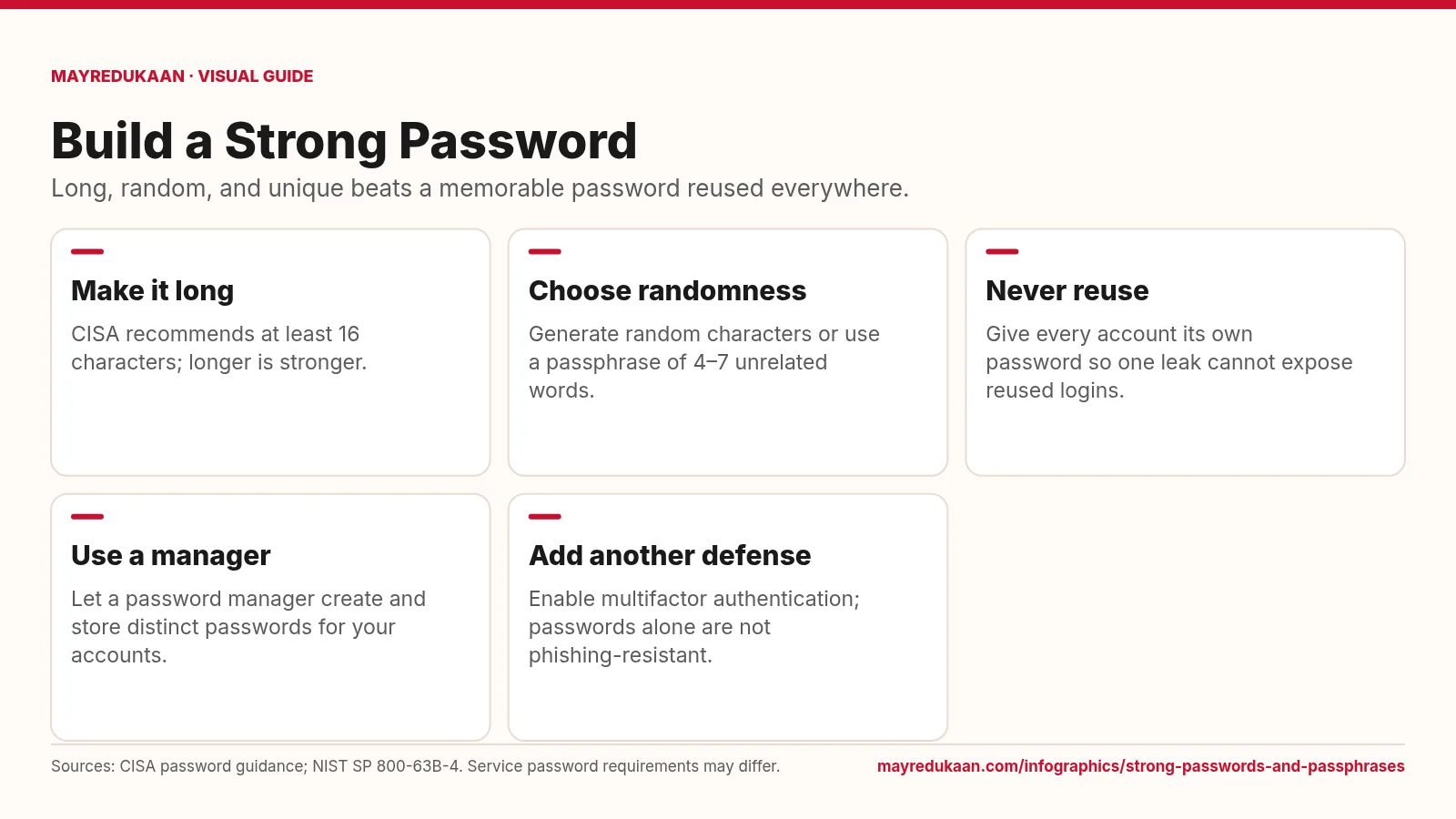
Strong passwords and passphrases
A strong password combines length, unpredictable selection, and exclusive use on one account.
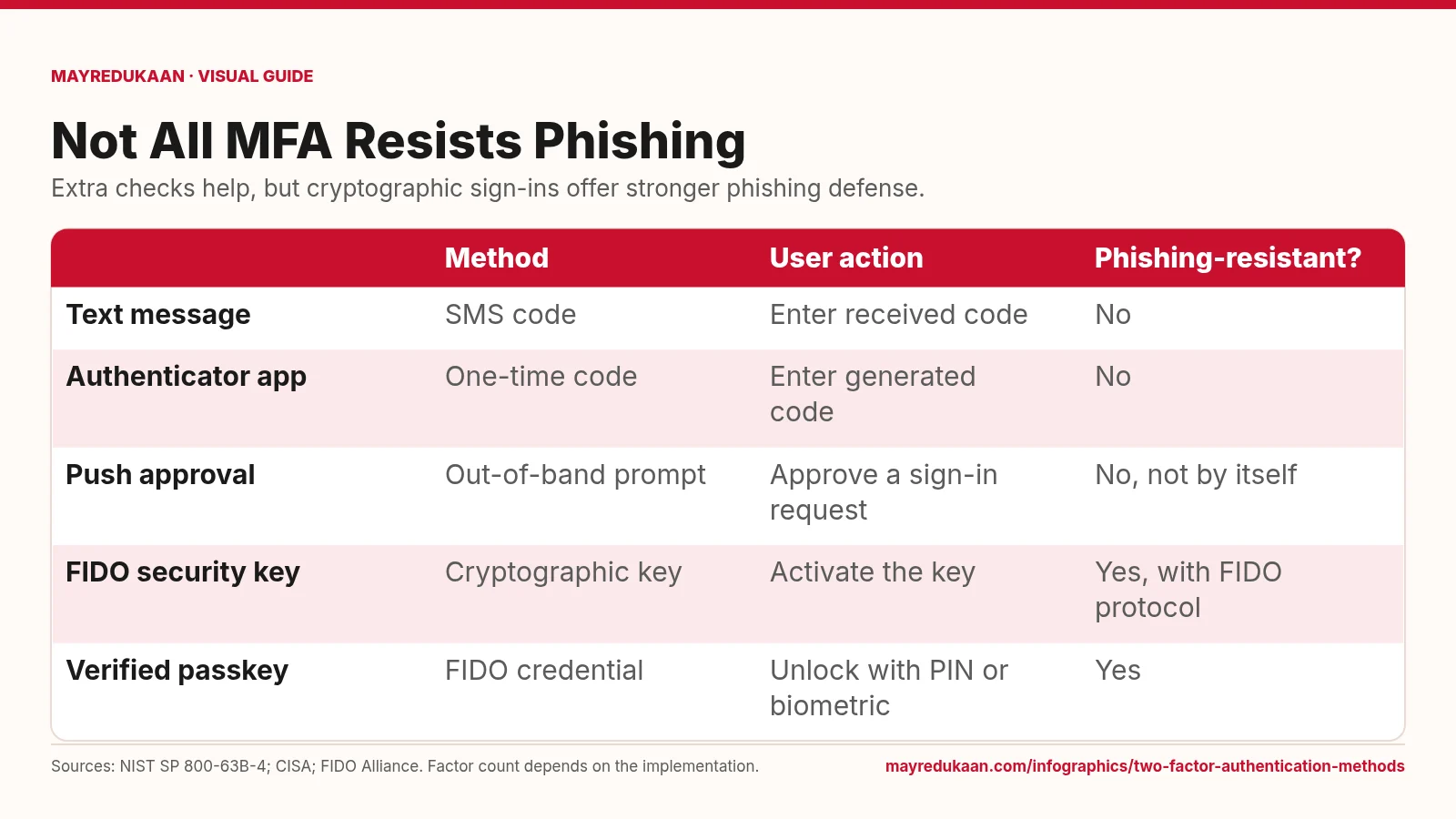
Two-factor authentication methods
Codes add a hurdle, while FIDO authentication binds the sign-in to the legitimate service.
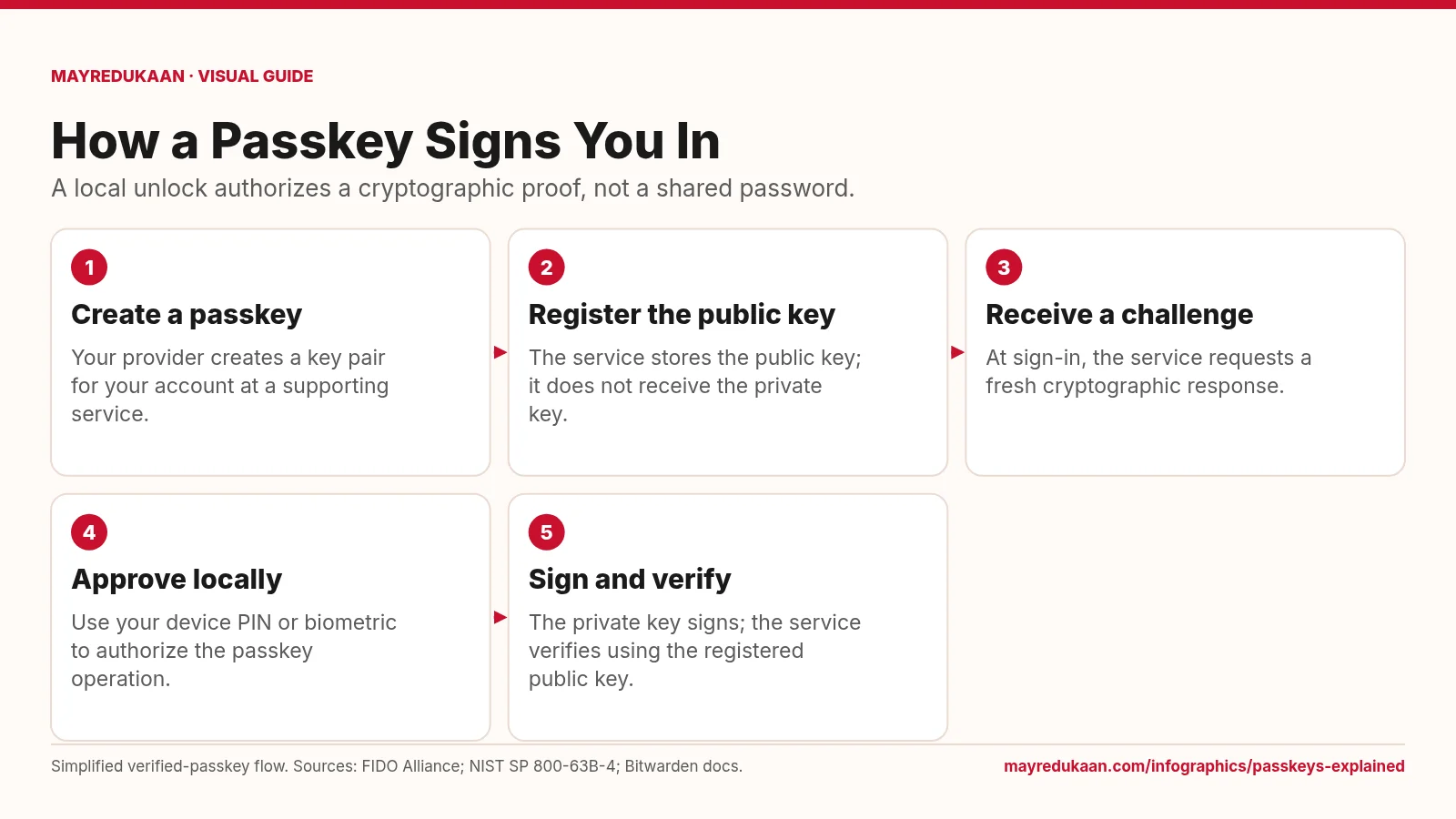
Passkeys explained
The service checks a cryptographic response while the private key remains with the user's passkey system.