
PDF and Document Tools
Merge, split, convert and shrink PDF and Office documents, with honest notes on which tool does what.
14 articles, newest first.

Urdu and English OCR: Turn Scans into Editable Text
For Urdu and English OCR, Google Drive provides an officially documented method: upload a supported image or PDF on a computer, then open it with Google Docs. Google’s supported-language list includes Urdu and both American and British English; that is language support, not a promise of perfect transcription.
16 Nov 2026 · 5 min read

PDF to Excel: Import Tables and Verify the Data
To move PDF tables into Excel, use the PDF connector in a supported Excel Power Query installation, or export an XLSX file through Adobe Acrobat. Treat the result as imported data that needs validation, not as a recovered copy of the original workbook.
16 Nov 2026 · 5 min read
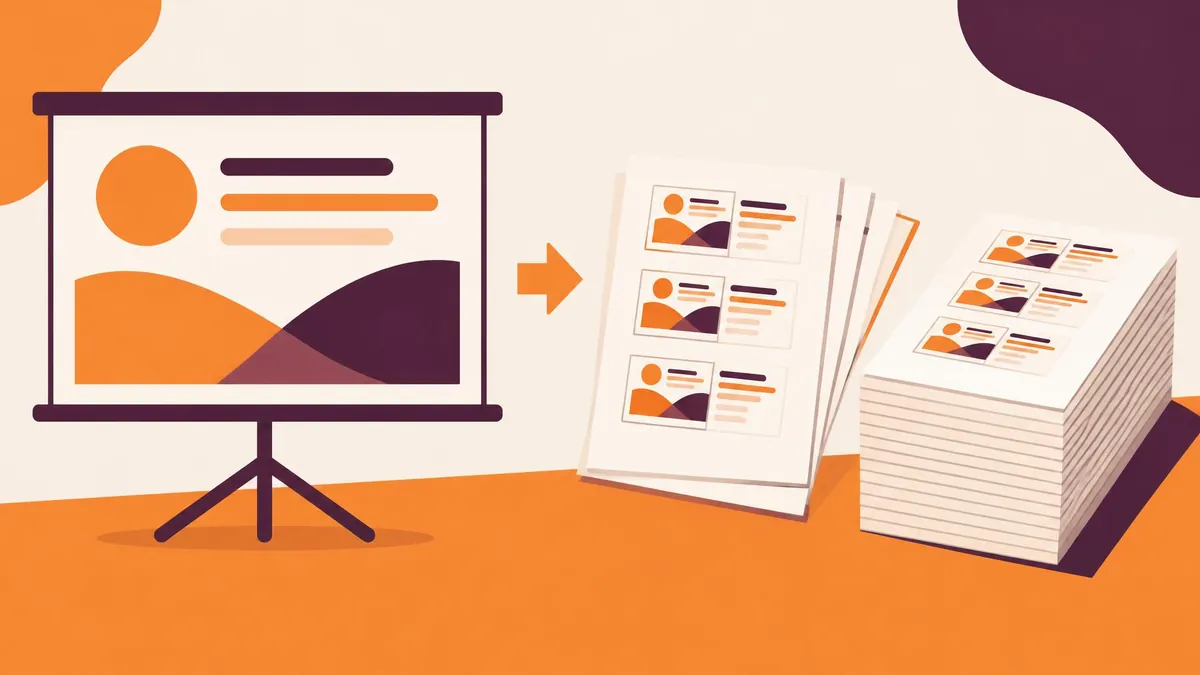
PowerPoint to PDF: Export Slides or Handouts Safely
To convert PowerPoint to PDF on Windows, select File > Export > Create PDF/XPS Document, choose the output settings, and publish. Decide first whether the recipient needs full-size slides or a handout containing multiple slides per page.
16 Nov 2026 · 5 min read
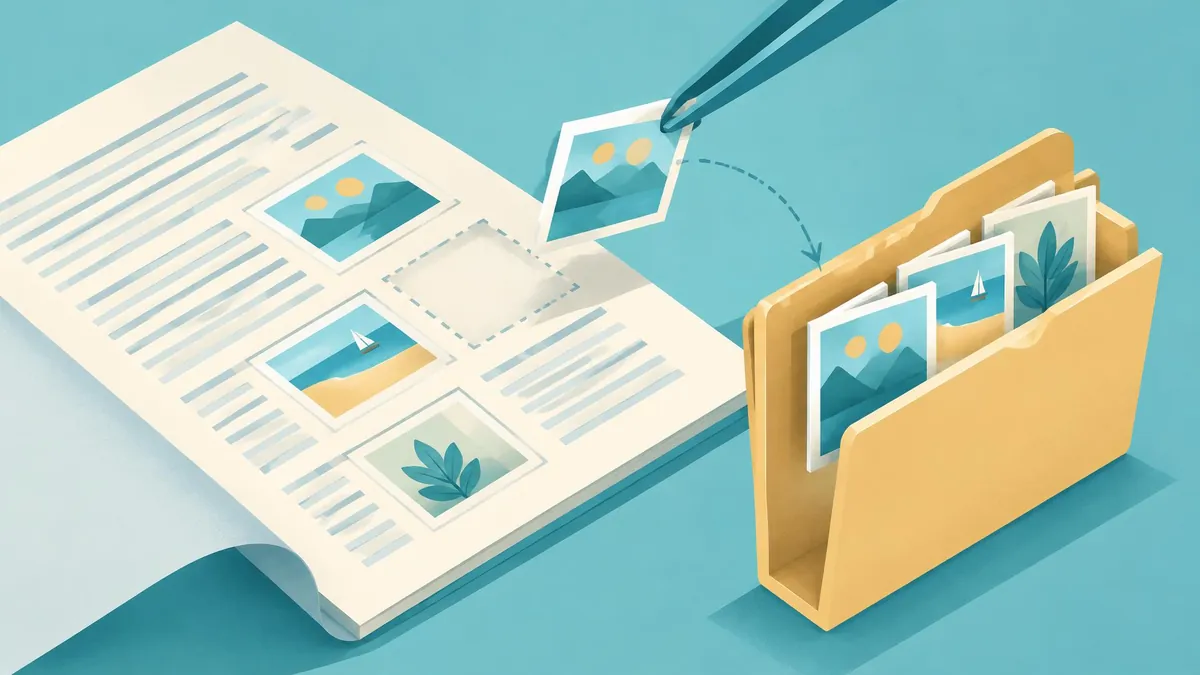
Extract Images from PDFs Without Saving Whole Pages
To extract individual images from a PDF in Adobe Acrobat, open Convert, choose an image format, and enable Export all Images before saving. Without that option, the workflow exports whole PDF pages instead of just the embedded pictures.
16 Nov 2026 · 5 min read

Rotate and Reorder PDF Pages, Then Save Them Right
To rotate and reorder PDF pages permanently, use a page-organizing command rather than a viewer’s temporary Rotate view option. Acrobat provides Organize pages; on Mac, Preview lets you rotate selected pages and drag page thumbnails into a new order.
16 Nov 2026 · 5 min read

PDF to JPG: Convert Pages Without Losing Detail
To convert PDF pages into JPG files, open the document in Adobe Acrobat and choose Convert, Image format, then JPEG. Save the output and check that every required page has become a separate image. This renders whole pages; it is not the same as extracting photographs embedded inside them.
16 Nov 2026 · 5 min read
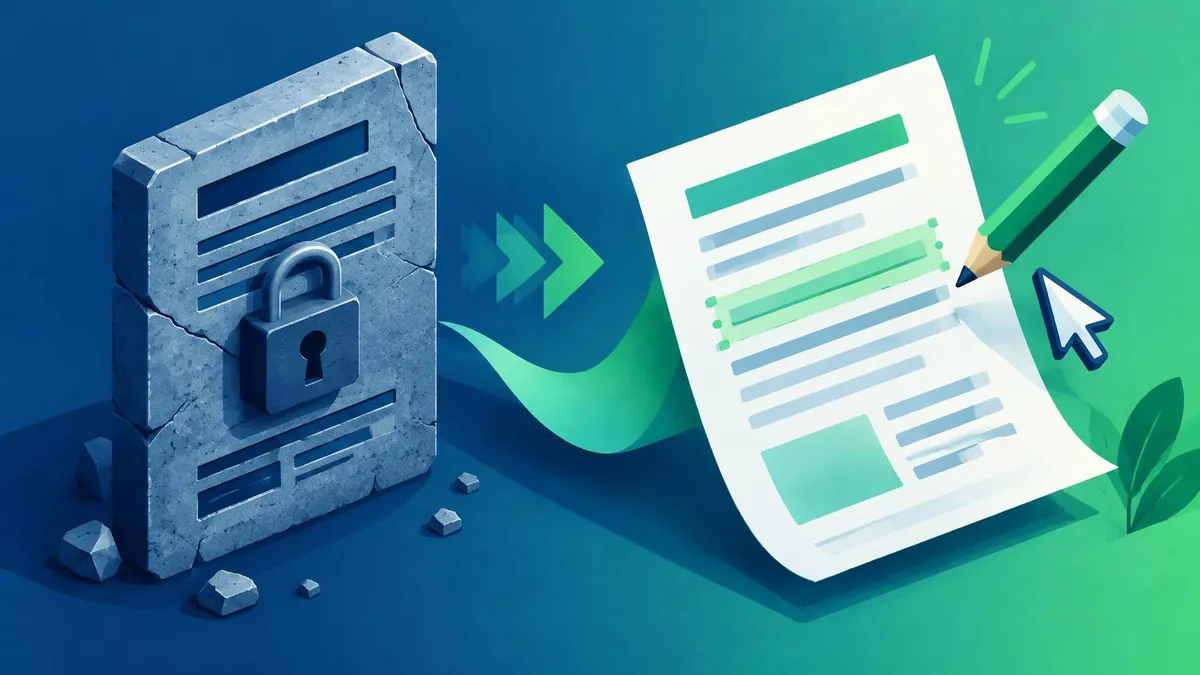
Convert PDF to Word and Fix Common Layout Changes
To convert a PDF to Word, open it in the desktop version of Microsoft Word, accept the conversion prompt, and save the new document as a Word file. This works best for PDFs that are mostly text; complex layouts and scanned pages need closer review.
16 Nov 2026 · 5 min read
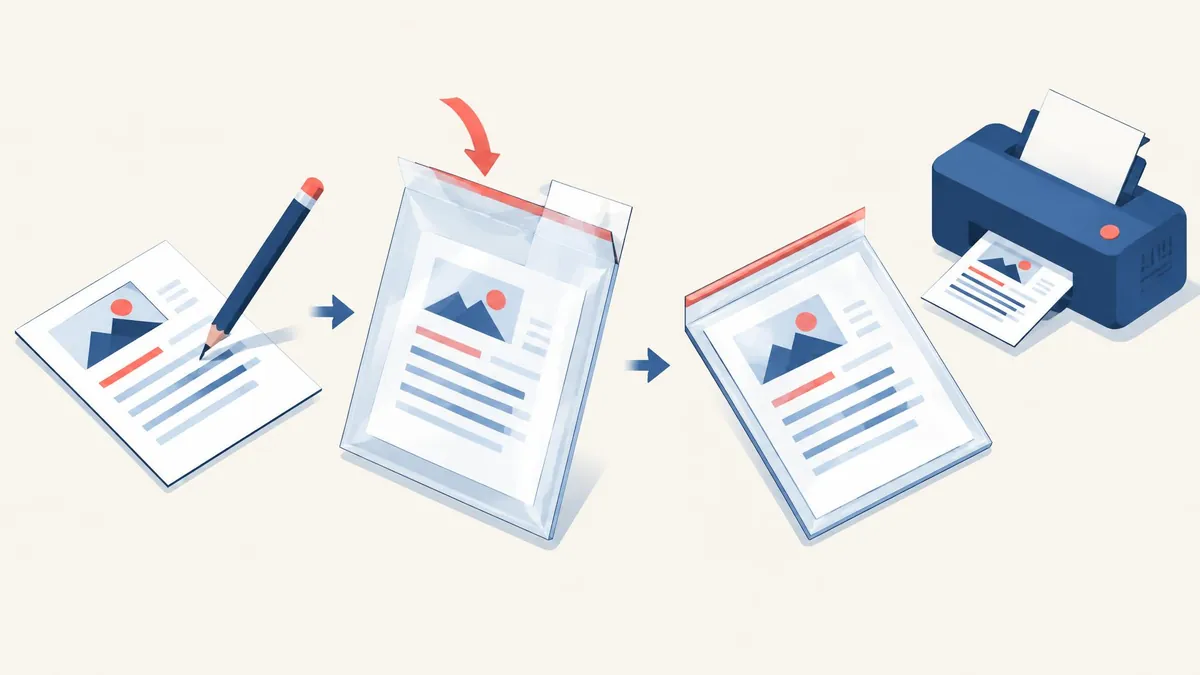
Word to PDF: Export Documents Ready for Sharing
To convert a Word document to PDF, use Word’s Save As or Save a Copy command and select PDF as the file type. Review the export options before saving, especially if the document contains tracked changes, headings, or pages that should not be shared.
16 Nov 2026 · 5 min read
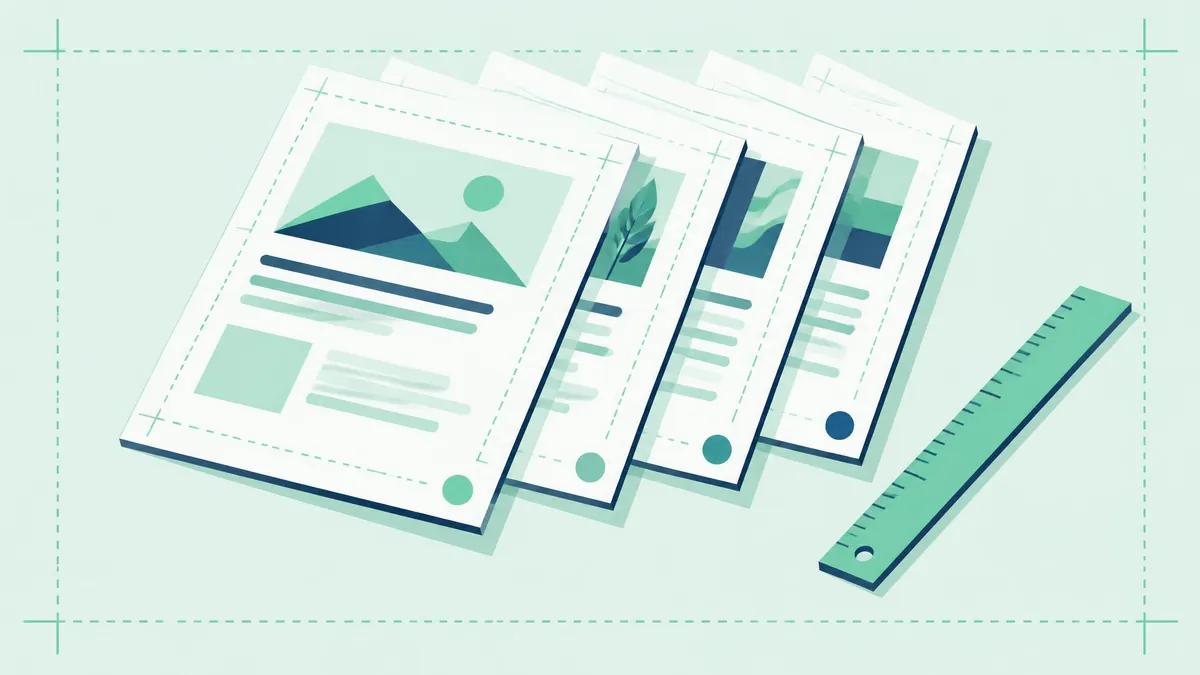
Add Page Numbers to a PDF Without Covering Content
To add visible page numbers to a PDF, use Acrobat on the web’s Edit > Number pages command, upload the file, choose the position and page range, then save. Plan the final page order first so the numbers do not become misleading after later changes.
16 Nov 2026 · 5 min read
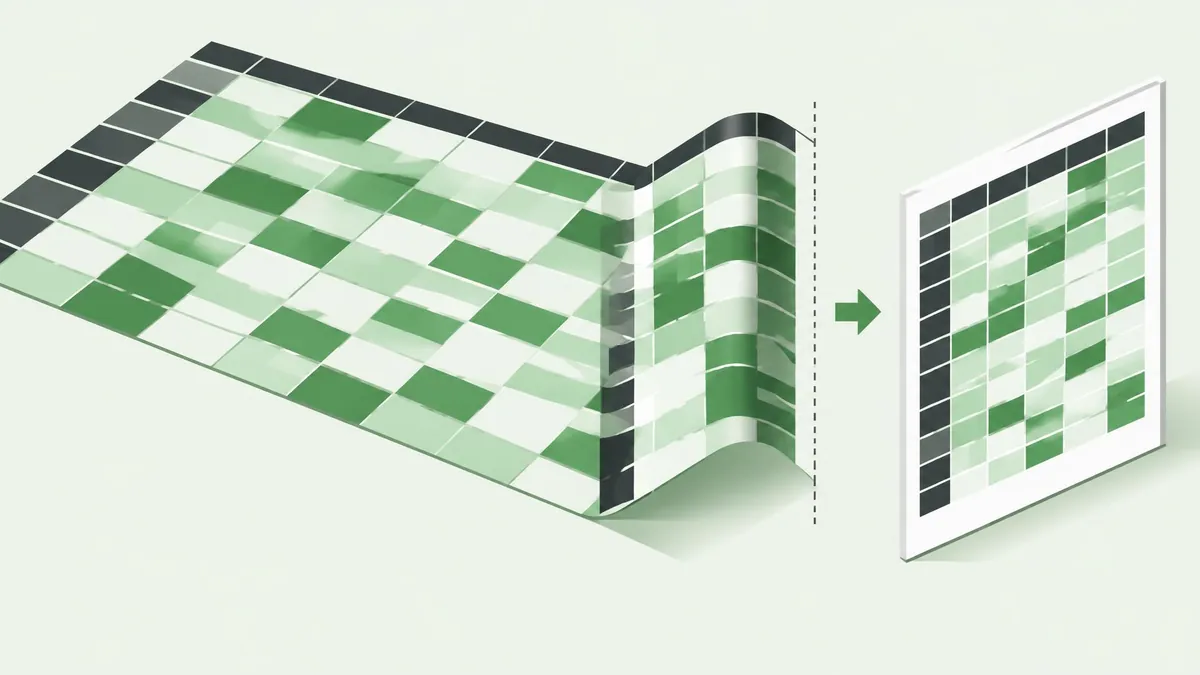
Excel to PDF: Keep Columns and Pages Readable
To convert Excel to PDF, prepare the worksheet for printing, then choose PDF in Excel’s Save As or Save a Copy dialog. For wide tables, set the width to one page and leave height automatic before reviewing whether the text remains readable.
16 Nov 2026 · 5 min read
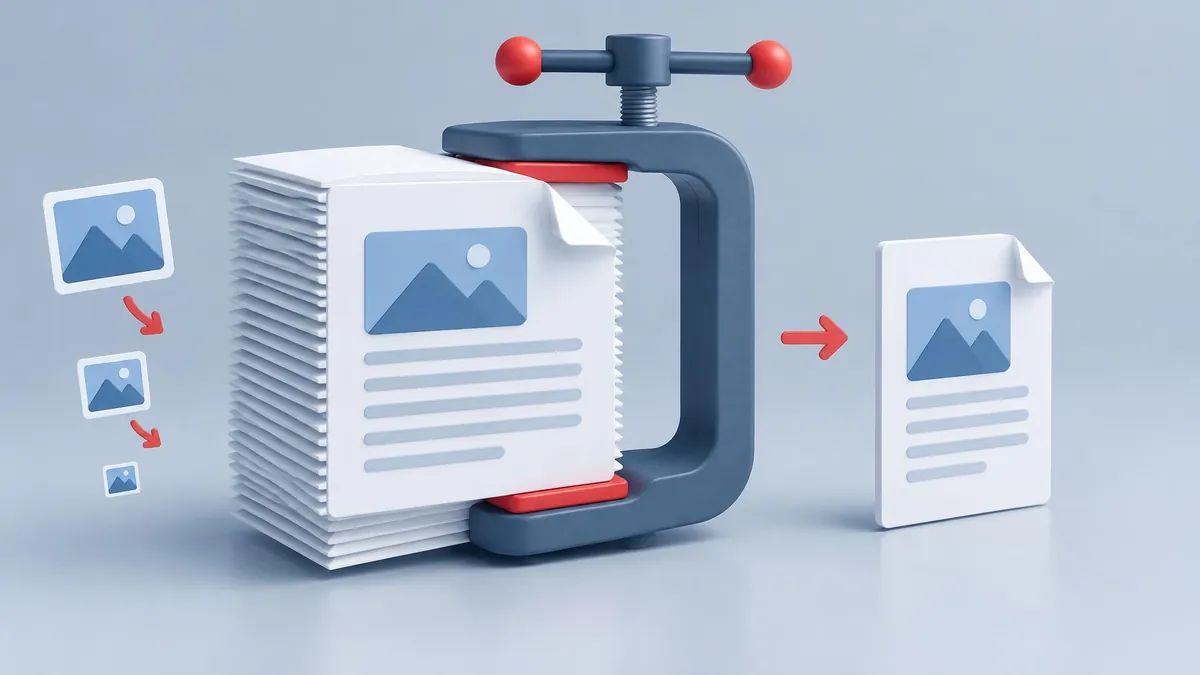
How to Compress a PDF Below 1MB Without Guesswork
To compress a PDF below 1MB, make a copy, reduce it with Adobe Acrobat online or macOS Preview, and check the downloaded file's actual size. If it remains too large, return to the source document or scan and reduce image-heavy content before exporting again. No method can guarantee every readable multipage PDF will fit below 1MB.
16 Nov 2026 · 6 min read
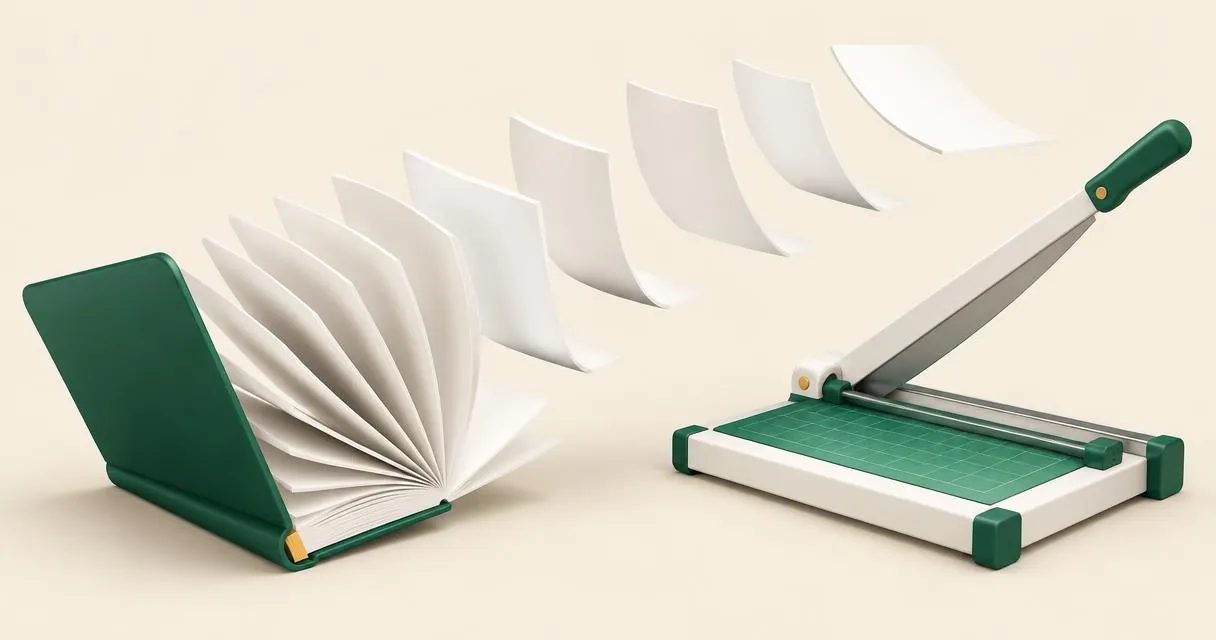
How to Split a PDF into Pages or Custom Ranges
Learn how to split PDF pages into separate files or custom ranges, understand range notation, and download individual PDFs or a ZIP in your browser.
15 Nov 2026 · 4 min read
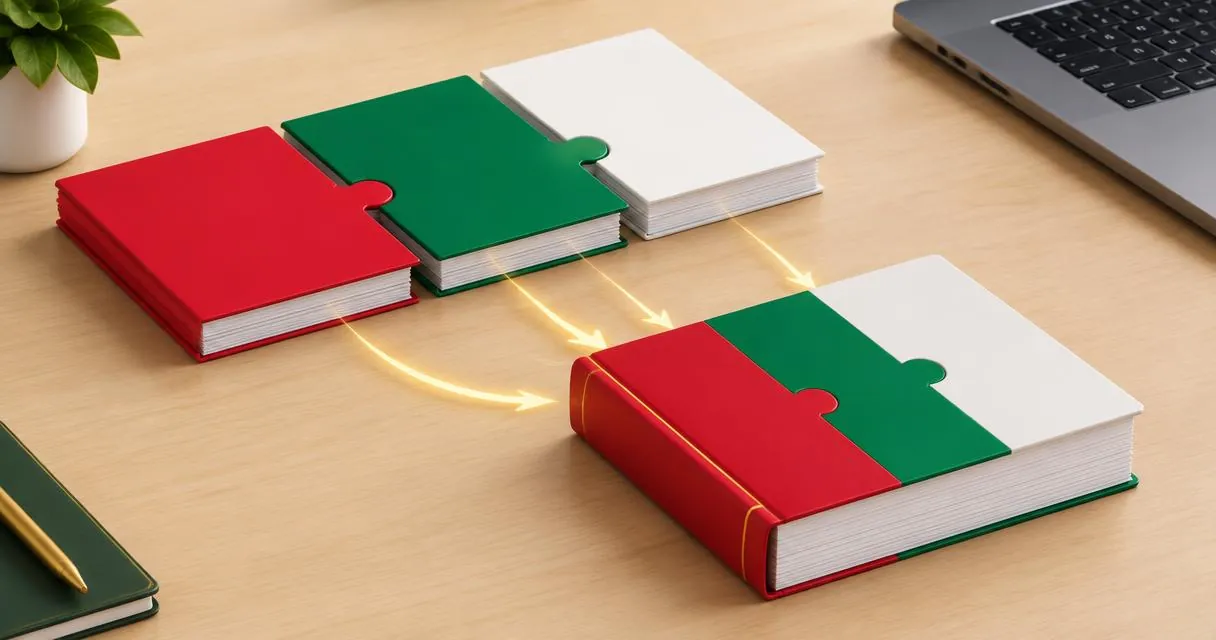
How to Merge PDF Files Free and Check Page Order
Learn how to merge PDF files in your browser, reorder documents, handle common errors and check the combined PDF before sharing the final attachment.
15 Nov 2026 · 4 min read
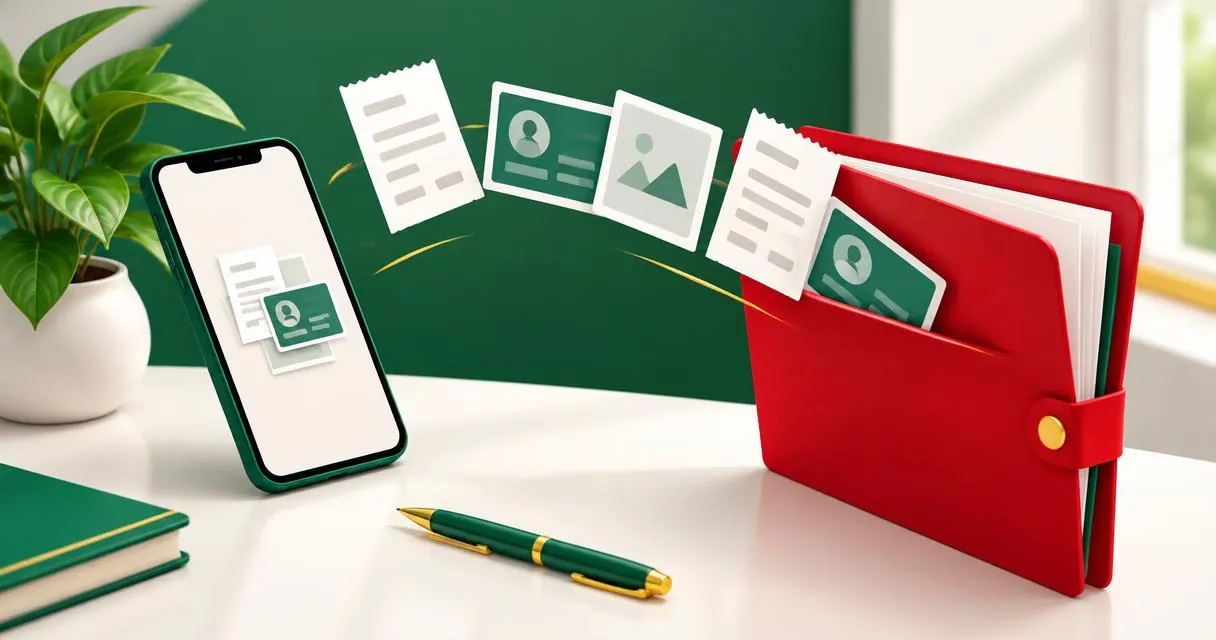
How to Convert JPG to PDF for Documents in Pakistan
Convert JPG to PDF in your browser for receipts, assignments or office documents in Pakistan. Check page order, readability and upload requirements.
15 Nov 2026 · 4 min read